
Python 完整技术指南
目录
点击展开目录
1. Python 语言基础
1.1 Python 概述
1.1.1 Python 特点与优势
Python核心特点:
- 简洁优雅:语法简单,代码可读性强
- 动态类型:运行时确定变量类型
- 解释执行:无需编译,开发效率高
- 丰富生态:拥有庞大的第三方库生态
- 跨平台:支持Windows、Linux、macOS
Python应用领域:
| 领域 | 主要框架/库 | 应用场景 |
|---|---|---|
| Web开发 | Django、Flask、FastAPI | 网站、API服务 |
| 数据科学 | NumPy、Pandas、Matplotlib | 数据分析、可视化 |
| 机器学习 | TensorFlow、PyTorch、Scikit-learn | AI模型开发 |
| 自动化 | Selenium、Beautiful Soup | 爬虫、自动化测试 |
| DevOps | Ansible、SaltStack | 运维自动化 |
1.1.2 Python 解释器架构
.py文件] LEXER[词法分析器
Lexer] PARSER[语法分析器
Parser] AST[抽象语法树
AST] COMPILER[字节码编译器
Compiler] BYTECODE[字节码
.pyc文件] PVM[Python虚拟机
PVM] RESULT[执行结果] end SOURCE --> LEXER LEXER --> PARSER PARSER --> AST AST --> COMPILER COMPILER --> BYTECODE BYTECODE --> PVM PVM --> RESULT
CPython执行原理:
- 词法分析:将源代码分解为Token
- 语法分析:构建抽象语法树(AST)
- 字节码编译:AST编译为字节码
- 虚拟机执行:PVM解释执行字节码
1.2 数据类型深度解析
1.2.1 内置数据类型体系
1.2.2 数据类型详解与性能特性
数值类型深度解析:
# 整数类型 - 无限精度
big_int = 2 ** 1000  # Python支持任意大整数
print(type(big_int))  # <class 'int'="">

# 浮点数类型 - IEEE 754双精度
pi = 3.141592653589793
print(f"浮点数精度:{pi:.15f}")

# 复数类型
z = 3 + 4j
print(f"复数模长:{abs(z)}")  # 5.0

# 布尔值 - 整数子类
print(True + True)  # 2
print(isinstance(True, int))  # True
字符串类型深度解析:
# 字符串不可变性验证
s1 = "hello"
s2 = s1
s1 += " world"
print(f"s1: {s1}, s2: {s2}")  # s1: hello world, s2: hello
print(f"id相同: {id(s1) == id(s2)}")  # False

# 字符串intern机制
a = "python"
b = "python"
print(f"字符串intern: {a is b}")  # True

# 字符串格式化性能对比
import timeit

# f-string (最快)
def f_string_format():
    name, age = "Alice", 25
    return f"Name: {name}, Age: {age}"

# str.format()
def str_format():
    name, age = "Alice", 25
    return "Name: {}, Age: {}".format(name, age)

# % 格式化
def percent_format():
    name, age = "Alice", 25
    return "Name: %s, Age: %d" % (name, age)

print("f-string 性能最优")
容器类型性能分析:
| 操作 | list | tuple | dict | set |
|---|---|---|---|---|
| 创建 | O(n) | O(n) | O(n) | O(n) |
| 访问 | O(1) | O(1) | O(1) | - |
| 查找 | O(n) | O(n) | O(1) | O(1) |
| 插入 | O(1)/O(n) | 不可变 | O(1) | O(1) |
| 删除 | O(n) | 不可变 | O(1) | O(1) |
# 列表与元组性能对比
import sys

list_obj = [1, 2, 3, 4, 5]
tuple_obj = (1, 2, 3, 4, 5)

print(f"列表内存占用: {sys.getsizeof(list_obj)} bytes")
print(f"元组内存占用: {sys.getsizeof(tuple_obj)} bytes")

# 字典内部结构演示
class HashDict:
    """简化的字典实现,展示哈希表原理"""
    def __init__(self, size=8):
        self.size = size
        self.buckets = [[] for _ in range(size)]

    def _hash(self, key):
        return hash(key) % self.size

    def put(self, key, value):
        bucket = self.buckets[self._hash(key)]
        for i, (k, v) in enumerate(bucket):
            if k == key:
                bucket[i] = (key, value)
                return
        bucket.append((key, value))

    def get(self, key):
        bucket = self.buckets[self._hash(key)]
        for k, v in bucket:
            if k == key:
                return v
        raise KeyError(key)

# 演示哈希冲突
hash_dict = HashDict(4)
hash_dict.put("a", 1)
hash_dict.put("b", 2)
print(f"获取值: {hash_dict.get('a')}")
1.3 控制流与逻辑结构
1.3.1 条件控制的高级用法
# 三元运算符
result = "positive" if x > 0 else "non-positive"

# 链式比较
if 0 < x < 10:
    print("x在0到10之间")

# 短路求值
def expensive_function():
    print("执行昂贵操作")
    return True

# 只有当condition为False时才会执行expensive_function
condition = True
result = condition or expensive_function()

# match-case语句 (Python 3.10+)
def handle_data(data):
    match data:
        case int() if data > 0:
            return f"正整数: {data}"
        case int() if data < 0:
            return f"负整数: {data}"
        case 0:
            return "零"
        case str() if len(data) > 0:
            return f"非空字符串: {data}"
        case []:
            return "空列表"
        case [x] if isinstance(x, int):
            return f"单元素整数列表: {x}"
        case [x, y]:
            return f"双元素列表: {x}, {y}"
        case {"name": str(name), "age": int(age)}:
            return f"人员信息: {name}, {age}岁"
        case _:
            return "未知类型"

# 测试match-case
print(handle_data(42))  # 正整数: 42
print(handle_data([1, 2]))  # 双元素列表: 1, 2
print(handle_data({"name": "Alice", "age": 25}))  # 人员信息: Alice, 25岁
1.3.2 循环控制的高级技巧
# enumerate获取索引和值
fruits = ['apple', 'banana', 'cherry']
for index, fruit in enumerate(fruits, start=1):
    print(f"{index}. {fruit}")

# zip并行迭代
names = ['Alice', 'Bob', 'Charlie']
ages = [25, 30, 35]
cities = ['New York', 'London', 'Tokyo']

for name, age, city in zip(names, ages, cities):
    print(f"{name}, {age}岁, 住在{city}")

# zip_longest处理不等长序列
from itertools import zip_longest

list1 = [1, 2, 3]
list2 = ['a', 'b', 'c', 'd', 'e']

for num, letter in zip_longest(list1, list2, fillvalue=0):
    print(f"{num} - {letter}")

# 列表推导式的高级用法
# 带条件的列表推导式
squares = [x**2 for x in range(10) if x % 2 == 0]

# 嵌套列表推导式
matrix = [[i + j for j in range(3)] for i in range(3)]

# 字典推导式
word_lengths = {word: len(word) for word in ['python', 'java', 'go']}

# 集合推导式
unique_lengths = {len(word) for word in ['python', 'java', 'go', 'rust']}

# 生成器表达式(内存友好)
large_squares = (x**2 for x in range(1000000))
1.4 函数与作用域
1.4.1 函数参数的高级特性
# 参数类型完整示例
def complex_function(
    pos_only, /,                    # 仅位置参数
    pos_or_kw,                      # 位置或关键字参数
    *args,                          # 可变位置参数
    kw_only,                        # 仅关键字参数
    kw_with_default="default",      # 带默认值的关键字参数
    **kwargs                        # 可变关键字参数
):
    print(f"pos_only: {pos_only}")
    print(f"pos_or_kw: {pos_or_kw}")
    print(f"args: {args}")
    print(f"kw_only: {kw_only}")
    print(f"kw_with_default: {kw_with_default}")
    print(f"kwargs: {kwargs}")

# 调用示例
complex_function(
    1,                              # pos_only
    2,                              # pos_or_kw
    3, 4, 5,                        # args
    kw_only="required",             # kw_only
    extra1="value1",                # kwargs
    extra2="value2"                 # kwargs
)

# 函数注解与类型提示
from typing import List, Dict, Optional, Union, Callable

def process_data(
    data: List[int],
    multiplier: float = 1.0,
    formatter: Optional[Callable[[float], str]] = None
) -> Dict[str, Union[int, float, str]]:
    """
    处理数据并返回统计信息

    Args:
        data: 整数列表
        multiplier: 乘数因子
        formatter: 可选的格式化函数

    Returns:
        包含统计信息的字典
    """
    total = sum(data) * multiplier
    avg = total / len(data) if data else 0

    result = {
        "count": len(data),
        "total": total,
        "average": avg
    }

    if formatter:
        result["formatted_total"] = formatter(total)

    return result

# 使用示例
numbers = [1, 2, 3, 4, 5]
stats = process_data(numbers, 2.0, lambda x: f"${x:.2f}")
print(stats)
1.4.2 作用域与LEGB规则
函数内部定义的变量] E[Enclosing 闭包作用域
外层函数的局部变量] G[Global 全局作用域
模块级别的变量] B[Built-in 内置作用域
内置函数和异常] end L --> E E --> G G --> B
# LEGB作用域演示
builtin_name = "内置"  # 这实际上会覆盖内置作用域

global_var = "全局变量"

def outer_function():
    enclosing_var = "闭包变量"

    def inner_function():
        local_var = "局部变量"

        # 演示作用域查找顺序
        print(f"局部: {local_var}")
        print(f"闭包: {enclosing_var}")
        print(f"全局: {global_var}")

        # 使用nonlocal修改闭包变量
        nonlocal enclosing_var
        enclosing_var = "修改后的闭包变量"

        # 使用global修改全局变量
        global global_var
        global_var = "修改后的全局变量"

    inner_function()
    print(f"外层函数中的闭包变量: {enclosing_var}")
    return inner_function

# 闭包示例
def create_multiplier(factor):
    """创建一个乘法器闭包"""
    def multiplier(x):
        return x * factor
    return multiplier

double = create_multiplier(2)
triple = create_multiplier(3)

print(f"double(5) = {double(5)}")  # 10
print(f"triple(5) = {triple(5)}")  # 15

# 查看闭包变量
print(f"double的闭包变量: {double.__closure__[0].cell_contents}")  # 2
1.5 模块与包管理
1.5.1 模块导入机制深度解析
# 模块搜索路径
import sys
print("Python模块搜索路径:")
for path in sys.path:
    print(f"  {path}")

# 动态导入模块
import importlib

def dynamic_import(module_name, function_name):
    """动态导入模块中的函数"""
    try:
        module = importlib.import_module(module_name)
        function = getattr(module, function_name)
        return function
    except (ImportError, AttributeError) as e:
        print(f"导入失败: {e}")
        return None

# 模块重新加载
def reload_module(module):
    """重新加载模块(开发时有用)"""
    return importlib.reload(module)

# 相对导入和绝对导入
# 包结构示例:
# myproject/
#   __init__.py
#   main.py
#   utils/
#     __init__.py
#     helpers.py
#     math_utils.py

# 在 myproject/main.py 中:
# 绝对导入
# from myproject.utils.helpers import some_function

# 相对导入
# from .utils.helpers import some_function
# from ..other_package import other_function
1.5.2 包管理最佳实践
# __init__.py 文件的高级用法
# mypackage/__init__.py

# 控制 from mypackage import * 的行为
__all__ = ['PublicClass', 'public_function']

# 包级别的初始化代码
print(f"正在初始化包: {__name__}")

# 延迟导入,避免循环依赖
def get_heavy_module():
    """延迟导入重型模块"""
    import heavy_module
    return heavy_module

# 版本信息
__version__ = "1.0.0"
__author__ = "Your Name"

# 子模块的便捷访问
from .submodule import important_function

class PublicClass:
    """包的公共类"""
    pass

def public_function():
    """包的公共函数"""
    pass

# 包的命名空间包(PEP 420)
# 不需要 __init__.py 文件,允许分布式包结构
包结构最佳实践:
myproject/
├── README.md
├── setup.py
├── requirements.txt
├── myproject/
│   ├── __init__.py
│   ├── main.py
│   ├── config.py
│   ├── core/
│   │   ├── __init__.py
│   │   ├── models.py
│   │   └── services.py
│   ├── utils/
│   │   ├── __init__.py
│   │   ├── helpers.py
│   │   └── validators.py
│   └── tests/
│       ├── __init__.py
│       ├── test_core.py
│       └── test_utils.py
└── docs/
    └── api.md
1.6 标准库常用操作
Python标准库提供了丰富的功能模块,涵盖了系统操作、数据处理、网络通信等各个方面。掌握这些常用模块对于日常开发至关重要。
1.6.1 os模块
os模块是Python最重要的标准库之一,提供了与操作系统交互的功能,包括环境变量操作、文件系统管理、进程控制等。掌握os模块对于系统编程和自动化脚本开发至关重要。
环境变量操作
import os
import platform
from pathlib import Path

# 获取环境变量
path_var = os.environ.get('PATH', '')
home_dir = os.environ.get('HOME') or os.environ.get('USERPROFILE')
username = os.environ.get('USER') or os.environ.get('USERNAME')
temp_dir = os.environ.get('TEMP') or os.environ.get('TMP') or '/tmp'

print(f"当前用户: {username}")
print(f"用户主目录: {home_dir}")
print(f"临时目录: {temp_dir}")

# 设置环境变量(仅当前进程有效)
os.environ['CUSTOM_VAR'] = 'my_value'
print(f"自定义变量: {os.environ.get('CUSTOM_VAR')}")

# 检查常见开发环境变量
dev_vars = ['PYTHON_PATH', 'JAVA_HOME', 'NODE_PATH']
for var in dev_vars:
    value = os.environ.get(var, '未设置')
    print(f"{var}: {value}")
文件和目录操作
# 路径操作基础
current_dir = os.getcwd()  # 获取当前工作目录
script_dir = os.path.dirname(os.path.abspath(__file__))  # 脚本所在目录

# 路径拼接和分解
sample_path = os.path.join(current_dir, 'data', 'sample.txt')
dirname, filename = os.path.split(sample_path)
name, ext = os.path.splitext(filename)

print(f"拼接路径: {sample_path}")
print(f"目录: {dirname}, 文件名: {name}, 扩展名: {ext}")

# 路径检查
print(f"路径存在: {os.path.exists(current_dir)}")
print(f"是否目录: {os.path.isdir(current_dir)}")
print(f"是否文件: {os.path.isfile(current_dir)}")

# 列出目录内容
try:
    items = os.listdir(current_dir)
    files = [item for item in items if os.path.isfile(os.path.join(current_dir, item))]
    dirs = [item for item in items if os.path.isdir(os.path.join(current_dir, item))]
    print(f"目录包含 {len(items)} 个项目")
except PermissionError:
    print("没有权限访问目录")
文件操作与管理
# 文件基本操作
sample_file = 'example.txt'

# 创建和写入文件
with open(sample_file, 'w', encoding='utf-8') as f:
    f.write("Hello, World!\n")
    f.write("这是中文内容\n")

# 读取文件
with open(sample_file, 'r', encoding='utf-8') as f:
    content = f.read()
    print(f"文件内容:\n{content}")

# 文件信息获取
if os.path.exists(sample_file):
    file_stat = os.stat(sample_file)
    print(f"文件大小: {file_stat.st_size} 字节")
    print(f"修改时间: {file_stat.st_mtime}")

    # 清理文件
    os.remove(sample_file)
    print("文件已删除")
pathlib现代化路径操作
from pathlib import Path

# Path对象创建
current_path = Path.cwd()
home_path = Path.home()
config_path = home_path / '.config' / 'myapp' / 'settings.json'

# 路径属性访问
sample_path = Path('data/files/document.txt')
print(f"父目录: {sample_path.parent}")
print(f"文件名: {sample_path.name}")
print(f"文件主名: {sample_path.stem}")
print(f"扩展名: {sample_path.suffix}")

# 路径操作
print(f"绝对路径: {sample_path.resolve()}")
print(f"是否存在: {sample_path.exists()}")

# 文件操作
test_file = Path('test.txt')
test_file.write_text('Hello, pathlib!', encoding='utf-8')
content = test_file.read_text(encoding='utf-8')
print(f"文件内容: {content}")
test_file.unlink()  # 删除文件
1.6.2 subprocess模块
subprocess模块提供了生成新进程、连接其输入/输出/错误管道的功能,是Python中执行外部命令的标准方式。它可以替代os.system()、os.spawn*()等老式函数,提供更强大和安全的进程控制能力。
基本命令执行
import subprocess
import sys
import os

# run()方法 - 推荐使用
# 简单命令执行
result = subprocess.run(['ls', '-la'], capture_output=True, text=True)
print(f"返回码: {result.returncode}")
print(f"标准输出: {result.stdout}")
print(f"标准错误: {result.stderr}")

# Windows兼容性
if sys.platform.startswith('win'):
    result = subprocess.run(['dir'], shell=True, capture_output=True, text=True)
else:
    result = subprocess.run(['ls', '-la'], capture_output=True, text=True)

# 带错误处理的执行
try:
    result = subprocess.run(
        ['python', '--version'],
        capture_output=True,
        text=True,
        check=True  # 如果返回码非0则抛出异常
    )
    print(f"Python版本: {result.stdout.strip()}")
except subprocess.CalledProcessError as e:
    print(f"命令执行失败: {e}")
    print(f"错误输出: {e.stderr}")
进程管理与控制
# Popen类 - 更高级的进程控制
proc = subprocess.Popen(
    ['ping', 'google.com'],
    stdout=subprocess.PIPE,
    stderr=subprocess.PIPE,
    text=True
)

# 非阻塞方式检查进程状态
print(f"进程ID: {proc.pid}")
print(f"进程状态: {proc.poll()}")

# 等待进程完成并获取输出
stdout, stderr = proc.communicate(timeout=10)
print(f"输出: {stdout[:200]}...")  # 只显示前200个字符

# 进程超时处理
try:
    result = subprocess.run(
        ['sleep', '5'],
        timeout=3,  # 3秒超时
        capture_output=True
    )
except subprocess.TimeoutExpired:
    print("命令执行超时")
管道和重定向
# 管道操作 - 将一个命令的输出传给另一个命令
if not sys.platform.startswith('win'):
    # Unix/Linux系统
    p1 = subprocess.Popen(['ls', '-la'], stdout=subprocess.PIPE)
    p2 = subprocess.Popen(['grep', 'py'], stdin=p1.stdout, stdout=subprocess.PIPE, text=True)
    p1.stdout.close()  # 允许p1在p2退出时接收到SIGPIPE
    output, _ = p2.communicate()
    print(f"Python文件: {output}")
else:
    # Windows系统
    result = subprocess.run(
        'dir | findstr ".py"',
        shell=True,
        capture_output=True,
        text=True
    )
    print(f"Python文件: {result.stdout}")

# 输出重定向到文件
with open('output.txt', 'w') as f:
    subprocess.run(['echo', 'Hello, World!'], stdout=f, text=True)

# 从文件输入
with open('input.txt', 'w') as f:
    f.write('line1\nline2\nline3\n')

with open('input.txt', 'r') as f:
    result = subprocess.run(['sort'], stdin=f, capture_output=True, text=True)
    print(f"排序结果: {result.stdout}")

# 清理文件
for file in ['output.txt', 'input.txt']:
    if os.path.exists(file):
        os.remove(file)
环境变量和工作目录
# 设置环境变量
my_env = os.environ.copy()
my_env['CUSTOM_VAR'] = 'my_value'

result = subprocess.run(
    ['python', '-c', 'import os; print(os.environ.get("CUSTOM_VAR"))'],
    env=my_env,
    capture_output=True,
    text=True
)
print(f"环境变量值: {result.stdout.strip()}")

# 设置工作目录
temp_dir = '/tmp' if not sys.platform.startswith('win') else os.environ.get('TEMP')
result = subprocess.run(
    ['pwd'] if not sys.platform.startswith('win') else ['cd'],
    cwd=temp_dir,
    capture_output=True,
    text=True,
    shell=sys.platform.startswith('win')
)
print(f"当前目录: {result.stdout.strip()}")
实用函数封装
def run_command(cmd, timeout=30, cwd=None, env=None):
    """安全执行系统命令的通用函数"""
    try:
        if isinstance(cmd, str):
            # 字符串命令需要shell=True
            result = subprocess.run(
                cmd,
                shell=True,
                capture_output=True,
                text=True,
                timeout=timeout,
                cwd=cwd,
                env=env
            )
        else:
            # 列表命令更安全
            result = subprocess.run(
                cmd,
                capture_output=True,
                text=True,
                timeout=timeout,
                cwd=cwd,
                env=env
            )

        return {
            'success': result.returncode == 0,
            'returncode': result.returncode,
            'stdout': result.stdout,
            'stderr': result.stderr
        }

    except subprocess.TimeoutExpired:
        return {
            'success': False,
            'returncode': -1,
            'stdout': '',
            'stderr': 'Command timed out'
        }
    except Exception as e:
        return {
            'success': False,
            'returncode': -1,
            'stdout': '',
            'stderr': str(e)
        }

# 使用示例
result = run_command(['python', '--version'])
if result['success']:
    print(f"命令成功: {result['stdout']}")
else:
    print(f"命令失败: {result['stderr']}")
1.6.3 json模块
json模块是Python处理JSON数据的标准库,提供了JSON编码和解码功能。JSON是一种轻量级的数据交换格式,广泛用于Web API、配置文件和数据存储。
基本序列化和反序列化
import json
from datetime import datetime
from decimal import Decimal

# Python对象转JSON字符串
data = {
    'name': '张三',
    'age': 25,
    'city': '北京',
    'skills': ['Python', 'JavaScript', 'SQL'],
    'is_active': True,
    'score': 95.5,
    'address': None
}

# 序列化(Python -> JSON)
json_string = json.dumps(data, ensure_ascii=False, indent=2)
print(f"JSON字符串:\n{json_string}")

# 反序列化(JSON -> Python)
parsed_data = json.loads(json_string)
print(f"\n解析后的数据: {parsed_data}")
print(f"数据类型: {type(parsed_data)}")

# 类型映射关系
type_mapping = {
    'Python dict': '→ JSON object',
    'Python list': '→ JSON array',
    'Python str': '→ JSON string',
    'Python int/float': '→ JSON number',
    'Python True/False': '→ JSON true/false',
    'Python None': '→ JSON null'
}
print("\n类型映射:")
for py_type, json_type in type_mapping.items():
    print(f"  {py_type} {json_type}")
文件操作
# 写入JSON文件
config_data = {
    'database': {
        'host': 'localhost',
        'port': 5432,
        'name': 'myapp',
        'credentials': {
            'username': 'admin',
            'password': 'secret123'
        }
    },
    'logging': {
        'level': 'INFO',
        'format': '%(asctime)s - %(name)s - %(levelname)s - %(message)s'
    },
    'features': {
        'enable_cache': True,
        'max_connections': 100,
        'timeout': 30.0
    }
}

# 保存到文件
with open('config.json', 'w', encoding='utf-8') as f:
    json.dump(config_data, f, ensure_ascii=False, indent=4)
print("配置文件已保存")

# 从文件读取
with open('config.json', 'r', encoding='utf-8') as f:
    loaded_config = json.load(f)

print(f"\n加载的配置: {loaded_config['database']['host']}")
print(f"日志级别: {loaded_config['logging']['level']}")

# 清理文件
import os
if os.path.exists('config.json'):
    os.remove('config.json')
JSON参数调优
# 参数详解
sample_data = {
    'chinese': '中文测试',
    'numbers': [1, 2, 3],
    'nested': {'key': 'value'}
}

# ensure_ascii参数
print("不同编码方式:")
print(f"ASCII编码: {json.dumps(sample_data, ensure_ascii=True)}")
print(f"UTF-8编码: {json.dumps(sample_data, ensure_ascii=False)}")

# indent参数控制缩进
print(f"\n无缩进: {json.dumps(sample_data, ensure_ascii=False)}")
print(f"\n2个空格缩进:\n{json.dumps(sample_data, ensure_ascii=False, indent=2)}")
print(f"\nTab缩进:\n{json.dumps(sample_data, ensure_ascii=False, indent='\t')}")

# separators参数控制分隔符
compact = json.dumps(sample_data, separators=(',', ':'), ensure_ascii=False)
print(f"\n紧凑格式: {compact}")

# sort_keys参数排序
print(f"\n键排序: {json.dumps(sample_data, sort_keys=True, ensure_ascii=False)}")
错误处理和验证
# JSON解析错误处理
invalid_json_samples = [
    '{"name": "John", "age": 25,}',  # 末尾逗号
    '{"name": "John", age: 25}',      # 键名没有引号
    '{"name": "John", "age": undefined}',  # undefined值
    '{"data": [1, 2, 3}',           # 缺少右方括号
]

for i, invalid_json in enumerate(invalid_json_samples, 1):
    try:
        result = json.loads(invalid_json)
        print(f"样本{i}解析成功: {result}")
    except json.JSONDecodeError as e:
        print(f"样本{i}解析失败: {e}")
        print(f"  错误位置: 第{e.lineno}行, 第{e.colno}列")
        print(f"  错误信息: {e.msg}")

# JSON有效性检查函数
def is_valid_json(json_string):
    """检查JSON字符串是否有效"""
    try:
        json.loads(json_string)
        return True
    except json.JSONDecodeError:
        return False

# 测试有效性
test_strings = [
    '{"name": "valid"}',
    '{"name": "invalid",}',
    'null',
    'true',
    '123',
    '"string"'
]

for test_str in test_strings:
    print(f"'{test_str}' 是否有效: {is_valid_json(test_str)}")
自定义编码器和解码器
# 自定义编码器处理特殊类型
class CustomJSONEncoder(json.JSONEncoder):
    def default(self, obj):
        if isinstance(obj, datetime):
            return obj.isoformat()
        elif isinstance(obj, Decimal):
            return float(obj)
        elif isinstance(obj, set):
            return list(obj)
        elif hasattr(obj, '__dict__'):
            return obj.__dict__
        return super().default(obj)

class Person:
    def __init__(self, name, age):
        self.name = name
        self.age = age
        self.created_at = datetime.now()

# 测试数据
complex_data = {
    'person': Person('李四', 30),
    'timestamp': datetime.now(),
    'price': Decimal('99.99'),
    'tags': {'python', 'json', 'tutorial'},
    'count': 42
}

# 使用自定义编码器
custom_json = json.dumps(complex_data, cls=CustomJSONEncoder, ensure_ascii=False, indent=2)
print(f"自定义编码结果:\n{custom_json}")

# 自定义解码器
def custom_decoder(dct):
    """自定义JSON解码器"""
    # 尝试将ISO格式字符串转为日期
    for key, value in dct.items():
        if isinstance(value, str) and 'T' in value and value.endswith('Z'):
            try:
                dct[key] = datetime.fromisoformat(value.replace('Z', '+00:00'))
            except ValueError:
                pass
    return dct

# 使用自定义解码器
json_with_dates = '{"event": "meeting", "start_time": "2024-03-15T14:30:00Z"}'
parsed_with_dates = json.loads(json_with_dates, object_hook=custom_decoder)
print(f"\n解码结果: {parsed_with_dates}")
print(f"日期类型: {type(parsed_with_dates['start_time'])}")
1.6.4 datetime模
datetime模块是Python处理日期和时间的核心模块,提供了丰富的日期时间操作功能,包括创建、格式化、解析和计算等。对于需要处理时间数据的应用程序而言至关重要。
基本日期时间操作
from datetime import datetime, date, time, timedelta, timezone
import time as time_module
import calendar

# 获取当前时间
now = datetime.now()
today = date.today()
current_time = time_module.time()

print(f"当前日期时间: {now}")
print(f"今天日期: {today}")
print(f"时间戳: {current_time}")

# 创建特定日期时间
specific_date = date(2024, 3, 15)
specific_datetime = datetime(2024, 3, 15, 14, 30, 0)
specific_time = time(14, 30, 0)

print(f"指定日期: {specific_date}")
print(f"指定日期时间: {specific_datetime}")
print(f"指定时间: {specific_time}")

# 从时间戳创建datetime对象
timestamp = 1710505800
from_timestamp = datetime.fromtimestamp(timestamp)
print(f"从时间戳创建: {from_timestamp}")
日期时间格式化
# 常用格式化方式
now = datetime.now()

print(f"标准格式: {now.strftime('%Y-%m-%d %H:%M:%S')}")
print(f"中文格式: {now.strftime('%Y年%m月%d日 %H时%M分')}")
print(f"ISO格式: {now.isoformat()}")
print(f"美式格式: {now.strftime('%m/%d/%Y %I:%M %p')}")
print(f"欧式格式: {now.strftime('%d.%m.%Y %H:%M')}")
print(f"详细格式: {now.strftime('%A, %B %d, %Y at %I:%M %p')}")

# 常用格式化符号
format_codes = {
    '%Y': '四位数年份 (2024)',
    '%y': '两位数年份 (24)',
    '%m': '月份(01-12)',
    '%B': '完整月份名 (March)',
    '%b': '简写月份名 (Mar)',
    '%d': '日期(01-31)',
    '%H': '小时(00-23)',
    '%I': '小时(01-12)',
    '%M': '分钟(00-59)',
    '%S': '秒数(00-59)',
    '%A': '完整星期名 (Monday)',
    '%a': '简写星期名 (Mon)',
    '%p': 'AM/PM'
}

print("\n常用格式化符号:")
for code, desc in format_codes.items():
    example = now.strftime(code)
    print(f"  {code}: {desc} -> {example}")
日期时间解析和计算
# 字符串解析为日期时间
date_strings = [
    ('2024-03-15 14:30:00', '%Y-%m-%d %H:%M:%S'),
    ('15/03/2024', '%d/%m/%Y'),
    ('Mar 15, 2024', '%b %d, %Y'),
    ('2024-03-15T14:30:00', '%Y-%m-%dT%H:%M:%S'),
    ('March 15, 2024 2:30 PM', '%B %d, %Y %I:%M %p')
]

print("日期字符串解析:")
for date_str, format_str in date_strings:
    try:
        parsed = datetime.strptime(date_str, format_str)
        print(f"  '{date_str}' -> {parsed}")
    except ValueError as e:
        print(f"  '{date_str}' 解析失败: {e}")

# 日期时间计算
now = datetime.now()

# 加减时间
future = now + timedelta(days=7, hours=3, minutes=30, seconds=45)
past = now - timedelta(weeks=2, days=3)

print(f"\n时间计算:")
print(f"当前时间: {now}")
print(f"7天3小时30分45秒后: {future}")
print(f"2周3天前: {past}")

# 时间间隔计算
time_diff = future - now
print(f"时间间隔: {time_diff}")
print(f"总秒数: {time_diff.total_seconds()}")
print(f"总天数: {time_diff.days}")
print(f"总小时数: {time_diff.total_seconds() / 3600:.2f}")

# 特殊日期计算
print(f"\n特殊日期计算:")

# 本月第一天和最后一天
first_day = today.replace(day=1)
next_month = (first_day + timedelta(days=32)).replace(day=1)
last_day = next_month - timedelta(days=1)

print(f"本月第一天: {first_day}")
print(f"本月最后一天: {last_day}")

# 星期计算
weekday_name = calendar.day_name[today.weekday()]
print(f"今天是: {weekday_name}")
print(f"今天是本周第{today.weekday() + 1}天")
时区处理和实用函数
# UTC时间处理
utc_now = datetime.now(timezone.utc)
local_now = datetime.now()

print(f"UTC时间: {utc_now}")
print(f"本地时间: {local_now}")
print(f"时区偏移: {local_now.utcoffset()}")

# 时区转换
from datetime import timezone

# 创建特定时区
beijing_tz = timezone(timedelta(hours=8))
tokyo_tz = timezone(timedelta(hours=9))

# 时区转换
beijing_time = utc_now.astimezone(beijing_tz)
tokyo_time = utc_now.astimezone(tokyo_tz)

print(f"北京时间: {beijing_time}")
print(f"东京时间: {tokyo_time}")

# 实用函数示例
def get_age(birth_date):
    """计算年龄"""
    today = date.today()
    age = today.year - birth_date.year
    if today.month < birth_date.month or (today.month == birth_date.month and today.day < birth_date.day):
        age -= 1
    return age

def is_business_day(check_date):
    """判断是否为工作日"""
    return check_date.weekday() < 5  # 0-4是周一到周五

def get_month_range(year, month):
    """获取指定月份的开始和结束日期"""
    start_date = date(year, month, 1)
    if month == 12:
        end_date = date(year + 1, 1, 1) - timedelta(days=1)
    else:
        end_date = date(year, month + 1, 1) - timedelta(days=1)
    return start_date, end_date

def get_quarter_start(check_date):
    """获取季度开始日期"""
    quarter = (check_date.month - 1) // 3 + 1
    return date(check_date.year, (quarter - 1) * 3 + 1, 1)

def days_until_weekend(check_date):
    """计算距离周末还有几天"""
    days_ahead = 5 - check_date.weekday()  # 5是周六
    if days_ahead <= 0:  # 已经是周末
        return 0
    return days_ahead

# 测试实用函数
birth_date = date(1990, 5, 15)
today = date.today()

print(f"\n实用函数示例:")
print(f"出生日期 {birth_date} 对应年龄: {get_age(birth_date)}岁")
print(f"今天是否为工作日: {'是' if is_business_day(today) else '否'}")

start, end = get_month_range(2024, 3)
print(f"2024年3月范围: {start} 到 {end}")

quarter_start = get_quarter_start(today)
print(f"当前季度开始: {quarter_start}")

weekend_days = days_until_weekend(today)
print(f"距离周末还有: {weekend_days}天")

# 时间性能测试
def time_function(func, *args, **kwargs):
    """测试函数执行时间"""
    start_time = datetime.now()
    result = func(*args, **kwargs)
    end_time = datetime.now()
    execution_time = end_time - start_time

    return result, execution_time.total_seconds()

# 示例:测试列表排序时间
import random
test_list = [random.randint(1, 1000) for _ in range(10000)]
result, exec_time = time_function(sorted, test_list)
print(f"\n排序10000个数字耗时: {exec_time:.4f}秒")
常见应用场景
# 日志时间戳格式化
def log_timestamp():
    """生成日志时间戳"""
    return datetime.now().strftime('%Y-%m-%d %H:%M:%S.%f')[:-3]

# 文件名时间戳
def filename_timestamp():
    """生成用于文件名的时间戳"""
    return datetime.now().strftime('%Y%m%d_%H%M%S')

# 计算程序运行时间
class Timer:
    def __init__(self):
        self.start_time = None

    def start(self):
        self.start_time = datetime.now()

    def stop(self):
        if self.start_time:
            end_time = datetime.now()
            duration = end_time - self.start_time
            return duration.total_seconds()
        return 0

    def __enter__(self):
        self.start()
        return self

    def __exit__(self, *args):
        return self.stop()

# 使用示例
print(f"\n应用场景示例:")
print(f"日志时间戳: {log_timestamp()}")
print(f"文件名时间戳: {filename_timestamp()}")

# 使用定时器
with Timer() as timer:
    time_module.sleep(0.1)  # 模拟耗时操作
    duration = timer.stop()
print(f"操作耗时: {duration:.3f}秒")

# 计算两个日期之间的工作日
def count_business_days(start_date, end_date):
    """计算两个日期之间的工作日数量"""
    current = start_date
    business_days = 0

    while current <= end_date:
        if is_business_day(current):
            business_days += 1
        current += timedelta(days=1)

    return business_days

start = date(2024, 3, 1)
end = date(2024, 3, 31)
business_day_count = count_business_days(start, end)
print(f"2024年3月工作日数量: {business_day_count}天")
1.6.5 re模块
re模块提供了正则表达式的支持,是处理文本模式匹配、搜索和替换的强大工具。掌握正则表达式对于数据清洗、文本分析和内容提取非常重要。
基本模式匹配
import re

# 基本匹配函数
text = "Hello, my phone number is 138-1234-5678, email is [email protected]"

# search() - 查找第一个匹配
phone_pattern = r'\d{3}-\d{4}-\d{4}'
phone_match = re.search(phone_pattern, text)
if phone_match:
    print(f"找到电话: {phone_match.group()}")
    print(f"位置: {phone_match.start()}-{phone_match.end()}")

# findall() - 查找所有匹配
email_pattern = r'\b[A-Za-z0-9._%+-]+@[A-Za-z0-9.-]+\.[A-Z|a-z]{2,}\b'
emails = re.findall(email_pattern, text)
print(f"找到的邮箱: {emails}")

# match() - 从字符串开头匹配
greeting_pattern = r'Hello'
if re.match(greeting_pattern, text):
    print("文本以Hello开头")

# fullmatch() - 完整匹配
full_pattern = r'Hello.*com'
if re.fullmatch(full_pattern, text):
    print("整个文本匹配模式")
分组和捕获
# 分组捕获
log_text = "2024-03-15 14:30:25 ERROR Database connection failed"
log_pattern = r'(\d{4}-\d{2}-\d{2}) (\d{2}:\d{2}:\d{2}) (\w+) (.+)'

match = re.search(log_pattern, log_text)
if match:
    date_part = match.group(1)
    time_part = match.group(2)
    level = match.group(3)
    message = match.group(4)

    print(f"日期: {date_part}")
    print(f"时间: {time_part}")
    print(f"级别: {level}")
    print(f"消息: {message}")

    # 获取所有分组
    print(f"所有分组: {match.groups()}")

# 命名分组
named_pattern = r'(?P<date>\d{4}-\d{2}-\d{2}) (?P<time>\d{2}:\d{2}:\d{2}) (?P<level>\w+) (?P<message>.+)'
named_match = re.search(named_pattern, log_text)
if named_match:
    print(f"\n命名分组结果: {named_match.groupdict()}")
    print(f"错误级别: {named_match.group('level')}")
替换和分割
# sub() - 替换
original_text = "手机号码是138-1234-5678,联系电话139-8765-4321"
phone_pattern = r'\d{3}-\d{4}-\d{4}'

# 替换为隐藏格式
hidden_text = re.sub(phone_pattern, '***-****-****', original_text)
print(f"隐藏后: {hidden_text}")

# 使用函数替换
def mask_phone(match):
    phone = match.group()
    return phone[:3] + '-****-' + phone[-4:]

masked_text = re.sub(phone_pattern, mask_phone, original_text)
print(f"部分隐藏: {masked_text}")

# split() - 分割
data = "apple,banana;orange:grape|kiwi"
fruits = re.split(r'[,;:|]', data)
print(f"分割结果: {fruits}")

# subn() - 替换并返回次数
result, count = re.subn(phone_pattern, '[PHONE]', original_text)
print(f"替换{count}次后: {result}")
常用正则模式
# 常用正则表达式模式
patterns = {
    '邮箱': r'\b[A-Za-z0-9._%+-]+@[A-Za-z0-9.-]+\.[A-Z|a-z]{2,}\b',
    '手机号': r'1[3-9]\d{9}',
    'IP地址': r'\b(?:[0-9]{1,3}\.){3}[0-9]{1,3}\b',
    'URL': r'https?://(?:[-\w.])+(?:[:\d]+)?(?:/(?:[\w/_.])*(?:\?(?:[\w&=%.])*)?(?:#(?:[\w.])*)?)?',
    '身份证': r'\d{17}[\dXx]',
    '中文': r'[\u4e00-\u9fff]+',
    '数字': r'-?\d+(?:\.\d+)?',
    '日期': r'\d{4}-\d{2}-\d{2}'
}

test_text = """
联系信息:
邮箱: [email protected]
手机: 13812345678
网站: https://www.example.com/page?id=123
IP: 192.168.1.100
日期: 2024-03-15
价格: 99.99元
姓名: 张三
"""

print("模式匹配结果:")
for name, pattern in patterns.items():
    matches = re.findall(pattern, test_text)
    if matches:
        print(f"{name}: {matches}")
1.6.6 collections模块
collections模块提供了Python内置容器类型的替代实现,包括Counter、defaultdict、OrderedDict、namedtuple、deque等。这些特殊容器在特定场景下能提供更好的性能和便利性。
Counter - 计数器
from collections import Counter, defaultdict, OrderedDict, namedtuple, deque

# Counter基本用法
text = "hello world python programming"
char_count = Counter(text)
print(f"字符计数: {char_count}")
print(f"最常见的3个字符: {char_count.most_common(3)}")

# 列表元素计数
fruits = ['apple', 'banana', 'apple', 'orange', 'banana', 'apple']
fruit_count = Counter(fruits)
print(f"\n水果计数: {fruit_count}")
print(f"苹果数量: {fruit_count['apple']}")
print(f"最常见的水果: {fruit_count.most_common(1)}")

# Counter的数学运算
c1 = Counter(['a', 'b', 'c', 'a', 'b', 'b'])
c2 = Counter(['a', 'b', 'b', 'd', 'd', 'd'])

print(f"\nCounter运算:")
print(f"c1: {c1}")
print(f"c2: {c2}")
print(f"c1 + c2: {c1 + c2}")
print(f"c1 - c2: {c1 - c2}")
print(f"c1 & c2 (交集): {c1 & c2}")
print(f"c1 | c2 (并集): {c1 | c2}")

# 实际应用示例
def analyze_text(text):
    """文本分析函数"""
    words = text.lower().split()
    word_count = Counter(words)

    return {
        'total_words': len(words),
        'unique_words': len(word_count),
        'most_common': word_count.most_common(5),
        'word_frequency': dict(word_count)
    }

sample_text = "Python is great Python is powerful Python programming is fun"
analysis = analyze_text(sample_text)
print(f"\n文本分析结果: {analysis}")
defaultdict - 默认字典
# defaultdict基本用法
# 普通字典的问题
regular_dict = {}
# regular_dict['missing_key'].append('value')  # 这会引发KeyError

# defaultdict解决方案
dd_list = defaultdict(list)
dd_list['fruits'].append('apple')
dd_list['fruits'].append('banana')
dd_list['colors'].append('red')
print(f"defaultdict(list): {dict(dd_list)}")

dd_int = defaultdict(int)
dd_int['count'] += 1
dd_int['count'] += 5
print(f"defaultdict(int): {dict(dd_int)}")

dd_set = defaultdict(set)
dd_set['tags'].add('python')
dd_set['tags'].add('programming')
dd_set['tags'].add('python')  # 集合自动去重
print(f"defaultdict(set): {dict(dd_set)}")

# 实际应用: 按类别分组
students = [
    {'name': '张三', 'grade': 'A', 'subject': '数学'},
    {'name': '李四', 'grade': 'B', 'subject': '数学'},
    {'name': '王五', 'grade': 'A', 'subject': '物理'},
    {'name': '赵六', 'grade': 'C', 'subject': '数学'},
]

# 按成绩分组
grade_groups = defaultdict(list)
for student in students:
    grade_groups[student['grade']].append(student['name'])

print(f"\n按成绩分组: {dict(grade_groups)}")

# 按学科统计
subject_count = defaultdict(int)
for student in students:
    subject_count[student['subject']] += 1

print(f"学科人数统计: {dict(subject_count)}")
namedtuple - 命名元组
# namedtuple创建
Person = namedtuple('Person', ['name', 'age', 'city'])
Point = namedtuple('Point', 'x y')
Student = namedtuple('Student', 'name grade subjects')

# 创建实例
person = Person('张三', 25, '北京')
point = Point(10, 20)
student = Student('李四', 'A', ['math', 'physics'])

print(f"Person: {person}")
print(f"Point: {point}")
print(f"Student: {student}")

# 访问属性
print(f"\n属性访问:")
print(f"姓名: {person.name}")
print(f"年龄: {person.age}")
print(f"坐标: ({point.x}, {point.y})")

# namedtuple的方法
print(f"\nnamedtuple方法:")
print(f"字段名: {person._fields}")
print(f"转为字典: {person._asdict()}")

# _replace方法(创建新实例)
new_person = person._replace(age=26, city='上海')
print(f"更新后: {new_person}")

# 从列表创建
data = ['王五', 30, '广州']
person_from_list = Person._make(data)
print(f"从列表创建: {person_from_list}")

# 实际应用: 数据结构
Employee = namedtuple('Employee', 'id name department salary')

employees = [
    Employee(1, '张三', 'IT', 8000),
    Employee(2, '李四', 'HR', 6000),
    Employee(3, '王五', 'IT', 9000),
]

# 简单的数据分析
it_employees = [emp for emp in employees if emp.department == 'IT']
avg_salary = sum(emp.salary for emp in employees) / len(employees)

print(f"\nIT部门员工: {it_employees}")
print(f"平均工资: {avg_salary}")
deque - 双端队列
# deque基本操作
dq = deque(['a', 'b', 'c'])
print(f"初始队列: {dq}")

# 左右两端添加
dq.appendleft('left')
dq.append('right')
print(f"添加后: {dq}")

# 左右两端删除
left_item = dq.popleft()
right_item = dq.pop()
print(f"删除的元素: {left_item}, {right_item}")
print(f"删除后: {dq}")

# 旋转操作
dq.extend(['d', 'e', 'f'])
print(f"扩展后: {dq}")

dq.rotate(2)  # 右旋转2位
print(f"右旋转2位: {dq}")

dq.rotate(-1)  # 左旋转1位
print(f"左旋转1位: {dq}")

# 限制大小的deque
limited_dq = deque(maxlen=3)
for i in range(5):
    limited_dq.append(i)
    print(f"添加{i}后: {limited_dq}")

# 实际应用: 滑动窗口
def moving_average(data, window_size):
    """计算滑动平均值"""
    window = deque(maxlen=window_size)
    averages = []

    for value in data:
        window.append(value)
        if len(window) == window_size:
            avg = sum(window) / len(window)
            averages.append(avg)

    return averages

data = [1, 2, 3, 4, 5, 6, 7, 8, 9, 10]
ma3 = moving_average(data, 3)
print(f"\n数据: {data}")
print(f"3日滑动平均: {ma3}")

# 实际应用: 最近访问记录
class RecentHistory:
    def __init__(self, maxsize=10):
        self.history = deque(maxlen=maxsize)

    def add(self, item):
        self.history.append(item)

    def get_recent(self, n=None):
        if n is None:
            return list(self.history)
        return list(self.history)[-n:]

# 测试最近访问记录
history = RecentHistory(5)
for i in range(8):
    history.add(f"page_{i}")
    print(f"访问 page_{i}, 历史: {history.get_recent()}")
OrderedDict - 有序字典
# OrderedDict保持插入顺序
od = OrderedDict()
od['first'] = 1
od['second'] = 2
od['third'] = 3

print(f"OrderedDict: {od}")
print(f"键的顺序: {list(od.keys())}")

# move_to_end方法
od.move_to_end('first')  # 移动到末尾
print(f"移动后: {od}")

od.move_to_end('third', last=False)  # 移动到开头
print(f"移动到开头: {od}")

# popitem方法
last_item = od.popitem(last=True)  # 删除末尾
first_item = od.popitem(last=False)  # 删除开头
print(f"删除的元素: {last_item}, {first_item}")
print(f"剩余: {od}")

# 实际应用: LRU缓存
class LRUCache:
    def __init__(self, capacity):
        self.capacity = capacity
        self.cache = OrderedDict()

    def get(self, key):
        if key in self.cache:
            # 移动到末尾(最近使用)
            self.cache.move_to_end(key)
            return self.cache[key]
        return None

    def put(self, key, value):
        if key in self.cache:
            # 更新并移动到末尾
            self.cache[key] = value
            self.cache.move_to_end(key)
        else:
            # 新增
            if len(self.cache) >= self.capacity:
                # 删除最久未使用的(开头)
                self.cache.popitem(last=False)
            self.cache[key] = value

    def items(self):
        return list(self.cache.items())

# 测试LRU缓存
lru = LRUCache(3)
lru.put('a', 1)
lru.put('b', 2)
lru.put('c', 3)
print(f"\nLRU缓存: {lru.items()}")

lru.get('a')  # 访问'a'
lru.put('d', 4)  # 添加'd', 应该移除'b'
print(f"添加'd'后: {lru.items()}")
1.6.7 itertools模块
itertools模块提供了创建高效迭代器的函数,这些迭代器可以用于构建专门的循环结构和处理复杂的迭代问题。它被称为“迭代器的瑞士军刀”,对于数据处理和算法实现非常有用。
无限迭代器
import itertools

# count() - 无限计数器
print("无限计数器:")
counter = itertools.count(10, 2)  # 从10开始,步长为2
for i, value in enumerate(counter):
    if i >= 5:  # 只显示前5个
        break
    print(f"  count[{i}]: {value}")

# cycle() - 循环迭代器
print("\n循环迭代器:")
colors = itertools.cycle(['red', 'green', 'blue'])
for i, color in enumerate(colors):
    if i >= 8:  # 只显示前8个
        break
    print(f"  cycle[{i}]: {color}")

# repeat() - 重复迭代器
print("\n重复迭代器:")
# 无限重复
repeater = itertools.repeat('hello')
for i, value in enumerate(repeater):
    if i >= 3:
        break
    print(f"  repeat[{i}]: {value}")

# 有限重复
limited_repeat = itertools.repeat('world', 3)
print(f"  有限重复: {list(limited_repeat)}")

# 实际应用: 生成测试数据
def generate_test_data(n):
    """生成测试数据"""
    ids = itertools.count(1)
    statuses = itertools.cycle(['active', 'inactive', 'pending'])

    for i in range(n):
        yield {
            'id': next(ids),
            'name': f'user_{i+1}',
            'status': next(statuses)
        }

test_data = list(generate_test_data(6))
print(f"\n测试数据: {test_data}")
有限迭代器
# chain() - 连接多个可迭代对象
list1 = [1, 2, 3]
list2 = ['a', 'b', 'c']
list3 = [10, 20]

chained = itertools.chain(list1, list2, list3)
print(f"chain结果: {list(chained)}")

# chain.from_iterable() - 从可迭代对象的可迭代对象中连接
lists = [[1, 2], [3, 4], [5, 6]]
flattened = itertools.chain.from_iterable(lists)
print(f"chain.from_iterable结果: {list(flattened)}")

# compress() - 根据选择器过滤
data = ['a', 'b', 'c', 'd', 'e']
selectors = [1, 0, 1, 0, 1]  # 1表示选中,0表示过滤
filtered = itertools.compress(data, selectors)
print(f"compress结果: {list(filtered)}")

# dropwhile() 和 takewhile() - 条件过滤
numbers = [1, 3, 5, 6, 7, 8, 9, 10]

# dropwhile: 跳过前面满足条件的元素
dropped = itertools.dropwhile(lambda x: x < 6, numbers)
print(f"dropwhile(x<6): {list(dropped)}")

# takewhile: 只取前面满足条件的元素
taken = itertools.takewhile(lambda x: x < 6, numbers)
print(f"takewhile(x<6): {list(taken)}")

# filterfalse() - 过滤不满足条件的元素
filtered_false = itertools.filterfalse(lambda x: x % 2 == 0, numbers)
print(f"filterfalse(偶数): {list(filtered_false)}")

# islice() - 切片迭代器
data = range(20)
sliced = itertools.islice(data, 5, 15, 2)  # 从索引5开始,到索引15结束,步长为2
print(f"islice(5, 15, 2): {list(sliced)}")

# accumulate() - 累积计算
numbers = [1, 2, 3, 4, 5]
accumulated = itertools.accumulate(numbers)  # 默认是加法
print(f"累积和: {list(accumulated)}")

# 使用自定义函数
import operator
accumulated_mult = itertools.accumulate(numbers, operator.mul)  # 累积乘积
print(f"累积乘积: {list(accumulated_mult)}")

# 实际应用: 批量处理数据
def process_batches(data, batch_size):
    """将数据分批处理"""
    iterator = iter(data)
    while True:
        batch = list(itertools.islice(iterator, batch_size))
        if not batch:
            break
        yield batch

large_data = range(25)
batches = list(process_batches(large_data, 7))
print(f"\n分批处理结果: {batches}")
组合迭代器
# product() - 笛卡尔积(组合)
colors = ['red', 'green']
sizes = ['S', 'M', 'L']
products = itertools.product(colors, sizes)
print(f"product结果: {list(products)}")

# 自身的笛卡尔积(重复组合)
digits = [0, 1]
binary_2bit = itertools.product(digits, repeat=2)
print(f"2位二进制: {list(binary_2bit)}")

# permutations() - 排列
items = ['A', 'B', 'C']
perms_2 = itertools.permutations(items, 2)  # 2个元素的排列
print(f"2元素排列: {list(perms_2)}")

perms_all = itertools.permutations(items)  # 全排列
print(f"全排列: {list(perms_all)}")

# combinations() - 组合(无重复)
combos_2 = itertools.combinations(items, 2)
print(f"2元素组合: {list(combos_2)}")

# combinations_with_replacement() - 组合(有重复)
combos_rep = itertools.combinations_with_replacement(['A', 'B'], 2)
print(f"有重复组合: {list(combos_rep)}")

# 实际应用: 密码穷举
def generate_passwords(chars, length):
    """生成指定长度的所有可能密码"""
    for combo in itertools.product(chars, repeat=length):
        yield ''.join(combo)

# 生成短密码示例(仅用于演示)
short_chars = 'ab'
short_passwords = list(generate_passwords(short_chars, 3))
print(f"\n3位密码穷举: {short_passwords}")

# 实际应用: 参数组合测试
def test_combinations():
    """生成测试参数组合"""
    learning_rates = [0.01, 0.1]
    batch_sizes = [32, 64]
    epochs = [10, 20]

    for lr, bs, ep in itertools.product(learning_rates, batch_sizes, epochs):
        yield {
            'learning_rate': lr,
            'batch_size': bs,
            'epochs': ep
        }

test_configs = list(test_combinations())
print(f"\n测试配置组合: {test_configs[:4]}...")  # 只显示前4个
复杂应用场景
# groupby() - 分组迭代器
data = [
    {'category': 'fruit', 'name': 'apple'},
    {'category': 'fruit', 'name': 'banana'},
    {'category': 'vegetable', 'name': 'carrot'},
    {'category': 'vegetable', 'name': 'lettuce'},
    {'category': 'fruit', 'name': 'orange'},
]

# 注意: groupby需要先排序
sorted_data = sorted(data, key=lambda x: x['category'])
print("按类别分组:")
for category, group in itertools.groupby(sorted_data, key=lambda x: x['category']):
    items = [item['name'] for item in group]
    print(f"  {category}: {items}")

# tee() - 复制迭代器
original = iter([1, 2, 3, 4, 5])
iter1, iter2, iter3 = itertools.tee(original, 3)  # 创建3个独立的迭代器

print(f"\ntee复制结果:")
print(f"iter1: {list(iter1)}")
print(f"iter2: {list(iter2)}")
print(f"iter3: {list(iter3)}")

# 综合应用: 数据分析管道
def data_analysis_pipeline(data):
    """数据分析管道"""
    # 1. 过滤有效数据
    valid_data = itertools.filterfalse(lambda x: x is None or x < 0, data)

    # 2. 计算累积和
    cumulative_sum = itertools.accumulate(valid_data)

    # 3. 分批处理
    batches = []
    batch_iter = iter(cumulative_sum)
    while True:
        batch = list(itertools.islice(batch_iter, 3))
        if not batch:
            break
        batches.append(batch)

    return batches

# 测试数据分析管道
test_data = [1, 2, None, 3, -1, 4, 5, 6, 7, 8]
result = data_analysis_pipeline(test_data)
print(f"\n数据分析结果: {result}")

# 性能优化: 懒惰求值
def memory_efficient_processing(large_dataset):
    """内存高效的数据处理"""
    # 使用迭代器链,避免创建中间列表
    filtered = filter(lambda x: x % 2 == 0, large_dataset)
    squared = map(lambda x: x ** 2, filtered)
    accumulated = itertools.accumulate(squared)

    # 只在需要时才计算
    return itertools.islice(accumulated, 10)  # 只取前10个结果

# 测试内存高效处理
large_data = range(1000000)  # 大数据集
efficient_result = list(memory_efficient_processing(large_data))
print(f"\n高效处理结果: {efficient_result}")
1.6.8 urllib模块
urllib模块是Python标准库中用于处理URL和发送HTTP请求的模块。它包含了urllib.request、urllib.parse、urllib.error和urllib.robotparser几个子模块,提供了完整的Web请求和URL处理功能。
URL解析和构造
import urllib.parse
import urllib.request
import urllib.error
from urllib.parse import urlparse, urlunparse, urljoin, parse_qs, urlencode

# URL解析
url = "https://www.example.com:8080/path/to/page?name=value&key=123#section"
parsed = urlparse(url)

print(f"URL解析结果:")
print(f"  scheme: {parsed.scheme}")
print(f"  netloc: {parsed.netloc}")
print(f"  hostname: {parsed.hostname}")
print(f"  port: {parsed.port}")
print(f"  path: {parsed.path}")
print(f"  query: {parsed.query}")
print(f"  fragment: {parsed.fragment}")

# 查询参数解析
query_params = parse_qs(parsed.query)
print(f"\n查询参数: {query_params}")

# URL构造
new_url_parts = (
    'https',                    # scheme
    'api.example.com',          # netloc
    '/v1/users',               # path
    '',                        # params
    'limit=10&offset=20',      # query
    ''                         # fragment
)
new_url = urlunparse(new_url_parts)
print(f"\n构造的URL: {new_url}")

# URL拼接
base_url = "https://api.example.com/v1/"
relative_url = "users/123/profile"
full_url = urljoin(base_url, relative_url)
print(f"拼接URL: {full_url}")

# 参数编码
params = {
    'name': '张三',
    'age': 25,
    'city': '北京',
    'tags': ['python', 'web']
}
encoded_params = urlencode(params, doseq=True)  # doseq=True处理列表
print(f"\n编码参数: {encoded_params}")

# URL编码和解码
from urllib.parse import quote, unquote, quote_plus, unquote_plus

chinese_text = "中文测试 空格"
encoded = quote(chinese_text)
encoded_plus = quote_plus(chinese_text)

print(f"\nURL编码:")
print(f"  原文: {chinese_text}")
print(f"  quote: {encoded}")
print(f"  quote_plus: {encoded_plus}")
print(f"  解码: {unquote(encoded)}")
HTTP请求发送
# 基本 GET 请求
def simple_get_request(url):
    """发送简单的GET请求"""
    try:
        with urllib.request.urlopen(url, timeout=10) as response:
            # 读取响应
            content = response.read()
            encoding = response.info().get_content_charset() or 'utf-8'
            html = content.decode(encoding)

            print(f"响应状态码: {response.getcode()}")
            print(f"响应头: {dict(response.info())}")
            print(f"内容长度: {len(html)} 字符")

            return html[:500]  # 返回前500个字符

    except urllib.error.URLError as e:
        print(f"请求失败: {e}")
        return None

# 测试GET请求
print("发送GET请求:")
result = simple_get_request("https://httpbin.org/get")
if result:
    print(f"响应内容片段: {result[:200]}...")

# 带参数的GET请求
def get_with_params(base_url, params):
    """发送带参数的GET请求"""
    query_string = urlencode(params)
    full_url = f"{base_url}?{query_string}"

    print(f"\n请求URL: {full_url}")

    try:
        request = urllib.request.Request(full_url)
        # 添加请求头
        request.add_header('User-Agent', 'Python urllib Example')
        request.add_header('Accept', 'application/json')

        with urllib.request.urlopen(request, timeout=10) as response:
            content = response.read().decode('utf-8')
            return content

    except urllib.error.HTTPError as e:
        print(f"HTTP错误: {e.code} - {e.reason}")
        return None
    except urllib.error.URLError as e:
        print(f"URL错误: {e.reason}")
        return None

# 测试带参数的请求
params = {'key1': 'value1', 'key2': '中文值'}
response_content = get_with_params("https://httpbin.org/get", params)
if response_content:
    print(f"响应内容: {response_content[:300]}...")

# POST 请求
def post_request(url, data, headers=None):
    """发送POST请求"""
    # 将数据编码为字节
    if isinstance(data, dict):
        data = urlencode(data).encode('utf-8')
    elif isinstance(data, str):
        data = data.encode('utf-8')

    try:
        request = urllib.request.Request(url, data=data, method='POST')

        # 设置默认头
        request.add_header('Content-Type', 'application/x-www-form-urlencoded')
        request.add_header('User-Agent', 'Python urllib Example')

        # 添加自定义头
        if headers:
            for key, value in headers.items():
                request.add_header(key, value)

        with urllib.request.urlopen(request, timeout=10) as response:
            content = response.read().decode('utf-8')
            print(f"POST响应状态: {response.getcode()}")
            return content

    except urllib.error.HTTPError as e:
        print(f"POST请求失败: {e.code} - {e.reason}")
        return None

# 测试POST请求
post_data = {
    'name': '李四',
    'email': '[email protected]',
    'message': '这是一条测试消息'
}
post_response = post_request("https://httpbin.org/post", post_data)
if post_response:
    print(f"\nPOST响应: {post_response[:400]}...")
错误处理和重试机制
import time
import json

def robust_request(url, max_retries=3, delay=1):
    """带重试机制的健壮请求"""
    for attempt in range(max_retries):
        try:
            print(f"第{attempt + 1}次尝试请求: {url}")

            request = urllib.request.Request(url)
            request.add_header('User-Agent', 'Mozilla/5.0 (Python urllib)')

            with urllib.request.urlopen(request, timeout=10) as response:
                if response.getcode() == 200:
                    content = response.read().decode('utf-8')
                    print(f"请求成功!")
                    return {
                        'success': True,
                        'status_code': response.getcode(),
                        'content': content,
                        'headers': dict(response.info())
                    }

        except urllib.error.HTTPError as e:
            print(f"HTTP错误 {e.code}: {e.reason}")
            if e.code in [500, 502, 503, 504]:  # 服务器错误,可以重试
                if attempt < max_retries - 1:
                    print(f"服务器错误,{delay}秒后重试...")
                    time.sleep(delay)
                    delay *= 2  # 指数退避
                    continue
            return {
                'success': False,
                'error': f'HTTP {e.code}: {e.reason}',
                'status_code': e.code
            }

        except urllib.error.URLError as e:
            print(f"URL错误: {e.reason}")
            if attempt < max_retries - 1:
                print(f"网络错误,{delay}秒后重试...")
                time.sleep(delay)
                delay *= 2
                continue
            return {
                'success': False,
                'error': f'Network error: {e.reason}'
            }

        except Exception as e:
            print(f"未知错误: {e}")
            return {
                'success': False,
                'error': f'Unknown error: {e}'
            }

    return {
        'success': False,
        'error': f'超过最大重试次数 ({max_retries})'
    }

# 测试健墮请求
result = robust_request("https://httpbin.org/status/200")
print(f"\n请求结果: {result['success']}")
if result['success']:
    print(f"状态码: {result['status_code']}")
else:
    print(f"错误信息: {result['error']}")
实际应用场景
# Web API 客户端
class SimpleAPIClient:
    def __init__(self, base_url, api_key=None):
        self.base_url = base_url.rstrip('/')
        self.api_key = api_key
        self.session_headers = {
            'User-Agent': 'Python Simple API Client',
            'Accept': 'application/json',
            'Content-Type': 'application/json'
        }
        if api_key:
            self.session_headers['Authorization'] = f'Bearer {api_key}'

    def _make_request(self, method, endpoint, data=None, params=None):
        """  内部请求方法  """
        url = f"{self.base_url}/{endpoint.lstrip('/')}"

        if params:
            url += '?' + urlencode(params)

        # 准备请求数据
        request_data = None
        if data:
            if method.upper() in ['POST', 'PUT', 'PATCH']:
                request_data = json.dumps(data).encode('utf-8')

        try:
            request = urllib.request.Request(
                url,
                data=request_data,
                method=method.upper()
            )

            # 添加头
            for key, value in self.session_headers.items():
                request.add_header(key, value)

            with urllib.request.urlopen(request, timeout=30) as response:
                content = response.read().decode('utf-8')

                if response.info().get_content_type() == 'application/json':
                    return {
                        'success': True,
                        'data': json.loads(content),
                        'status_code': response.getcode()
                    }
                else:
                    return {
                        'success': True,
                        'data': content,
                        'status_code': response.getcode()
                    }

        except urllib.error.HTTPError as e:
            error_content = e.read().decode('utf-8') if e.fp else ''
            return {
                'success': False,
                'error': f'HTTP {e.code}: {e.reason}',
                'details': error_content,
                'status_code': e.code
            }
        except Exception as e:
            return {
                'success': False,
                'error': str(e)
            }

    def get(self, endpoint, params=None):
        return self._make_request('GET', endpoint, params=params)

    def post(self, endpoint, data=None):
        return self._make_request('POST', endpoint, data=data)

    def put(self, endpoint, data=None):
        return self._make_request('PUT', endpoint, data=data)

    def delete(self, endpoint):
        return self._make_request('DELETE', endpoint)

# 使用API客户端
client = SimpleAPIClient('https://httpbin.org')

# GET请求
get_result = client.get('/get', params={'test': 'value'})
print(f"\nGET请求结果: {get_result['success']}")

# POST请求
post_data = {'name': '测试', 'value': 123}
post_result = client.post('/post', data=post_data)
print(f"POST请求结果: {post_result['success']}")

# 文件下载器
def download_file(url, filename=None, chunk_size=8192):
    """下载文件并显示进度"""
    try:
        request = urllib.request.Request(url)
        request.add_header('User-Agent', 'Python File Downloader')

        with urllib.request.urlopen(request) as response:
            # 获取文件信息
            content_length = response.info().get('Content-Length')
            total_size = int(content_length) if content_length else None

            if not filename:
                filename = url.split('/')[-1] or 'downloaded_file'

            print(f"开始下载: {filename}")
            if total_size:
                print(f"文件大小: {total_size:,} 字节")

            downloaded = 0
            with open(filename, 'wb') as f:
                while True:
                    chunk = response.read(chunk_size)
                    if not chunk:
                        break

                    f.write(chunk)
                    downloaded += len(chunk)

                    if total_size:
                        progress = (downloaded / total_size) * 100
                        print(f"\r下载进度: {progress:.1f}% ({downloaded:,}/{total_size:,})", end='')

            print(f"\n下载完成: {filename}")
            return True

    except Exception as e:
        print(f"下载失败: {e}")
        return False

# 测试下载(使用小文件)
# download_success = download_file('https://httpbin.org/uuid', 'test_uuid.json')
# print(f"下载结果: {download_success}")

print("\n=== 最佳实践和注意事项 ===")
print("1. 始终设置超时时间,防止请求驻存")
print("2. 合理设置User-Agent,遵守网站的robots.txt")
print("3. 处理各种可能的异常,包括HTTP错误和网络错误")
print("4. 对于频繁请求,实现重试和限流机制")
print("5. 使用HTTPS进行安全传输")
print("6. 正确处理字符编码,特别是中文内容")
print("7. 考虑使用requests库来获得更好的API和功能")
总结与最佳实践
标准库选择指南
| 需求场景 | 推荐模块 | 主要优势 |
|---|---|---|
| 系统操作 | os, pathlib | 路径处理、环境变量、文件管理 |
| 命令执行 | subprocess | 安全的外部命令执行 |
| 数据序列化 | json | 轻量级数据交换格式 |
| 日期时间 | datetime | 全面的日期时间处理 |
| 正则匹配 | re | 文本模式匹配和处理 |
| 数据结构 | collections | 高效的特殊容器类型 |
| 迭代处理 | itertools | 强大的迭代器工具 |
| 网络请求 | urllib | 基础的HTTP客户端功能 |
性能优化建议
# 1. 使用pathlib代替os.path
# 传统方式
import os
file_path = os.path.join(os.path.dirname(__file__), 'data', 'file.txt')

# 现代方式
from pathlib import Path
file_path = Path(__file__).parent / 'data' / 'file.txt'

# 2. 使用itertools提高内存效率
# 内存消耗大
data = [x**2 for x in range(1000000)]

# 内存高效
import itertools
data = (x**2 for x in range(1000000))
first_100 = list(itertools.islice(data, 100))

# 3. 合理使用collections
# 普通字典
result = {}
for item in data:
    if item.category not in result:
        result[item.category] = []
    result[item.category].append(item)

# 使用defaultdict
from collections import defaultdict
result = defaultdict(list)
for item in data:
    result[item.category].append(item)
错误处理最佳实践
# 统一的错误处理模式
def safe_operation(operation_func, *args, **kwargs):
    """通用的安全操作封装"""
    try:
        return {
            'success': True,
            'result': operation_func(*args, **kwargs),
            'error': None
        }
    except Exception as e:
        return {
            'success': False,
            'result': None,
            'error': str(e)
        }

# 使用示例
result = safe_operation(json.loads, '{"invalid": json}')
if result['success']:
    print(f"解析成功: {result['result']}")
else:
    print(f"解析失败: {result['error']}")
跨平台兼容性
import sys
import os
from pathlib import Path

# 路径处理
def get_config_dir():
    """获取配置目录(跨平台)"""
    if sys.platform.startswith('win'):
        return Path(os.environ.get('APPDATA', Path.home()))
    elif sys.platform.startswith('darwin'):
        return Path.home() / 'Library' / 'Application Support'
    else:  # Linux和其他Unix系统
        return Path(os.environ.get('XDG_CONFIG_HOME', Path.home() / '.config'))

# 命令执行
def run_cross_platform_command(cmd):
    """跨平台命令执行"""
    import subprocess

    if sys.platform.startswith('win'):
        # Windows需要shell=True
        return subprocess.run(cmd, shell=True, capture_output=True, text=True)
    else:
        # Unix系统使用列表形式更安全
        if isinstance(cmd, str):
            cmd = cmd.split()
        return subprocess.run(cmd, capture_output=True, text=True)
通过掌握这些标准库模块,您将能够处理大部分常见的编程任务,无需依赖外部库。记住,学习标准库是成为Python高手的必经之路!
2. 面向对象编程
2.1 类与对象
2.1.1 类的定义与实例化
import os
import tushare as ts


class Tushare:

    def __init__(self):
        # 初始化时设置 token 和 pro 接口
        token = os.environ.get('TUSHARE_TOKEN')
        ts.set_token(token)
        self.pro = ts.pro_api()

    def search_stock(self, keyword, search_type='name'):
        """
        智能股票搜索函数
        """
        all_stocks = self.pro.stock_basic(
            exchange='',
            list_status='L',
            fields='ts_code,symbol,name,area,industry,market,list_date'
        )

        if search_type == 'name':
            result = all_stocks[all_stocks['name'].str.contains(keyword, na=False)]
        elif search_type == 'code':
            result = all_stocks[all_stocks['symbol'].str.contains(keyword, na=False)]
        elif search_type == 'industry':
            result = all_stocks[all_stocks['industry'].str.contains(keyword, na=False)]
        elif search_type == 'area':
            result = all_stocks[all_stocks['area'].str.contains(keyword, na=False)]
        else:
            result = all_stocks[
                all_stocks['name'].str.contains(keyword, na=False) |
                all_stocks['symbol'].str.contains(keyword, na=False) |
                all_stocks['industry'].str.contains(keyword, na=False)
            ]

        stock = result.reset_index(drop=True)
        print(stock)
        return stock

    def get_kline_data(self, ts_code, start_date, end_date, adj='qfq'):
        """
        获取K线数据
        """
        try:
            df = self.pro.daily(ts_code=ts_code, start_date=start_date, end_date=end_date)

            if adj:
                adj_df = self.pro.adj_factor(ts_code=ts_code, start_date=start_date, end_date=end_date)
                df = df.merge(adj_df, on=['ts_code', 'trade_date'], how='left')

                if adj == 'qfq':
                    df['adj_factor'] = df['adj_factor'].fillna(method='ffill')
                    for col in ['open', 'high', 'low', 'close', 'pre_close']:
                        df[col] = df[col] * df['adj_factor']

            df = df.sort_values('trade_date').reset_index(drop=True)

            # 技术指标
            df['ma5'] = df['close'].rolling(window=5).mean()
            df['ma10'] = df['close'].rolling(window=10).mean()
            df['ma20'] = df['close'].rolling(window=20).mean()

            # 涨跌幅
            df['pct_change'] = df['close'].pct_change() * 100

            return df[['trade_date', 'open', 'high', 'low', 'close', 'vol', 'amount',
                       'pct_change', 'ma5', 'ma10', 'ma20']]

        except Exception as e:
            print(f"获取K线数据失败: {e}")
            return None

# 导入和使用
from  finetune.utils.tushare import Tushare
th=Tushare()
stock = th.search_stock('寒武纪', 'name')
2.1.2 属性访问控制
class BankAccount:
    """银行账户类,演示访问控制"""

    def __init__(self, account_number, initial_balance=0):
        self.account_number = account_number  # 公开属性
        self._balance = initial_balance       # 受保护属性(约定)
        self.__pin = "1234"                  # 私有属性(名称修饰)

    @property
    def balance(self):
        """余额属性的getter"""
        return self._balance

    @balance.setter
    def balance(self, value):
        """余额属性的setter"""
        if value < 0:
            raise ValueError("余额不能为负数")
        self._balance = value

    def deposit(self, amount):
        """存款"""
        if amount > 0:
            self._balance += amount
            return True
        return False

    def withdraw(self, amount, pin):
        """取款"""
        if pin != self.__pin:
            raise ValueError("PIN码错误")
        if amount > self._balance:
            raise ValueError("余额不足")
        self._balance -= amount
        return True

    def _internal_audit(self):
        """受保护方法"""
        return f"账户 {self.account_number} 余额审计: {self._balance}"

    def __validate_transaction(self, amount):
        """私有方法"""
        return amount > 0 and amount <= self._balance

# 使用示例
account = BankAccount("123456789", 1000)
print(f"余额: {account.balance}")  # 1000

account.deposit(500)
print(f"存款后余额: {account.balance}")  # 1500

# 私有属性的名称修饰
print(f"私有属性实际名称: {account._BankAccount__pin}")  # 1234
2.2 继承与多态
2.2.1 单继承与方法重写
class Animal:
    """动物基类"""

    def __init__(self, name, species):
        self.name = name
        self.species = species

    def make_sound(self):
        """发出声音 - 抽象方法"""
        raise NotImplementedError("子类必须实现此方法")

    def info(self):
        """获取动物信息"""
        return f"{self.name} is a {self.species}"

class Dog(Animal):
    """狗类"""

    def __init__(self, name, breed):
        super().__init__(name, "Dog")  # 调用父类构造函数
        self.breed = breed

    def make_sound(self):
        """重写父类方法"""
        return f"{self.name} says Woof!"

    def fetch(self):
        """狗特有的方法"""
        return f"{self.name} is fetching the ball"

class Cat(Animal):
    """猫类"""

    def __init__(self, name, indoor=True):
        super().__init__(name, "Cat")
        self.indoor = indoor

    def make_sound(self):
        return f"{self.name} says Meow!"

    def climb(self):
        return f"{self.name} is climbing"

# 多态演示
def animal_concert(animals):
    """动物演唱会 - 多态的体现"""
    for animal in animals:
        print(animal.make_sound())

# 使用示例
dog = Dog("Buddy", "Golden Retriever")
cat = Cat("Whiskers", indoor=True)

animals = [dog, cat]
animal_concert(animals)
# Buddy says Woof!
# Whiskers says Meow!

# 检查继承关系
print(isinstance(dog, Animal))  # True
print(issubclass(Dog, Animal))  # True
2.2.2 多重继承与MRO
class A:
    def method(self):
        print("A.method")

class B(A):
    def method(self):
        print("B.method")
        super().method()

class C(A):
    def method(self):
        print("C.method")
        super().method()

class D(B, C):
    def method(self):
        print("D.method")
        super().method()

# 方法解析顺序(MRO)
print(D.mro())
# [<class '__main__.d'="">, <class '__main__.b'="">, <class '__main__.c'="">, <class '__main__.a'="">, <class 'object'="">]

d = D()
d.method()
# D.method
# B.method
# C.method
# A.method

# Mixin模式示例
class TimestampMixin:
    """时间戳混入类"""
    def __init__(self, *args, **kwargs):
        super().__init__(*args, **kwargs)
        from datetime import datetime
        self.created_at = datetime.now()
        self.updated_at = datetime.now()

    def touch(self):
        """更新时间戳"""
        from datetime import datetime
        self.updated_at = datetime.now()

class LoggingMixin:
    """日志混入类"""
    def log(self, message):
        print(f"[{self.__class__.__name__}] {message}")

class User(TimestampMixin, LoggingMixin):
    """用户类,使用多个Mixin"""
    def __init__(self, username):
        super().__init__()
        self.username = username
        self.log(f"User {username} created")

    def update_profile(self):
        self.touch()
        self.log("Profile updated")

user = User("alice")
user.update_profile()
2.3 特殊方法与运算符重载
class Vector:
    """二维向量类,演示运算符重载"""

    def __init__(self, x, y):
        self.x = x
        self.y = y

    def __str__(self):
        """字符串表示"""
        return f"Vector({self.x}, {self.y})"

    def __repr__(self):
        """调试表示"""
        return f"Vector({self.x!r}, {self.y!r})"

    def __add__(self, other):
        """向量加法"""
        if isinstance(other, Vector):
            return Vector(self.x + other.x, self.y + other.y)
        return NotImplemented

    def __sub__(self, other):
        """向量减法"""
        if isinstance(other, Vector):
            return Vector(self.x - other.x, self.y - other.y)
        return NotImplemented

    def __mul__(self, scalar):
        """标量乘法"""
        if isinstance(scalar, (int, float)):
            return Vector(self.x * scalar, self.y * scalar)
        return NotImplemented

    def __rmul__(self, scalar):
        """反向标量乘法"""
        return self.__mul__(scalar)

    def __eq__(self, other):
        """相等比较"""
        if isinstance(other, Vector):
            return self.x == other.x and self.y == other.y
        return False

    def __lt__(self, other):
        """小于比较(按长度)"""
        if isinstance(other, Vector):
            return self.magnitude() < other.magnitude()
        return NotImplemented

    def __len__(self):
        """长度(转换为整数)"""
        return int(self.magnitude())

    def __bool__(self):
        """布尔值转换"""
        return self.magnitude() != 0

    def __getitem__(self, key):
        """索引访问"""
        if key == 0:
            return self.x
        elif key == 1:
            return self.y
        else:
            raise IndexError("Vector只有两个分量")

    def __setitem__(self, key, value):
        """索引赋值"""
        if key == 0:
            self.x = value
        elif key == 1:
            self.y = value
        else:
            raise IndexError("Vector只有两个分量")

    def magnitude(self):
        """计算向量长度"""
        return (self.x ** 2 + self.y ** 2) ** 0.5

    def dot(self, other):
        """点积"""
        return self.x * other.x + self.y * other.y

# 使用示例
v1 = Vector(3, 4)
v2 = Vector(1, 2)

print(v1 + v2)  # Vector(4, 6)
print(v1 * 2)   # Vector(6, 8)
print(2 * v1)   # Vector(6, 8)
print(v1[0])    # 3
print(len(v1))  # 5
print(bool(v1)) # True
print(v1 == v2) # False
2.4 属性与描述符
2.4.1 属性装饰器
class Temperature:
    """温度类,演示属性装饰器"""

    def __init__(self, celsius=0):
        self._celsius = celsius

    @property
    def celsius(self):
        """摄氏度"""
        return self._celsius

    @celsius.setter
    def celsius(self, value):
        if value < -273.15:
            raise ValueError("温度不能低于绝对零度")
        self._celsius = value

    @property
    def fahrenheit(self):
        """华氏度"""
        return self._celsius * 9/5 + 32

    @fahrenheit.setter
    def fahrenheit(self, value):
        self.celsius = (value - 32) * 5/9

    @property
    def kelvin(self):
        """开尔文"""
        return self._celsius + 273.15

    @kelvin.setter
    def kelvin(self, value):
        self.celsius = value - 273.15

# 使用示例
temp = Temperature(25)
print(f"摄氏度: {temp.celsius}")    # 25
print(f"华氏度: {temp.fahrenheit}")  # 77.0
print(f"开尔文: {temp.kelvin}")     # 298.15

temp.fahrenheit = 100
print(f"摄氏度: {temp.celsius}")    # 37.77777777777778
2.4.2 描述符协议
class ValidatedAttribute:
    """验证描述符"""

    def __init__(self, validator=None, default=None):
        self.validator = validator
        self.default = default
        self.name = None

    def __set_name__(self, owner, name):
        """当描述符被赋值给类属性时调用"""
        self.name = name
        self.private_name = f'_{name}'

    def __get__(self, instance, owner):
        """获取属性值"""
        if instance is None:
            return self
        return getattr(instance, self.private_name, self.default)

    def __set__(self, instance, value):
        """设置属性值"""
        if self.validator:
            value = self.validator(value)
        setattr(instance, self.private_name, value)

    def __delete__(self, instance):
        """删除属性"""
        delattr(instance, self.private_name)

# 验证函数
def positive_number(value):
    """验证正数"""
    if not isinstance(value, (int, float)):
        raise TypeError("必须是数字")
    if value <= 0:
        raise ValueError("必须是正数")
    return value

def non_empty_string(value):
    """验证非空字符串"""
    if not isinstance(value, str):
        raise TypeError("必须是字符串")
    if not value.strip():
        raise ValueError("不能是空字符串")
    return value.strip()

class Product:
    """产品类,使用描述符进行验证"""

    name = ValidatedAttribute(non_empty_string)
    price = ValidatedAttribute(positive_number)
    quantity = ValidatedAttribute(positive_number, default=1)

    def __init__(self, name, price, quantity=1):
        self.name = name
        self.price = price
        self.quantity = quantity

    @property
    def total_value(self):
        return self.price * self.quantity

# 使用示例
product = Product("Laptop", 999.99, 2)
print(f"产品: {product.name}, 总价值: ${product.total_value}")

# 验证会自动触发
try:
    product.price = -100  # 将触发ValueError
except ValueError as e:
    print(f"验证错误: {e}")
3. Python 高级特性
3.1 装饰器
3.1.1 函数装饰器
基本装饰器语法
def my_decorator(func):
    def wrapper(*args, **kwargs):
        print(f"调用函数 {func.__name__}")
        result = func(*args, **kwargs)
        print(f"函数 {func.__name__} 执行完成")
        return result
    return wrapper

@my_decorator
def greet(name):
    return f"Hello, {name}!"

# 等价于: greet = my_decorator(greet)
print(greet("Alice"))
带参数的装饰器
def retry(max_attempts=3):
    def decorator(func):
        def wrapper(*args, **kwargs):
            for attempt in range(max_attempts):
                try:
                    return func(*args, **kwargs)
                except Exception as e:
                    if attempt == max_attempts - 1:
                        raise e
                    print(f"尝试 {attempt + 1} 失败: {e}")
            return None
        return wrapper
    return decorator

@retry(max_attempts=3)
def unstable_function():
    import random
    if random.random() < 0.7:
        raise Exception("随机失败")
    return "成功!"
3.1.2 类装饰器
class CountCalls:
    def __init__(self, func):
        self.func = func
        self.count = 0

    def __call__(self, *args, **kwargs):
        self.count += 1
        print(f"函数 {self.func.__name__} 被调用了 {self.count} 次")
        return self.func(*args, **kwargs)

@CountCalls
def say_hello():
    print("Hello!")

say_hello()  # 函数 say_hello 被调用了 1 次
say_hello()  # 函数 say_hello 被调用了 2 次
3.1.3 装饰器应用场景
性能监控装饰器
import time
import functools

def timing(func):
    @functools.wraps(func)
    def wrapper(*args, **kwargs):
        start = time.time()
        result = func(*args, **kwargs)
        end = time.time()
        print(f"{func.__name__} 执行时间: {end - start:.4f}秒")
        return result
    return wrapper

@timing
def slow_function():
    time.sleep(1)
    return "完成"
3.2 生成器与迭代器
3.2.1 迭代器协议
自定义迭代器
class NumberSequence:
    """数字序列迭代器"""
    def __init__(self, start, end):
        self.start = start
        self.end = end
        self.current = start

    def __iter__(self):
        return self

    def __next__(self):
        if self.current >= self.end:
            raise StopIteration
        else:
            self.current += 1
            return self.current - 1

# 使用迭代器
seq = NumberSequence(1, 5)
for num in seq:
    print(num)  # 输出: 1, 2, 3, 4

# 手动迭代
iterator = iter(NumberSequence(1, 4))
print(next(iterator))  # 1
print(next(iterator))  # 2
print(next(iterator))  # 3
内置迭代工具
from itertools import count, cycle, repeat, chain, combinations, permutations

# 无限迭代器
counter = count(10, 2)  # 从10开始,步长为2
print(list(next(counter) for _ in range(5)))  # [10, 12, 14, 16, 18]

# 循环迭代器
colors = cycle(['red', 'green', 'blue'])
print([next(colors) for _ in range(7)])  # ['red', 'green', 'blue', 'red', 'green', 'blue', 'red']

# 重复迭代器
repeated = repeat('hello', 3)
print(list(repeated))  # ['hello', 'hello', 'hello']

# 链式迭代器
list1 = [1, 2, 3]
list2 = [4, 5, 6]
chained = chain(list1, list2)
print(list(chained))  # [1, 2, 3, 4, 5, 6]

# 组合和排列
items = ['A', 'B', 'C']
print(list(combinations(items, 2)))  # [('A', 'B'), ('A', 'C'), ('B', 'C')]
print(list(permutations(items, 2)))  # [('A', 'B'), ('A', 'C'), ('B', 'A'), ('B', 'C'), ('C', 'A'), ('C', 'B')]
3.2.2 生成器函数
基本生成器函数
def fibonacci_generator(n):
    """斐波那契数列生成器"""
    a, b = 0, 1
    count = 0
    while count < n:
        yield a
        a, b = b, a + b
        count += 1

# 使用生成器
fib = fibonacci_generator(10)
print(list(fib))  # [0, 1, 1, 2, 3, 5, 8, 13, 21, 34]

# 内存效率对比
def large_list():
    """返回大列表 - 占用大量内存"""
    return [x**2 for x in range(1000000)]

def large_generator():
    """返回生成器 - 节省内存"""
    for x in range(1000000):
        yield x**2

import sys
print(f"列表大小: {sys.getsizeof(large_list())} bytes")
print(f"生成器大小: {sys.getsizeof(large_generator())} bytes")
生成器的高级用法
def data_processor():
    """数据处理生成器 - 支持send()方法"""
    result = None
    while True:
        data = yield result
        if data is None:
            break
        # 处理数据
        result = data * 2 + 1
        print(f"处理数据: {data} -> {result}")

# 使用send()方法
processor = data_processor()
next(processor)  # 启动生成器

processor.send(5)   # 处理数据: 5 -> 11
processor.send(10)  # 处理数据: 10 -> 21
processor.send(None)  # 结束生成器
3.2.3 生成器表达式
# 生成器表达式 vs 列表推导式
numbers = range(1000000)

# 列表推导式 - 立即创建所有元素
squares_list = [x**2 for x in numbers]

# 生成器表达式 - 按需生成元素
squares_gen = (x**2 for x in numbers)

# 内存使用对比
import sys
print(f"列表推导式内存: {sys.getsizeof(squares_list)} bytes")
print(f"生成器表达式内存: {sys.getsizeof(squares_gen)} bytes")

# 管道式处理
def process_data(filename):
    """使用生成器进行管道式数据处理"""
    # 读取文件行
    lines = (line.strip() for line in open(filename))

    # 过滤非空行
    non_empty = (line for line in lines if line)

    # 转换为大写
    upper_lines = (line.upper() for line in non_empty)

    # 过滤包含特定关键词的行
    filtered = (line for line in upper_lines if 'ERROR' in line)

    return filtered

# 使用管道处理
# for line in process_data('log.txt'):
#     print(line)
3.3 上下文管理器
3.3.1 with语句
基本用法
# 文件操作 - 自动关闭文件
with open('example.txt', 'w') as f:
    f.write('Hello, World!')
# 文件自动关闭,即使发生异常

# 多个上下文管理器
with open('input.txt', 'r') as infile, open('output.txt', 'w') as outfile:
    data = infile.read()
    outfile.write(data.upper())

# 异常处理中的资源管理
try:
    with open('data.txt', 'r') as f:
        data = f.read()
        # 即使这里发生异常,文件也会被正确关闭
        result = 1 / 0
except ZeroDivisionError:
    print("除零错误,但文件已正确关闭")
3.3.2 自定义上下文管理器
使用类实现
class DatabaseConnection:
    """数据库连接上下文管理器"""

    def __init__(self, host, port):
        self.host = host
        self.port = port
        self.connection = None

    def __enter__(self):
        print(f"连接到数据库 {self.host}:{self.port}")
        # 模拟建立连接
        self.connection = f"connection_to_{self.host}_{self.port}"
        return self.connection

    def __exit__(self, exc_type, exc_val, exc_tb):
        print("关闭数据库连接")
        if exc_type is not None:
            print(f"发生异常: {exc_type.__name__}: {exc_val}")
        # 清理资源
        self.connection = None
        return False  # 不抑制异常

# 使用自定义上下文管理器
with DatabaseConnection('localhost', 5432) as conn:
    print(f"使用连接: {conn}")
    # 模拟数据库操作
使用contextlib模块
from contextlib import contextmanager
import time

@contextmanager
def timer(name):
    """计时上下文管理器"""
    start = time.time()
    print(f"开始执行 {name}")
    try:
        yield
    finally:
        end = time.time()
        print(f"{name} 执行完成,耗时: {end - start:.4f}秒")

# 使用装饰器创建的上下文管理器
with timer("数据处理"):
    time.sleep(1)
    print("处理数据中...")

@contextmanager
def temporary_setting(obj, attr, new_value):
    """临时修改对象属性"""
    old_value = getattr(obj, attr)
    setattr(obj, attr, new_value)
    try:
        yield obj
    finally:
        setattr(obj, attr, old_value)

class Config:
    debug = False

config = Config()
print(f"原始debug值: {config.debug}")

with temporary_setting(config, 'debug', True):
    print(f"临时debug值: {config.debug}")

print(f"恢复后debug值: {config.debug}")
3.4 元类与反射
3.4.1 元类基础
理解元类
# 一切皆对象的体现
class MyClass:
    pass

obj = MyClass()

print(f"obj的类型: {type(obj)}")        # <class '__main__.myclass'="">
print(f"MyClass的类型: {type(MyClass)}")  # <class 'type'="">
print(f"type的类型: {type(type)}")       # <class 'type'="">

# 动态创建类
def init_method(self, name):
    self.name = name

def say_hello(self):
    return f"Hello, I'm {self.name}"

# 使用type()动态创建类
DynamicClass = type(
    'DynamicClass',           # 类名
    (object,),                # 基类
    {                         # 类属性和方法
        '__init__': init_method,
        'say_hello': say_hello,
        'class_var': 'I am dynamic'
    }
)

# 使用动态创建的类
obj = DynamicClass("Alice")
print(obj.say_hello())  # Hello, I'm Alice
自定义元类
class SingletonMeta(type):
    """单例模式元类"""
    _instances = {}

    def __call__(cls, *args, **kwargs):
        if cls not in cls._instances:
            cls._instances[cls] = super().__call__(*args, **kwargs)
        return cls._instances[cls]

class Database(metaclass=SingletonMeta):
    def __init__(self):
        self.connection = "database_connection"

# 测试单例模式
db1 = Database()
db2 = Database()
print(f"db1 is db2: {db1 is db2}")  # True

class ValidatedMeta(type):
    """属性验证元类"""
    def __new__(mcs, name, bases, attrs):
        # 为所有方法添加验证
        for key, value in attrs.items():
            if callable(value) and not key.startswith('_'):
                attrs[key] = mcs.add_validation(value)
        return super().__new__(mcs, name, bases, attrs)

    @staticmethod
    def add_validation(func):
        def wrapper(self, *args, **kwargs):
            print(f"调用方法: {func.__name__}")
            return func(self, *args, **kwargs)
        return wrapper

class User(metaclass=ValidatedMeta):
    def __init__(self, name):
        self.name = name

    def greet(self):
        return f"Hello, {self.name}"

user = User("Bob")
print(user.greet())  # 会打印验证信息
3.4.2 反射机制
动态属性访问
class Person:
    def __init__(self, name, age):
        self.name = name
        self.age = age

    def greet(self):
        return f"Hello, I'm {self.name}"

    def get_info(self):
        return f"{self.name}, {self.age} years old"

person = Person("Alice", 25)

# hasattr - 检查属性是否存在
print(hasattr(person, 'name'))     # True
print(hasattr(person, 'salary'))   # False

# getattr - 获取属性值
name = getattr(person, 'name')
salary = getattr(person, 'salary', 0)  # 提供默认值
print(f"Name: {name}, Salary: {salary}")

# setattr - 设置属性值
setattr(person, 'salary', 50000)
setattr(person, 'department', 'Engineering')

# delattr - 删除属性
delattr(person, 'age')

# 动态调用方法
method_name = 'greet'
if hasattr(person, method_name):
    method = getattr(person, method_name)
    result = method()
    print(result)
inspect模块深度反射
import inspect

def analyze_object(obj):
    """分析对象的详细信息"""
    print(f"对象类型: {type(obj)}")
    print(f"模块: {inspect.getmodule(obj)}")

    # 获取所有成员
    members = inspect.getmembers(obj)

    print("\n属性和方法:")
    for name, value in members:
        if not name.startswith('_'):
            member_type = "方法" if inspect.ismethod(value) else "属性"
            print(f"  {name}: {member_type}")

    # 获取方法签名
    if inspect.isclass(obj):
        print(f"\n构造函数签名: {inspect.signature(obj.__init__)}")

    # 获取源代码
    try:
        source = inspect.getsource(obj)
        print(f"\n源代码:\n{source}")
    except:
        print("\n无法获取源代码")

# 分析Person类
analyze_object(Person)

# 动态创建和调用
class APIClient:
    def get_user(self, user_id):
        return f"User {user_id}"

    def get_order(self, order_id):
        return f"Order {order_id}"

    def get_product(self, product_id):
        return f"Product {product_id}"

def dynamic_api_call(client, resource_type, resource_id):
    """动态API调用"""
    method_name = f"get_{resource_type}"

    if hasattr(client, method_name):
        method = getattr(client, method_name)
        return method(resource_id)
    else:
        raise AttributeError(f"不支持的资源类型: {resource_type}")

client = APIClient()
print(dynamic_api_call(client, 'user', 123))     # User 123
print(dynamic_api_call(client, 'order', 456))    # Order 456
print(dynamic_api_call(client, 'product', 789))  # Product 789
class NumberIterator:
    def __init__(self, max_num):
        self.max_num = max_num
        self.current = 0

    def __iter__(self):
        return self

    def __next__(self):
        if self.current < self.max_num:
            self.current += 1
            return self.current
        else:
            raise StopIteration

# 使用自定义迭代器
for num in NumberIterator(5):
    print(num)  # 输出 1, 2, 3, 4, 5
3.2.2 生成器函数
def fibonacci_generator(n):
    """斐波那契数列生成器"""
    a, b = 0, 1
    count = 0
    while count < n:
        yield a
        a, b = b, a + b
        count += 1

# 使用生成器
fib = fibonacci_generator(10)
for num in fib:
    print(num, end=" ")  # 0 1 1 2 3 5 8 13 21 34

# 生成器表达式
squares = (x**2 for x in range(10))
print(list(squares))  # [0, 1, 4, 9, 16, 25, 36, 49, 64, 81]
3.2.3 生成器表达式
# 内存效率对比
import sys

# 列表推导式 - 占用更多内存
list_comp = [x**2 for x in range(1000000)]
print(f"列表推导式内存占用: {sys.getsizeof(list_comp)} bytes")

# 生成器表达式 - 占用很少内存
gen_exp = (x**2 for x in range(1000000))
print(f"生成器表达式内存占用: {sys.getsizeof(gen_exp)} bytes")

# 生成器的惰性求值
def process_large_data():
    for i in range(1000000):
        yield i**2

# 只在需要时计算
data_gen = process_large_data()
first_10 = [next(data_gen) for _ in range(10)]
print(first_10)
3.3 上下文管理器
3.3.1 with语句
# 传统文件操作
file = open('example.txt', 'w')
try:
    file.write('Hello, World!')
finally:
    file.close()

# 使用with语句
with open('example.txt', 'w') as file:
    file.write('Hello, World!')
# 文件自动关闭
3.3.2 自定义上下文管理器
使用类实现
class DatabaseConnection:
    def __init__(self, db_name):
        self.db_name = db_name
        self.connection = None

    def __enter__(self):
        print(f"连接到数据库 {self.db_name}")
        self.connection = f"connection_to_{self.db_name}"
        return self.connection

    def __exit__(self, exc_type, exc_val, exc_tb):
        print(f"关闭数据库连接 {self.db_name}")
        if exc_type:
            print(f"发生异常: {exc_val}")
        return False  # 不抑制异常

# 使用自定义上下文管理器
with DatabaseConnection("mydb") as conn:
    print(f"使用连接: {conn}")
    # 可能的数据库操作
使用contextlib模块
from contextlib import contextmanager
import time

@contextmanager
def timer():
    start = time.time()
    print("开始计时")
    try:
        yield
    finally:
        end = time.time()
        print(f"执行时间: {end - start:.4f}秒")

# 使用装饰器创建的上下文管理器
with timer():
    time.sleep(1)
    print("执行一些操作")
3.4 元类与反射
3.4.1 元类基础
# 元类示例
class SingletonMeta(type):
    """单例模式元类"""
    _instances = {}

    def __call__(cls, *args, **kwargs):
        if cls not in cls._instances:
            cls._instances[cls] = super().__call__(*args, **kwargs)
        return cls._instances[cls]

class Database(metaclass=SingletonMeta):
    def __init__(self):
        self.connection = "database_connection"

# 测试单例模式
db1 = Database()
db2 = Database()
print(db1 is db2)  # True - 同一个实例

# 动态创建类
def init_method(self, name):
    self.name = name

def greet_method(self):
    return f"Hello, I'm {self.name}"

# 使用type动态创建类
DynamicClass = type('DynamicClass', (object,), {
    '__init__': init_method,
    'greet': greet_method
})

obj = DynamicClass("Alice")
print(obj.greet())  # Hello, I'm Alice
3.4.2 反射机制
class Person:
    def __init__(self, name, age):
        self.name = name
        self.age = age

    def greet(self):
        return f"Hello, I'm {self.name}"

    def get_age(self):
        return self.age

person = Person("Alice", 25)

# hasattr - 检查属性是否存在
print(hasattr(person, 'name'))     # True
print(hasattr(person, 'height'))   # False

# getattr - 获取属性值
name = getattr(person, 'name', 'Unknown')
print(name)  # Alice

height = getattr(person, 'height', 0)
print(height)  # 0 (默认值)

# setattr - 设置属性值
setattr(person, 'height', 170)
print(person.height)  # 170

# delattr - 删除属性
delattr(person, 'height')
print(hasattr(person, 'height'))  # False

# 动态调用方法
method_name = 'greet'
if hasattr(person, method_name):
    method = getattr(person, method_name)
    result = method()
    print(result)  # Hello, I'm Alice

# 获取对象的所有属性和方法
print("对象的所有属性和方法:")
for attr in dir(person):
    if not attr.startswith('_'):
        value = getattr(person, attr)
        print(f"{attr}: {value}")
4. 内存管理与性能优化
4.1 Python 内存模型
4.1.1 对象内存结构
import sys
import gc

# 检查对象内存占用
def check_memory_usage():
    """检查不同数据类型的内存占用"""
    objects = [
        42,                    # int
        3.14,                  # float
        "hello",               # str
        [1, 2, 3],            # list
        (1, 2, 3),            # tuple
        {"a": 1, "b": 2},     # dict
        {1, 2, 3}             # set
    ]

    for obj in objects:
        size = sys.getsizeof(obj)
        print(f"{type(obj).__name__}: {obj} -> {size} bytes")

check_memory_usage()

# Python对象引用计数
class RefCountDemo:
    def __init__(self, name):
        self.name = name

    def __del__(self):
        print(f"对象 {self.name} 被销毁")

def reference_counting_demo():
    """引用计数演示"""
    obj = RefCountDemo("test")
    print(f"引用计数: {sys.getrefcount(obj)}")  # 包括函数参数的引用

    ref1 = obj
    print(f"引用计数: {sys.getrefcount(obj)}")

    ref2 = obj
    print(f"引用计数: {sys.getrefcount(obj)}")

    del ref1
    print(f"引用计数: {sys.getrefcount(obj)}")

    del ref2
    print(f"引用计数: {sys.getrefcount(obj)}")

reference_counting_demo()
4.2 垃圾回收机制
import gc
import weakref

# 循环引用问题
class Node:
    def __init__(self, value):
        self.value = value
        self.children = []
        self.parent = None

    def add_child(self, child):
        child.parent = self
        self.children.append(child)

    def __del__(self):
        print(f"节点 {self.value} 被销毁")

def circular_reference_demo():
    """循环引用演示"""
    print("创建循环引用...")
    root = Node("root")
    child = Node("child")
    root.add_child(child)

    # 创建循环引用
    child.children.append(root)

    print(f"垃圾回收前: {len(gc.get_objects())} 个对象")

    # 删除引用
    del root
    del child

    print("手动触发垃圾回收...")
    collected = gc.collect()
    print(f"回收了 {collected} 个对象")

# 弱引用解决循环引用
class WeakNode:
    def __init__(self, value):
        self.value = value
        self.children = []
        self._parent = None

    @property
    def parent(self):
        return self._parent() if self._parent else None

    @parent.setter
    def parent(self, value):
        self._parent = weakref.ref(value) if value else None

    def add_child(self, child):
        child.parent = self
        self.children.append(child)

circular_reference_demo()
4.3 性能分析与优化
import cProfile
import timeit
from functools import lru_cache
import numpy as np

# 性能分析装饰器
def profile_performance(func):
    """性能分析装饰器"""
    def wrapper(*args, **kwargs):
        profiler = cProfile.Profile()
        profiler.enable()

        result = func(*args, **kwargs)

        profiler.disable()
        profiler.print_stats(sort='cumulative')

        return result
    return wrapper

# 缓存优化
@lru_cache(maxsize=128)
def fibonacci_cached(n):
    """带缓存的斐波那契函数"""
    if n <= 1:
        return n
    return fibonacci_cached(n-1) + fibonacci_cached(n-2)

def fibonacci_naive(n):
    """朴素的斐波那契函数"""
    if n <= 1:
        return n
    return fibonacci_naive(n-1) + fibonacci_naive(n-2)

# 性能对比
def performance_comparison():
    """性能对比测试"""
    n = 30

    # 测试朴素版本
    naive_time = timeit.timeit(
        lambda: fibonacci_naive(n),
        number=1
    )

    # 测试缓存版本
    cached_time = timeit.timeit(
        lambda: fibonacci_cached(n),
        number=100
    ) / 100

    print(f"朴素版本 (n={n}): {naive_time:.6f}秒")
    print(f"缓存版本 (n={n}): {cached_time:.6f}秒")
    print(f"性能提升: {naive_time / cached_time:.2f}倍")

performance_comparison()

# 列表推导式 vs 循环性能
def list_comprehension_vs_loop():
    """列表推导式与循环性能对比"""
    size = 100000

    # 列表推导式
    def list_comp():
        return [x**2 for x in range(size) if x % 2 == 0]

    # 传统循环
    def traditional_loop():
        result = []
        for x in range(size):
            if x % 2 == 0:
                result.append(x**2)
        return result

    # 性能测试
    comp_time = timeit.timeit(list_comp, number=10) / 10
    loop_time = timeit.timeit(traditional_loop, number=10) / 10

    print(f"列表推导式: {comp_time:.6f}秒")
    print(f"传统循环: {loop_time:.6f}秒")
    print(f"推导式更快: {loop_time / comp_time:.2f}倍")

list_comprehension_vs_loop()
5. 环境与工具
5.1 终端配置代理
# 设置代理
export http_proxy=http://127.0.0.1:10809
export https_proxy=http://127.0.0.1:10809
export ALL_PROXY=socks5://127.0.0.1:10808

# 或者
export http_proxy="http://127.0.0.1:7890"
export https_proxy="http://127.0.0.1:7890"

# 取消代理
unset http_proxy
unset https_proxy
unset all_proxy
5.2 包管理工具
5.2.1 pip详细使用指南
pip(Pip Installs Packages)是Python标准包管理工具,用于安装和管理PyPI(Python Package Index)上的软件包。pip是Python开发者最常用的包管理工具,几乎所有Python项目都会用到。
pip基础概念:
- PyPI:Python Package Index,Python官方软件包仓库
- wheel:Python包的二进制分发格式,安装速度快
- 源码包:需要编译的包格式,兼容性好但安装慢
- 依赖解析:自动处理包之间的依赖关系
包安装与管理:
# 基础安装命令
pip install package_name              # 安装最新版本
pip install package_name==1.0.0       # 安装指定版本
pip install package_name>=1.0.0       # 安装大于等于指定版本
pip install "package_name>=1.0,<2.0"  # 版本范围安装
pip install package_name[extra]       # 安装可选依赖

# 多包安装
pip install requests beautifulsoup4 lxml
pip install numpy pandas matplotlib   # 数据科学常用包

# 从不同源安装
pip install git+https://github.com/user/repo.git     # 从Git仓库安装
pip install git+https://github.com/user/[email protected] # 指定tag/branch
pip install /path/to/local/package                    # 从本地路径安装
pip install -e /path/to/develop/package               # 开发模式安装(可编辑)
pip install https://files.example.com/package.tar.gz # 从URL安装

# 从requirements文件安装
pip install -r requirements.txt       # 标准方式
pip install -r requirements-dev.txt   # 开发依赖
pip install -c constraints.txt package # 使用约束文件

# 查看pip位置
conda run which pip
包升级与卸载:
# 升级包
pip install --upgrade package_name    # 升级到最新版本
pip install -U package_name           # 简写形式
pip install --upgrade-strategy eager  # 同时升级依赖

# 批量升级(需要pip-review工具)
pip install pip-review
pip-review --local --interactive       # 交互式升级所有包

# 卸载包
pip uninstall package_name             # 卸载单个包
pip uninstall -r requirements.txt     # 批量卸载
pip uninstall -y package_name          # 无确认卸载

# 强制重装
pip install --force-reinstall package_name
pip install --no-cache-dir package_name   # 不使用缓存重装
镜像源配置:
# 临时使用镜像源
pip install flask -i https://pypi.tuna.tsinghua.edu.cn/simple
pip install numpy -i https://mirrors.aliyun.com/pypi/simple/

# 信任镜像源(避免SSL警告)
pip install flask -i https://pypi.tuna.tsinghua.edu.cn/simple --trusted-host pypi.tuna.tsinghua.edu.cn

# 永久配置镜像源
# 创建pip配置文件
# Linux/macOS: ~/.pip/pip.conf
# Windows: %APPDATA%\pip\pip.ini

# pip.conf内容:
[global]
index-url = https://pypi.tuna.tsinghua.edu.cn/simple
trusted-host = pypi.tuna.tsinghua.edu.cn

# 或者使用命令配置
pip config set global.index-url https://pypi.tuna.tsinghua.edu.cn/simple
pip config set global.trusted-host pypi.tuna.tsinghua.edu.cn
常用镜像源列表:
包信息查询:
# 列出已安装的包
pip list                              # 列出所有包
pip list --outdated                  # 列出过期包
pip list --uptodate                  # 列出最新包
pip list --format=json               # JSON格式输出
pip list --format=freeze             # freeze格式输出

# 显示包详细信息
pip show package_name                 # 显示包信息
pip show -f package_name              # 显示包文件列表

# 搜索包(PyPI API限制,功能受限)
pip search keyword                    # 搜索相关包

# 检查包依赖
pip check                            # 检查依赖冲突
pip check package_name               # 检查特定包依赖
requirements文件管理:
# 生成requirements文件
pip freeze > requirements.txt        # 导出所有包
pip freeze --local > requirements.txt # 只导出本地安装的包

# 生成开发和生产环境的不同requirements
pip freeze | grep -E "(numpy|pandas|matplotlib)" > requirements-data.txt
pip freeze | grep -E "(pytest|black|flake8)" > requirements-dev.txt

# requirements.txt文件格式示例
# requirements.txt
numpy==1.21.0
pandas>=1.3.0,<2.0.0
matplotlib~=3.5.0          # 兼容版本
requests[security]         # 包含可选依赖
-e git+https://github.com/user/repo.git#egg=package  # 开发版本
--find-links /path/to/local/packages  # 本地包查找路径
--index-url https://pypi.tuna.tsinghua.edu.cn/simple  # 指定索引URL
pip高级用法:
# 离线安装
pip download package_name -d ./packages/  # 下载包到本地
pip install package_name --find-links ./packages/ --no-index  # 离线安装

# 用户级安装(不需要root权限)
pip install --user package_name       # 安装到用户目录
pip install --user --upgrade package_name

# 指定安装目录
pip install --target /custom/path package_name

# 只下载不安装
pip download package_name             # 下载到当前目录
pip download -r requirements.txt -d ./downloads/

# 安装预发布版本
pip install --pre package_name       # 安装预发布版本
pip install --pre --upgrade package_name

# 忽略已安装的包
pip install --ignore-installed package_name

# 编译选项
pip install package_name --global-option="--compile"
pip install package_name --install-option="--prefix=/usr/local"
pip配置管理:
# 查看配置
pip config list                      # 列出所有配置
pip config get global.index-url      # 获取特定配置

# 设置配置
pip config set global.index-url https://pypi.tuna.tsinghua.edu.cn/simple
pip config set global.trusted-host pypi.tuna.tsinghua.edu.cn
pip config set global.timeout 60

# 删除配置
pip config unset global.index-url

# 配置文件位置
# Linux/macOS:
# Global: /etc/pip.conf
# User: ~/.pip/pip.conf
# Virtualenv: $VIRTUAL_ENV/pip.conf

# Windows:
# Global: C:\ProgramData\pip\pip.ini
# User: %APPDATA%\pip\pip.ini
# Virtualenv: %VIRTUAL_ENV%\pip.ini
缓存管理:
# 缓存相关操作
pip cache dir                        # 显示缓存目录
pip cache info                       # 显示缓存信息
pip cache list                       # 列出缓存文件
pip cache remove matplotlib          # 删除特定包缓存
pip cache purge                      # 清空所有缓存

# 禁用缓存
pip install --no-cache-dir package_name

# 指定缓存目录
pip install --cache-dir /custom/cache package_name
故障排除与调试:
# 详细输出
pip install -v package_name          # 详细模式
pip install -vv package_name         # 更详细模式
pip install -vvv package_name        # 最详细模式

# 调试信息
pip debug                            # 显示调试信息
pip --version                        # 显示pip版本

# 网络相关
pip install --timeout 60 package_name        # 设置超时时间
pip install --retries 5 package_name         # 设置重试次数
pip install --proxy http://proxy:8080 package_name  # 使用代理

# 强制使用特定Python版本的pip
python3.9 -m pip install package_name
python3.10 -m pip install package_name

# 修复常见问题
pip install --upgrade pip            # 升级pip本身
python -m pip install --upgrade pip  # 使用python模块方式升级
pip install --force-reinstall pip    # 强制重装pip
pip最佳实践:
- 总是使用虚拟环境:避免全局环境污染
- 固定版本号:生产环境使用精确版本
- 定期更新pip:保持工具最新版本
- 使用国内镜像:提高下载速度
- 备份requirements:便于环境重现
- 检查许可证:确保合规使用
- 安全扫描:定期检查已知漏洞
# 安全扫描工具
pip install safety
safety check                         # 检查已知安全漏洞
safety check -r requirements.txt     # 检查requirements文件

# 许可证检查
pip install pip-licenses
pip-licenses                         # 显示所有包的许可证
conda 使用
# 添加频道
conda config --add channels conda-forge
conda config --set channel_priority strict

# 安装包
conda install osmium

# 创建环境
conda create -n osm-env python=3.10

# 激活环境
conda activate osm-env

# 安装多个包
conda install -c conda-forge pyosmium pandas
5.3 虚拟环境管理
虚拟环境是Python开发中的核心概念,它允许在同一台机器上创建多个独立的Python环境,每个环境都可以有不同的Python版本和依赖包。这解决了不同项目之间的依赖冲突问题,是现代Python开发的必备技能。
5.3.1 venv标准库
venv是Python 3.3+内置的标准虚拟环境工具,无需安装第三方包,是最常用的虚拟环境解决方案。
基本操作:
# 创建虚拟环境
python -m venv myproject_env

# 指定不同的Python版本
python3.9 -m venv myproject_env
python3.11 -m venv myproject_env

# 创建时不包含pip(罕见)
python -m venv myproject_env --without-pip

# 创建时不继承系统包
python -m venv myproject_env --clear
激活和停用:
# Windows激活
myproject_env\Scripts\activate
# 或者使用PowerShell
myproject_env\Scripts\Activate.ps1

# macOS/Linux激活
source myproject_env/bin/activate

# 激活后的提示符变化
(myproject_env) $ python --version
(myproject_env) $ pip list

# 停用虚拟环境
deactivate

# 删除虚拟环境
rm -rf myproject_env  # macOS/Linux
rmdir /s myproject_env  # Windows
高级用法:
# 查看虚拟环境信息
pyvenv.cfg  # 查看配置文件

# 从已激活的环境生成requirements.txt
pip freeze > requirements.txt

# 在新环境中安装依赖
pip install -r requirements.txt

# 不激活环境直接运行
myproject_env/bin/python script.py  # macOS/Linux
myproject_env\Scripts\python.exe script.py  # Windows
5.3.2 conda环境管理
conda不仅是Python包管理器,也是强大的环境管理工具,特别适合数据科学和机器学习项目。
安装conda:
# 下载Miniconda(轻量版)
wget https://repo.anaconda.com/miniconda/Miniconda3-latest-Linux-x86_64.sh
bash Miniconda3-latest-Linux-x86_64.sh

# 或者下载Anaconda(完整版)
wget https://repo.anaconda.com/archive/Anaconda3-2023.09-Linux-x86_64.sh
bash Anaconda3-2023.09-Linux-x86_64.sh

# 初始化conda
conda init bash  # 或zsh、fish等
环境管理:
# 创建环境
conda create -n myproject python=3.9
conda create -n dataproject python=3.10 numpy pandas matplotlib

# 从环境文件创建
conda env create -f environment.yml

# 查看所有环境
conda env list
conda info --envs

# 激活和停用环境
conda activate myproject
conda deactivate

# 删除环境
conda env remove -n myproject

# 克隆环境
conda create --clone myproject -n myproject_backup

# 将新创建的env添加到jupyter
conda install ipykernel
python -m ipykernel install --user --name llm-env --display-name "Python (llm-env)"
包管理:
# 在当前环境安装包
conda install numpy pandas scikit-learn

# 从特定频道安装
conda install -c conda-forge pytorch
conda install -c bioconda biopython

# 指定版本安装
conda install numpy=1.21.0
conda install "numpy>=1.20,<1.22"

# 更新和卸载
conda update numpy
conda remove numpy

# 查看已安装的包
conda list
conda list numpy  # 查看特定包
环境配置文件:
# environment.yml
name: myproject
channels:
  - conda-forge
  - defaults
dependencies:
  - python=3.9
  - numpy>=1.20
  - pandas>=1.3
  - matplotlib
  - scikit-learn
  - pip
  - pip:
    - some-pip-package
    - git+https://github.com/user/repo.git
# 使用环境文件
conda env create -f environment.yml
conda env update -f environment.yml  # 更新环境

# 导出环境配置
conda env export > environment.yml
conda env export --no-builds > environment.yml  # 不包含build信息
5.3.3 virtualenv增强工具
virtualenv是venv的增强版,支持更多功能和更旧的Python版本。
安装和基本使用:
# 安装virtualenv
pip install virtualenv

# 创建环境
virtualenv myproject
virtualenv myproject --python=python3.9
virtualenv myproject --python=/usr/bin/python3.10

# 查看可用的Python版本
virtualenv --python=python3.9 --help

# 使用系统包
virtualenv myproject --system-site-packages

# 不包含pip和setuptools
virtualenv myproject --no-pip --no-setuptools
高级功能:
# 使用不同的解释器
virtualenv -p /usr/bin/python2.7 py27_env
virtualenv -p /usr/local/bin/python3.11 py311_env

# 指定特定的包管理器
virtualenv myproject --pip=21.0.1

# 使用配置文件
virtualenv myproject --config-file myconfig.ini

# 生成激活脚本
virtualenv myproject --activate-script=custom_activate
5.3.4 pipenv项目管理
pipenv结合了pip和virtualenv的功能,提供了现代化的项目管理体验。
安装和初始化:
# 安装pipenv
pip install pipenv

# 初始化项目
mkdir myproject && cd myproject
pipenv --python 3.9

# 安装依赖包
pipenv install requests numpy pandas

# 安装开发依赖
pipenv install pytest black flake8 --dev

# 从已有的requirements.txt安装
pipenv install -r requirements.txt
环境管理:
# 激活环境
pipenv shell

# 运行命令
pipenv run python script.py
pipenv run pytest
pipenv run black .

# 查看环境信息
pipenv --where  # 项目目录
pipenv --venv   # 虚拟环境目录
pipenv graph    # 依赖关系图

# 安装所有依赖
pipenv install --dev  # 包括开发依赖
pipenv install        # 仅生产依赖
Pipfile配置:
# Pipfile
[[source]]
url = "https://pypi.org/simple"
verify_ssl = true
name = "pypi"

[packages]
requests = "*"
numpy = ">=1.20.0"
pandas = "~=1.3.0"
django = {version = ">=3.2,<4.0"}
psycopg2 = {version = "*", sys_platform = "!= 'win32'"}

[dev-packages]
pytest = "*"
black = "*"
flake8 = "*"
mypy = "*"

[requires]
python_version = "3.9"

[scripts]
test = "pytest"
format = "black ."
lint = "flake8 ."
type-check = "mypy ."
# 使用脚本
pipenv run test
pipenv run format
pipenv run lint

# 生成requirements.txt
pipenv requirements > requirements.txt
pipenv requirements --dev > requirements-dev.txt

# 清理环境
pipenv clean  # 删除未在Pipfile中的包
pipenv --rm   # 删除虚拟环境
5.3.5 poetry现代包管理
Poetry是现代Python项目的依赖管理和打包工具,提供了更好的用户体验和更强大的功能。
安装Poetry:
# 官方安装脚本
curl -sSL https://install.python-poetry.org | python3 -

# 或者使用pip
pip install poetry

# 验证安装
poetry --version

# 配置Poetry
poetry config virtualenvs.create true
poetry config virtualenvs.in-project true  # 在项目目录创建.venv
项目初始化:
# 创建新项目
poetry new myproject
cd myproject

# 在已有项目中初始化
poetry init

# 项目结构
myproject/
├── pyproject.toml
├── README.md
├── myproject/
│   └── __init__.py
└── tests/
    └── __init__.py
依赖管理:
# 添加依赖
poetry add requests
poetry add numpy pandas matplotlib
poetry add "django>=3.2,<4.0"

# 添加开发依赖
poetry add pytest black mypy --group dev

# 从文件安装
poetry install  # 安装所有依赖
poetry install --no-dev  # 不安装开发依赖
poetry install --only dev  # 仅安装开发依赖

# 更新依赖
poetry update
poetry update requests  # 更新特定包

# 删除依赖
poetry remove requests
环境管理:
# 激活环境
poetry shell

# 运行命令
poetry run python script.py
poetry run pytest
poetry run black .

# 查看环境信息
poetry env info
poetry env list

# 删除环境
poetry env remove python
5.3.6 pyenv版本管理
pyenv专门用于管理多个Python版本,可以轻松切换不同的Python版本。
安装pyenv:
# macOS使用Homebrew
brew install pyenv

# Linux使用安装脚本
curl https://pyenv.run | bash

# 配置环境变量
echo 'export PYENV_ROOT="$HOME/.pyenv"' >> ~/.bashrc
echo 'command -v pyenv >/dev/null || export PATH="$PYENV_ROOT/bin:$PATH"' >> ~/.bashrc
echo 'eval "$(pyenv init -)"' >> ~/.bashrc

# 重新加载配置
source ~/.bashrc
Python版本管理:
# 查看可安装的Python版本
pyenv install --list
pyenv install --list | grep "3.9"

# 安装Python版本
pyenv install 3.9.16
pyenv install 3.10.9
pyenv install 3.11.1

# 查看已安装的版本
pyenv versions

# 设置全局Python版本
pyenv global 3.9.16

# 设置当前目录的Python版本
pyenv local 3.10.9

# 临时设置版本
pyenv shell 3.11.1

# 卸载Python版本
pyenv uninstall 3.9.16
5.3.7 Docker环境隔离
Docker提供了最完整的环境隔离,适合复杂的部署环境和团队协作。
# Dockerfile
FROM python:3.9-slim
WORKDIR /app
COPY requirements.txt .
RUN pip install --no-cache-dir -r requirements.txt
COPY . .
CMD ["python", "app.py"]
# 构建和运行
docker build -t myproject .
docker run -it myproject
5.3.8 环境管理最佳实践
选择指南:
| 场景 | 推荐工具 | 理由 |
|---|---|---|
| 新手入门 | venv | 内置、简单、无学习成本 |
| 数据科学 | conda | 科学计算包丰富、依赖管理好 |
| 企业开发 | poetry | 现代化、功能强大、支持发布 |
| 旧项目维护 | pipenv | 兼容Pipfile、简单易用 |
| 多版本开发 | pyenv + venv | 版本管理 + 虚拟环境 |
| 生产部署 | Docker | 完全隔离、一致性好 |
使用技巧:
- 命名规范:使用有意义的环境名称,如
project_name_env - 目录组织:将环境放在项目根目录或统一的环境目录
- 依赖管理:始终维护requirements.txt或等效配置文件
- 版本固定:明确指定Python版本和主要依赖版本
- 环境隔离:不同项目使用不同环境,避免冲突
5.4 常用开发工具
代码格式化工具
# Black - 代码格式化
pip install black
black script.py
black .  # 格式化整个目录

# autopep8 - PEP 8格式化
pip install autopep8
autopep8 --in-place --aggressive script.py

# isort - 导入排序
pip install isort
isort script.py
代码检查工具
# flake8 - 代码风格检查
pip install flake8
flake8 script.py

# pylint - 代码质量检查
pip install pylint
pylint script.py

# mypy - 类型检查
pip install mypy
mypy script.py
测试框架
# pytest - 现代测试框架
pip install pytest
pytest test_file.py

# unittest - 标准库测试框架
python -m unittest test_module.py

# coverage - 代码覆盖率
pip install coverage
coverage run -m pytest
coverage report
检测当前可用字体
import matplotlib.font_manager as fm
for font in fm.findSystemFonts(fontpaths=None, fontext='ttf'):
    print(fm.FontProperties(fname=font).get_name())
IDE与编辑器
- PyCharm: 功能全面的Python IDE
- VS Code: 轻量级编辑器,配合Python扩展使用
- Jupyter Notebook: 交互式开发环境,适合数据分析
- Spyder: 科学计算导向的IDE
5.4.1 Jupyter Notebook详细使用指南
Jupyter Notebook是一个开源的Web应用程序,允许创建和共享包含代码、可视化和文本的文档。在数据科学、机器学习和研究领域广泛使用。
核心特点:
- 交互式计算:可以逐个单元格执行代码
- 多语言支持:支持Python、R、Scala等40+种语言
- 富文本输出:支持HTML、图片、LaTeX等多种格式
- 数据可视化:内置图表显示功能
- 文档化:支持Markdown,便于文档化
安装与启动:
# 使用pip安装
pip install jupyter notebook
pip install jupyterlab  # 新一代的JupyterLab

# 使用conda安装
conda install jupyter
conda install jupyterlab

# 启动Jupyter Notebook
jupyter notebook

# 启动JupyterLab
jupyter lab

# 指定端口和目录
jupyter notebook --port=8888 --notebook-dir=/path/to/notebooks

# 后台运行
jupyter notebook --no-browser --port=8888
基本操作指南:
# 创建新的notebook
# 在浏览器中点击 "New" -> "Python 3"

# 单元格操作快捷键
# Shift + Enter: 执行当前单元格并移动到下一个
# Ctrl + Enter: 执行当前单元格但不移动
# Alt + Enter: 执行当前单元格并在下方插入新单元格

# 命令模式(按Esc进入)
# A: 在上方插入单元格
# B: 在下方插入单元格
# DD: 删除当前单元格
# M: 转换为Markdown单元格
# Y: 转换为代码单元格
# Ctrl + S: 保存notebook
魔法命令(Magic Commands):
# 行魔法命令(单行)
%pwd                    # 显示当前工作目录
%ls                     # 列出文件
%cd /path/to/directory   # 切换目录
%who                    # 显示当前变量
%whos                   # 显示详细变量信息
%reset                  # 清除所有变量
%time statement         # 测量单次执行时间
%timeit statement       # 测量多次执行平均时间
%load script.py         # 加载外部Python文件
%run script.py          # 运行外部Python文件
%matplotlib inline     # 内嵌显示matplotlib图表
%config InlineBackend.figure_format = 'retina'  # 高分辨率图表

# 单元格魔法命令(整个单元格)
%%time                  # 测量整个单元格执行时间
%%timeit                # 测量整个单元格多次执行平均时间
%%writefile filename.py # 将单元格内容写入文件
%%bash                  # 执行bash命令
%%html                  # 渲染HTML内容
%%javascript            # 执行JavaScript代码
%%latex                 # 渲染LaTeX公式
数据分析常用设置:
# 导入常用库
import numpy as np
import pandas as pd
import matplotlib.pyplot as plt
import seaborn as sns
from IPython.display import display, HTML, Image, Markdown

# 设置显示选项
pd.set_option('display.max_columns', None)  # 显示所有列
pd.set_option('display.max_rows', 100)      # 最多显示100行
pd.set_option('display.width', None)        # 不限制宽度
pd.set_option('display.max_colwidth', 100)  # 列最大宽度

# 设置中文字体
plt.rcParams['font.sans-serif'] = ['SimHei']  # 中文字体
plt.rcParams['axes.unicode_minus'] = False    # 正常显示负号

# 设置图表显示
%matplotlib inline
%config InlineBackend.figure_format = 'retina'
plt.style.use('seaborn-v0_8')  # 使用seaborn样式
扩展和插件:
# 安装Jupyter扩展
pip install jupyter_contrib_nbextensions
jupyter contrib nbextension install --user

# 安装常用扩展
# Table of Contents (toc2): 生成目录
# Variable Inspector: 变量检查器
# Code Folding: 代码折叠
# ExecuteTime: 显示执行时间

# 安装JupyterLab扩展
jupyter labextension install @jupyterlab/toc  # 目录
jupyter labextension install @jupyterlab/variable-inspector  # 变量检查

# 安装widgets支持
pip install ipywidgets
jupyter nbextension enable --py widgetsnbextension
交互式组件(Widgets):
import ipywidgets as widgets
from IPython.display import display
from ipywidgets import interact

# 滑动条
slider = widgets.IntSlider(
    value=7, min=0, max=10, step=1,
    description='Test:', disabled=False
)
display(slider)

# 下拉框
dropdown = widgets.Dropdown(
    options=['Option 1', 'Option 2', 'Option 3'],
    value='Option 1', description='Choose:'
)
display(dropdown)

# 交互式函数
@interact(x=(0, 10, 0.1), y=(0, 10, 0.1))
def f(x, y):
    return x * y

# 交互式绘图
@interact(freq=(1, 10, 0.1))
def plot_sine(freq=1):
    import numpy as np
    import matplotlib.pyplot as plt

    x = np.linspace(0, 2*np.pi, 100)
    y = np.sin(freq * x)

    plt.figure(figsize=(8, 4))
    plt.plot(x, y)
    plt.title(f'Sine wave with frequency {freq}')
    plt.grid(True)
    plt.show()
导出和共享:
# 导出notebook为不同格式
jupyter nbconvert --to html notebook.ipynb          # 导出为HTML
jupyter nbconvert --to pdf notebook.ipynb           # 导出为PDF
jupyter nbconvert --to slides notebook.ipynb        # 导出为幻灯片
jupyter nbconvert --to script notebook.ipynb        # 导出为Python脚本
jupyter nbconvert --to markdown notebook.ipynb      # 导出为Markdown

# 清理输出后导出
jupyter nbconvert --clear-output --to html notebook.ipynb

# 执行后导出
jupyter nbconvert --execute --to html notebook.ipynb
实用技巧和最佳实践:
# 1. 显示所有输出结果
from IPython.core.interactiveshell import InteractiveShell
InteractiveShell.ast_node_interactivity = "all"

# 2. 自动重载模块
%load_ext autoreload
%autoreload 2

# 3. 调试功能
%debug                  # 进入调试模式
%pdb on                 # 自动进入调试器

# 4. 内存使用情况
%memit import numpy as np  # 检查内存使用

# 5. 编写函数到文件
%%writefile utils.py
def my_function(x):
    return x ** 2

# 6. 加载外部代码
%load utils.py

# 7. 显示进度条
from tqdm.notebook import tqdm
for i in tqdm(range(100)):
    pass  # 耗时操作
常见问题和解决方案:
# 1. 端口被占用
jupyter notebook list              # 查看正在运行的notebook
jupyter notebook stop 8888        # 停止指定端口的服务

# 2. 内核无响应
# 在菜单中选择 "Kernel" -> "Restart"
# 或者使用快捷键 0, 0 (按两次数字0)

# 3. 扩展安装问题
jupyter nbextension list           # 查看已安装扩展
jupyter nbextension enable extension_name  # 启用扩展

# 4. 清理缓存
jupyter --clear-cache              # 清理缓存

# 5. 更新Jupyter
pip install --upgrade jupyter
pip install --upgrade jupyterlab
最佳实践建议:
- 项目组织:为每个项目创建独立文件夹
- 命名规范:使用有意义的文件名,包含日期或版本号
- 文档化:在Markdown单元格中记录分析思路和结论
- 代码组织:将复用代码抽取为函数或模块
- 版本控制:使用.gitignore忽略checkpoint文件
- 内存管理:定期清理不需要的变量,避免内存溢出
- 环境管理:使用虚拟环境隔离不同项目的依赖
6. 数据处理与分析
6.1 NumPy 基础
创建数组
import numpy as np

# 从列表创建
arr1 = np.array([1, 2, 3, 4, 5])

# 创建特殊数组
zeros = np.zeros((3, 3))  # 全0数组
ones = np.ones((2, 4))    # 全1数组
rand = np.random.random((2, 2))  # 随机数组
arange = np.arange(10)    # 0到9的数组
linspace = np.linspace(0, 1, 5)  # 均匀分布的5个点
数组操作
# 重塑数组
arr = np.arange(12)
arr_reshaped = arr.reshape(3, 4)

# 数组切片
slice1 = arr_reshaped[0:2, 1:3]

# 数组运算
arr1 = np.array([1, 2, 3])
arr2 = np.array([4, 5, 6])
sum_arr = arr1 + arr2
product = arr1 * arr2
dot_product = np.dot(arr1, arr2)
6.2 Pandas 数据处理
6.2.1 数据结构与创建
Series 和 DataFrame 基础
import pandas as pd
import numpy as np

# 创建Series
s1 = pd.Series([1, 3, 5, np.nan, 6, 8])
s2 = pd.Series([1, 2, 3, 4], index=['a', 'b', 'c', 'd'])
s3 = pd.Series({'a': 1, 'b': 2, 'c': 3})

# 创建DataFrame
df = pd.DataFrame({
    'A': [1, 2, 3, 4],
    'B': pd.date_range('20230101', periods=4),
    'C': pd.Series(1, index=list(range(4))),
    'D': np.random.randn(4),
    'E': pd.Categorical(['test', 'train', 'test', 'train']),
    'F': 'foo'
})

# 从字典创建DataFrame
data = {
    'name': ['Alice', 'Bob', 'Charlie', 'David'],
    'age': [25, 30, 35, 28],
    'city': ['New York', 'London', 'Tokyo', 'Paris'],
    'salary': [50000, 60000, 70000, 55000]
}
df_people = pd.DataFrame(data)
6.2.2 数据读取与写入
文件读取操作
# CSV文件读取
df_csv = pd.read_csv('data/my_csv.csv', encoding='utf-8')

# 文本文件读取
df_txt = pd.read_table('data/my_table.txt', sep='\t')

# Excel文件读取
df_excel = pd.read_excel('data/my_excel.xlsx', sheet_name='Sheet1')
写出数据
a.df.to_csv(‘existing.csv’, mode=’a’, index=False, header=False)  mode 默认w覆盖,a追加
b.b.tail(2).to_csv('../data/fund/20230421.xlsx',mode='a',index=False,header=False)
c.df_txt.to_csv('data/my_txt_saved.txt', sep='\t', index=False)
6.2.3 数据基本信息与操作
DataFrame 基本信息
# 获取DataFrame大小
rows = df.shape[0]  # 或 len(df) 获取行数
cols = df.shape[1]  # 获取列数

# 数据概览
df.info()      # 数据信息概况
df.describe()  # 数值列统计量
df.dtypes      # 查看字段类型
df.head()      # 前5行数据
df.tail()      # 后5行数据
6.2.4 数据清洗与处理
行列操作
# 删除重复行
df.drop_duplicates()  # 删除所有重复行
df.drop_duplicates(['col1', 'col2'])  # 按指定列删除重复

# 删除行列
df.drop('column_name', axis=1)  # 删除列
df.drop(['col1', 'col2'], axis=1)  # 删除多列
df.drop(0)  # 删除行
df.drop([0, 1])  # 删除多行

# 重命名
df.columns = ['new_col1', 'new_col2']  # 重新指定所有列名
df.rename(columns={'old_name': 'new_name'})  # 重命名指定列
df.rename(index={'old_index': 'new_index'})  # 重命名索引

# 新增列
df['new_col'] = df['col1'] + df['col2']  # 新列为两列相加

# 读取指定列
df.loc[:, ["name", "age"]]
subset_df = df[["name", "city"]]
数据类型转换
# 设置列类型
df['date_col'] = df['date_col'].astype('datetime64')
df['numeric_col'] = pd.to_numeric(df['numeric_col'])
df['date_col'] = pd.to_datetime(df['date_col'])

# 创建时指定类型
df = pd.DataFrame(data, dtype='float32')  # 统一类型
df = pd.read_csv('file.csv', dtype={'col1': 'string', 'col2': 'int32'})  # 分别指定
6.2.5 数据索引与选择
loc 和 iloc 索引
# loc - 基于标签的索引
df.loc[0:2, 'col1':'col3']  # 行0-2,列col1到col3
df.loc[0, 'col1':'col3']    # 第0行,列col1到col3,返回Series
df.loc[0, 'col1']           # 单个值
df.loc[df['col1'] > 0, ['col2', 'col3']]  # 条件筛选

# iloc - 基于位置的索引
df.iloc[0, 1]      # 第0行第1列
df.iloc[0, 1:3]    # 第0行第1-2列
df.iloc[:3, :2]    # 前3行前2列

# 设置索引
df.set_index('date_col')  # 设置某列为索引
query 方法查询
# 条件查询
df.query('price > 100 and price <= 200')
df.query('category.isin(["A", "B"])')
df.query('category not in ["C", "D"]')

# 使用外部变量
low, high = 50, 150
df.query('price.between(@low, @high)')

# 复杂条件
df.query('(grade not in ["A", "B"]) and (score > 80)')
6.2.6 数据统计与分析
排序操作
# 按值排序
df.sort_values('column_name')  # 单列排序
df.sort_values(['col1', 'col2'], ascending=[True, False])  # 多列排序

# 按索引排序
df.sort_index()
分组聚合
# 基本分组
df.groupby('category').mean()  # 按类别分组求均值
df.groupby(['col1', 'col2']).sum()  # 多列分组

# 聚合函数
agg_funcs = ['sum', 'mean', 'count', 'min', 'max', 'std']
df.groupby('category').agg({
    'price': ['sum', 'mean'],
    'quantity': 'count'
})

# 自定义聚合
df.agg(lambda x: x.max() - x.min())
apply 方法
# 行方向应用函数 (axis=1)
df['diff'] = df.apply(lambda x: x['high'] - x['low'], axis=1)

# 列方向应用函数 (axis=0,默认)
df[['col1', 'col2']].apply(lambda x: x.mean())

# 复杂函数应用
def custom_function(row):
    if row['score'] > 90:
        return 'A'
    elif row['score'] > 80:
        return 'B'
    else:
        return 'C'

df['grade'] = df.apply(custom_function, axis=1)
6.2.7 时间序列处理
时间数据创建
# 创建时间序列DataFrame
dates = pd.date_range('2023-01-01', periods=6, freq='M')
df_time = pd.DataFrame({
    'sales': [100, 120, 110, 130, 125, 140],
    'profit': [20, 25, 22, 28, 26, 30]
}, index=dates)

# 时间相关操作
df['year'] = df['date'].dt.year
df['month'] = df['date'].dt.month
df['weekday'] = df['date'].dt.dayofweek
滑动窗口分析
# 滑动窗口
df['price'].rolling(window=3).mean()  # 3期移动平均
df['price'].rolling(window=5, min_periods=1).apply(lambda x: x.mean())

# 扩张窗口(累计窗口)
df['price'].expanding().mean()  # 累计均值
df['price'].expanding().sum()   # 累计和

# 指数加权窗口
df['price'].ewm(span=10).mean()  # 指数加权移动平均

# 获取窗口内特定位置的值
df['last_in_window'] = df['price'].rolling(window=5).apply(lambda x: x.iloc[-1])
时间偏移操作
# shift, diff, pct_change
df['price_lag1'] = df['price'].shift(1)      # 向前偏移1期
df['price_diff'] = df['price'].diff(1)       # 与前1期的差值
df['price_pct'] = df['price'].pct_change(1)  # 与前1期的增长率

# 负数表示向后偏移
df['price_lead1'] = df['price'].shift(-1)    # 向后偏移1期
6.2.8 数据变形与重塑
数据透视
# pivot 透视
df.pivot(index='date', columns='category', values='sales')

# pivot_table 透视表
df.pivot_table(
    index='region',
    columns='product',
    values='sales',
    aggfunc='sum',
    fill_value=0
)

# melt 逆透视
df.melt(
    id_vars=['id', 'name'],
    value_vars=['Q1', 'Q2', 'Q3', 'Q4'],
    var_name='quarter',
    value_name='sales'
)
索引变形
# stack - 列索引转行索引
df.stack()

# unstack - 行索引转列索引
df.unstack()

# 多级索引操作
df.set_index(['col1', 'col2']).unstack('col2')
6.2.9 数据合并与连接
merge 合并
# 基本合并
df1.merge(df2, on='key_column', how='inner')

# 不同列名合并
df1.merge(df2, left_on='key1', right_on='key2', how='left')

# 多列合并
df1.merge(df2, on=['key1', 'key2'], how='outer')

# 添加后缀区分同名列
df1.merge(df2, on='key', suffixes=['_left', '_right'])
join 连接
# 索引连接
df1.join(df2, how='left')
df1.join(df2, on='key_column')
concat 拼接
# 纵向拼接 (axis=0)
pd.concat([df1, df2], axis=0)

# 横向拼接 (axis=1)
pd.concat([df1, df2], axis=1)

# 带标识的拼接
pd.concat([df1, df2], keys=['data1', 'data2'])
6.2.10 缺失数据处理
缺失数据检测
# 检测缺失值
df.isna()  # 或 df.isnull()
df.notna()  # 或 df.notnull()

# 缺失值统计
df.isna().sum()  # 每列缺失值数量
df.isna().any()  # 每列是否有缺失值

# 筛选缺失数据
df[df['column'].isna()]  # 某列为空的行
df[df.isna().any(axis=1)]  # 至少有一列为空的行
df[df.isna().all(axis=1)]  # 全部列都为空的行
df[df.notna().all(axis=1)]  # 没有缺失值的行
缺失数据删除
# 删除缺失值
df.dropna()  # 删除任何包含缺失值的行
df.dropna(how='all')  # 删除全部为缺失值的行
df.dropna(axis=1)  # 删除包含缺失值的列
df.dropna(subset=['col1', 'col2'])  # 只考虑指定列的缺失值
df.dropna(thresh=2)  # 保留至少有2个非缺失值的行
缺失数据填充
# 基本填充
df.fillna(0)  # 用0填充
df.fillna({'col1': 0, 'col2': 'unknown'})  # 不同列用不同值填充

# 前向填充和后向填充
df.fillna(method='ffill')  # 用前一个值填充
df.fillna(method='bfill')  # 用后一个值填充
df.fillna(method='ffill', limit=2)  # 限制连续填充次数

# 插值填充
df.interpolate()  # 线性插值
df.interpolate(method='polynomial', order=2)  # 多项式插值
6.2.11 数据采样与过滤
随机抽样
# 随机抽样
df.sample(n=100)  # 抽取100行
df.sample(frac=0.1)  # 抽取10%的数据
df.sample(n=50, replace=True)  # 有放回抽样
df.sample(n=100, weights=df['weight'])  # 加权抽样
数据过滤
# 基本过滤
df[df['score'] > 80]  # 条件过滤
df[df['name'].isin(['Alice', 'Bob'])]  # 包含过滤

# filter方法
df.filter(items=['col1', 'col2'])  # 选择指定列
df.filter(regex='sales_.*')  # 正则表达式匹配列名
df.filter(like='2023')  # 包含特定字符串的列
6.2.12 数据库连接
MySQL连接
from sqlalchemy import create_engine

# 创建连接引擎
connection_string = 'mysql+pymysql://user:password@localhost:3306/database?charset=utf8'
engine = create_engine(connection_string, echo=False)

# 读取数据
df = pd.read_sql("SELECT * FROM table_name", con=engine)
df = pd.read_sql_query("SELECT * FROM table_name WHERE condition", con=engine)

# 写入数据
df.to_sql(
    name='table_name',
    con=engine,
    if_exists='append',  # 'replace', 'fail'
    index=False,
    chunksize=1000
)
6.2.13 显示设置与配置
Pandas显示选项
# 设置显示选项
pd.set_option('display.max_columns', 100)  # 最大显示列数
pd.set_option('display.max_rows', 100)     # 最大显示行数
pd.set_option('display.width', 1000)       # 显示宽度
pd.set_option('display.float_format', '{:.2f}'.format)  # 浮点数格式

# 查看所有选项
pd.describe_option()

# 重置选项
pd.reset_option('all')
性能优化技巧
# 使用分类数据类型节省内存
df['category'] = df['category'].astype('category')

# 使用合适的数据类型
df['int_col'] = df['int_col'].astype('int32')  # 而不是默认的int64

# 分块读取大文件
chunk_size = 10000
for chunk in pd.read_csv('large_file.csv', chunksize=chunk_size):
    # 处理每个chunk
    process_chunk(chunk)
a.df.shape[1] 求df列长度
b.df.shape[0] 或者 len(df) 求df的行数
描述df
a.info, describe 分别返回表的 信息概况 和表中 数值列对应的主要统计量
行列处理
a.df.drop_duplicates() 删除重复行,如果需要按照列过滤,参数选填['col1', 'col2',...]
b.stock.drop('ts_code',axis=1)  stock.drop(['last','pct_chg'],axis=1)删除列
c.stock.drop(0)   stock.drop([0,1]) 删除行
d.df.column = col_lst 重新制定列名
e.df.rename(index={'row1':'A'}), 重命名索引名 stock.rename(columns=({'last':'last_open'})) 重命名列名
f.df['foo'] = df.Q1 + df.Q2 # 新列为两列相加
g.stock['trade_date']=stock['trade_date'].astype('datetime64')  设置列类型
h.df.dtypes 查看字段类型
字段处理
a.all_stock[all_stock['name'].str.contains('宁德时代')]
b.df['date'] = pd.to_datetime(df['date'])  转为时间类型
c.保留小数点后几位 round('amount',2)
时间相关
a.df = pd.DataFrame({'sales': [3, 3, 3, 9, 10, 6],'signups': [4, 5, 6, 10, 12, 13]}, index=pd.date_range(start='2018/01/01', end='2018/07/01', freq='M'))
获取头部数据
a.head, tail 函数分别表示返回表或者序列的前 n 行和后 n 行,其中 n 默认为5:
排序
a.sort_values、sort_index
a.stock.sort_values('high')  df_demo.sort_values(['Weight','Height'],ascending=[True,False],inplace=True)
apply方法
a.stock['diff']=stock.apply(lambda x:x['open']-x['close'],axis=1) 注意axis的值为1是对一行数据处理
b.stock[['open','close','high']].apply(lambda x:x.mean()) axis默认为0,对一列数据处理
滑动窗口
a.rolling 、扩张窗口 expanding 以及指数加权窗口 ewm
b.stock['open'].rolling(3,min_periods=1).apply(lambda x:x.mean()) , axis默认为0,在列方向计算,=1在行方向计算,min_periods,表示窗口的最小观测值,即:窗口里面元素的最小数量,默认它是和窗口的长度相等的
c.扩张窗口又称累计窗口,可以理解为一个动态长度的窗口,其窗口的大小就是从序列开始处到具体操作的对应位置,其使用的聚合函数会作用于这些逐步扩张的窗口上。具体地说,设序列为a1, a2, a3, a4,则其每个位置对应的窗口即[a1]、[a1, a2]、[a1, a2, a3]、[a1, a2, a3, a4]。
d.df['tmp']=df['close'].rolling(window=5).apply(lambda t:t.iloc[4])  获取窗口内最后一位元素
滑动取值
a.shift, diff, pct_change 公共参数为 periods=n ,默认为1,可以不写
b.分别表示取向前第 n 个元素的值、与向前第 n 个元素做差、与向前第 n 个元素相比计算增长率。这里的 n 可以为负,表示反方向的类似操作。
索引
a.loc
i.a.loc[0:1,'trade_date':'vol']  索引取0到1的(不包含1),列取trade_date到vol的(包含vol),返回df
ii.a.loc[0,'trade_date':'vol'] 取索引为0,列取trade_date到vol的(包含vol),返回series
iii.a.loc[0,'trade_date'] 返回索引为0,列为trade_date的值
iv.a.loc[a['index']>0,['open','close']]  对索引返回过滤,列选择一个list
v.df.loc[df['Q1']> 90, 'Q1':] # Q1大于90,只显示Q1
i.df.loc[(df.Q1> 80) & (df.Q2 < 15)] # and关系  多个条件用括号括起来
b.iloc
i.a.iloc[0,1]  返回第1行,第1列的值
ii.a.iloc[0,1:3]  返回第1行,第2,3列的内容
c.df.set_index(keys='trade_date') 设置某一个字段为索引
query方法
a.df.query('open>17.50 and open<= 17.56')
b.df.query('open.isin([17.52,17.50])')   stock.query('open not in([12.60,12.41])')
c.df.query('(Grade not in ["Freshman", "Sophomore"]) and (Gender == "Male")')
d.low, high =70, 80    df.query('Weight.between(@low, @high)')   对于 query 中的字符串,如果要引用外部变量,只需在变量名前加 @ 符号
e.也可以使用 or, and, or, isin(==), not in(!=)
字段类型转换
a.df = pd.DataFrame(data, dtype='float32') # 对所有字段指定统一类型
b.df = pd.read_excel(data, dtype={'team':'string', 'Q1': 'int32'}) # 对每个字段分别指定
随机抽样
a.sample 函数中的主要参数为 n, axis, frac, replace, weights ,前三个分别是指抽样数量、抽样的方向(0为行、1为列)和抽样比例(0.3则为从总体中抽出30%的样本)
b.df_sample.sample(3, replace = True, weights = df_sample.value)
分组
a.df.groupby('open').mean()
b.df.groupby(df.open>df.avg_open).mean()
c.df.agg({'open':['sum','count'],'close':'max'})
聚合函数
a.max/min/mean/median/count/all/any/idxmax/idxmin/mad/nunique/skew/quantile/sum/std/var/sem/size/prod
b.df.agg(lambda x:x.max()-x.min())
c.如果想要对聚合结果的列名进行重命名,只需要将上述函数的位置改写成元组,元组的第一个元素为新的名字,第二个位置为原来的函数,包括聚合字符串和自定义函数
变换
a.gb.transform(lambda x: (x-x.mean())/x.std()).head()
b. cumcount/cumsum/cumprod/cummax/cummin
过滤
a.gb.filter(lambda x: x.shape[0] > 100).head() 没看懂
b.df.filter(items=['Q1', 'Q2']) # 选择两列
c.df.filter(regex='Q', axis=1) # 列名包含Q的列
d.df.filter(regex='e$', axis=1) # 以e结尾的列
e.filtered_df = df[df["name"].isin(["Bob", "Dave"])]
变形
a.stock.head().pivot(index='open',columns='close',values='high')
b.df.pivot_table(index='Name',columns='Subject', values='Grade',aggfunc=lambda x:x.std())
c.df.melt(id_vars = ['Class', 'Name'], value_vars = ['Chinese', 'Math'], var_name = 'Subject',value_name = 'Grade')
索引的变形
a.stack 的作用就是把列索引的层压入行索引
b.unstack 函数的作用是把行索引转为列索引
其他变形函数
a.crosstab
b.explode
c.get_dummies
连接
a.df1.merge(df2,how='inner',on='name')
b.df1.merge(df2,left_on='name', right_on='name',how='inner',sort=True)
c.df1.merge(df2,left_on='name', right_on='name',how='inner',suffixes=['_chinese','_math']) 两边相同字段添加不同后缀
d.df1.join(df2, how=left'')  索引连接
e.concat 最常用的有三个参数,它们是 axis, join, keys,axis=0 纵向拼接,=1是横向 pd.concat([a,b])
缺失数据
a.缺失数据可以使用 isna 或 isnull (两个函数没有区别)来查看每个单元格是否缺失,结合
b.pd.notna(basic['市盈率(TTM)']) 筛选某个字段不为空
c.df[sub_set.isna().all(1)] # 全部缺失
d.a[a.isna().any(1)] # 至少有一个缺失 一行里至少有一个字段缺失
e.df[sub_set.notna().all(1)].head() # 没有缺失
缺失信息的删除
a.dropna 的主要参数为轴方向 axis (默认为0,即删除行)、删除方式 how 、删除的非缺失值个数阈值 thresh ( 非缺失值 没有达到这个数量的相应维度会被删除)、备选的删除子集 subset ,其中 how 主要有 any 和 all 两种参数可以选择。
b.res = df.dropna(how = 'any', subset = ['Height', 'Weight'])
缺失值的填充和插值
a. fillna 中有三个参数是常用的: value, method, limit 。其中, value 为填充值,可以是标量,也可以是索引到元素的字典映射; method 为填充方法,有用前面的元素填充 ffill 和用后面的元素填充 bfill 两种类型, limit 参数表示连续缺失值的最大填充次数。
b.df.fillna(0) 用实数0填充na
Nullable类型
a.在 python 中的缺失值用 None 表示,该元素除了等于自己本身之外,与其他任何元素不相等
b.在 numpy 中利用 np.nan 来表示缺失值,该元素除了不和其他任何元素相等之外,和自身的比较结果也返回 False :
c.对缺失序列或表格的元素进行比较操作的时候, np.nan 的对应位置会返回 False ,但是在使用 equals 函数进行两张表或两个序列的相同性检验时,会自动跳过两侧表都是缺失值的位置,直接返回 True
d.从字面意义上看 Nullable 就是可空的,言下之意就是序列类型不受缺失值的影响。例如,在上述三个 Nullable 类型中存储缺失值,都会转为 pandas 内置的 pd.NA :
e.sum, prod 使用加法和乘法的时候,缺失数据等价于被分别视作0和1,即不改变原来的计算结果:
f.当进行单个标量运算的时候,除了 np.nan ** 0 和 1 ** np.nan 这两种情况为确定的值之外,所有运算结果全为缺失( pd.NA 的行为与此一致 ),并且 np.nan 在比较操作时一定返回 False ,而 pd.NA 返回 pd.NA
连接mysql
a.安装包
i.python -m pip install SQLALchemy
b.创建连接引擎
i.con = 'mysql+pymysql://root:Password1?@localhost:3306/mrhd?charset=utf8'
ii.engine = create_engine(con, echo=False)
c.读取数据
i.df=pd.read_sql("select * from azkaban_session_id",con=engine)
d.写出数据
i.b.to_sql(name='azkaban_session_id', con=engine, if_exists='append', index=False, chunksize=1000)
参数
a.pd.set_option('display.max_columns', 100)
b.pd.set_option('display.max_rows', 100)
c.pd.set_option('display.float_format', lambda x: '%.2f' % x) 控制展示数值小数位数
d.https://blog.csdn.net/dQCFKyQDXYm3F8rB0/article/details/125012967
6.3 Matplotlib 数据可视化
6.3.1 基础绘图
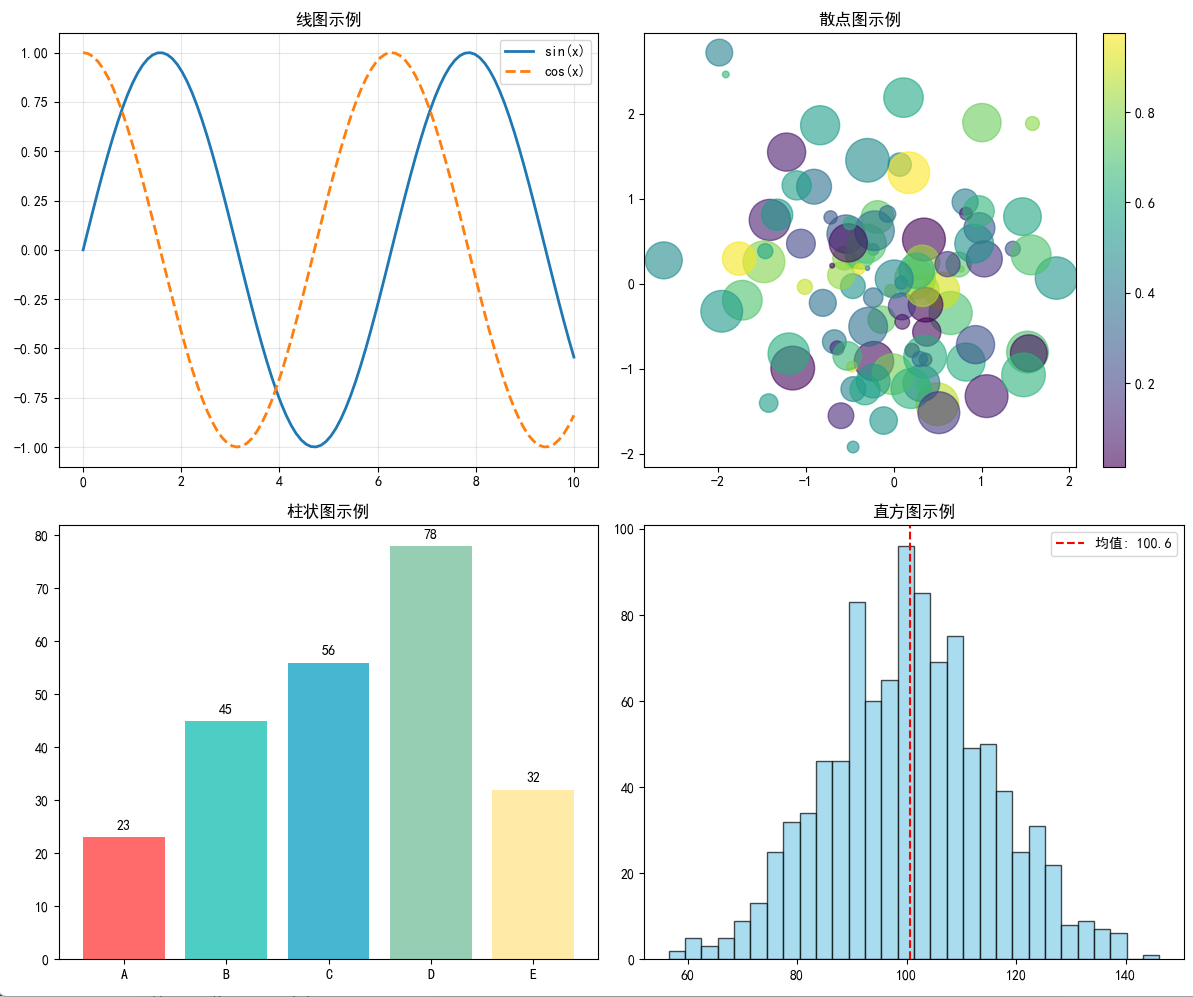 基本图表类型
import numpy as np
import pandas as pd
import matplotlib.pyplot as plt
# 模拟真实数据分析场景
np.random.seed(42)

# 设置中文字体,防止乱码
plt.rcParams['font.sans-serif'] = ['SimHei']   # 使用黑体
plt.rcParams['axes.unicode_minus'] = False     # 正常显示负号

# 准备数据
x = np.linspace(0, 10, 100)
y1 = np.sin(x)
y2 = np.cos(x)

# 1. 线图
fig, axes = plt.subplots(2, 2, figsize=(12, 10))

# 基本线图
axes[0, 0].plot(x, y1, label='sin(x)', linewidth=2)
axes[0, 0].plot(x, y2, label='cos(x)', linewidth=2, linestyle='--')
axes[0, 0].set_title('线图示例')
axes[0, 0].legend()
axes[0, 0].grid(True, alpha=0.3)

# 2. 散点图
np.random.seed(42)
x_scatter = np.random.randn(100)
y_scatter = np.random.randn(100)
colors = np.random.rand(100)
sizes = 1000 * np.random.rand(100)

scatter = axes[0, 1].scatter(x_scatter, y_scatter, c=colors, s=sizes, alpha=0.6, cmap='viridis')
axes[0, 1].set_title('散点图示例')
plt.colorbar(scatter, ax=axes[0, 1])

# 3. 柱状图
categories = ['A', 'B', 'C', 'D', 'E']
values = [23, 45, 56, 78, 32]
bars = axes[1, 0].bar(categories, values, color=['#FF6B6B', '#4ECDC4', '#45B7D1', '#96CEB4', '#FFEAA7'])
axes[1, 0].set_title('柱状图示例')

# 在柱子上添加数值标签
for bar, value in zip(bars, values):
    height = bar.get_height()
    axes[1, 0].text(bar.get_x() + bar.get_width()/2., height + 1,
                    f'{value}', ha='center', va='bottom')

# 4. 直方图
data = np.random.normal(100, 15, 1000)
axes[1, 1].hist(data, bins=30, alpha=0.7, color='skyblue', edgecolor='black')
axes[1, 1].set_title('直方图示例')
axes[1, 1].axvline(data.mean(), color='red', linestyle='--', label=f'均值: {data.mean():.1f}')
axes[1, 1].legend()

plt.tight_layout()
plt.show()
高级图表类型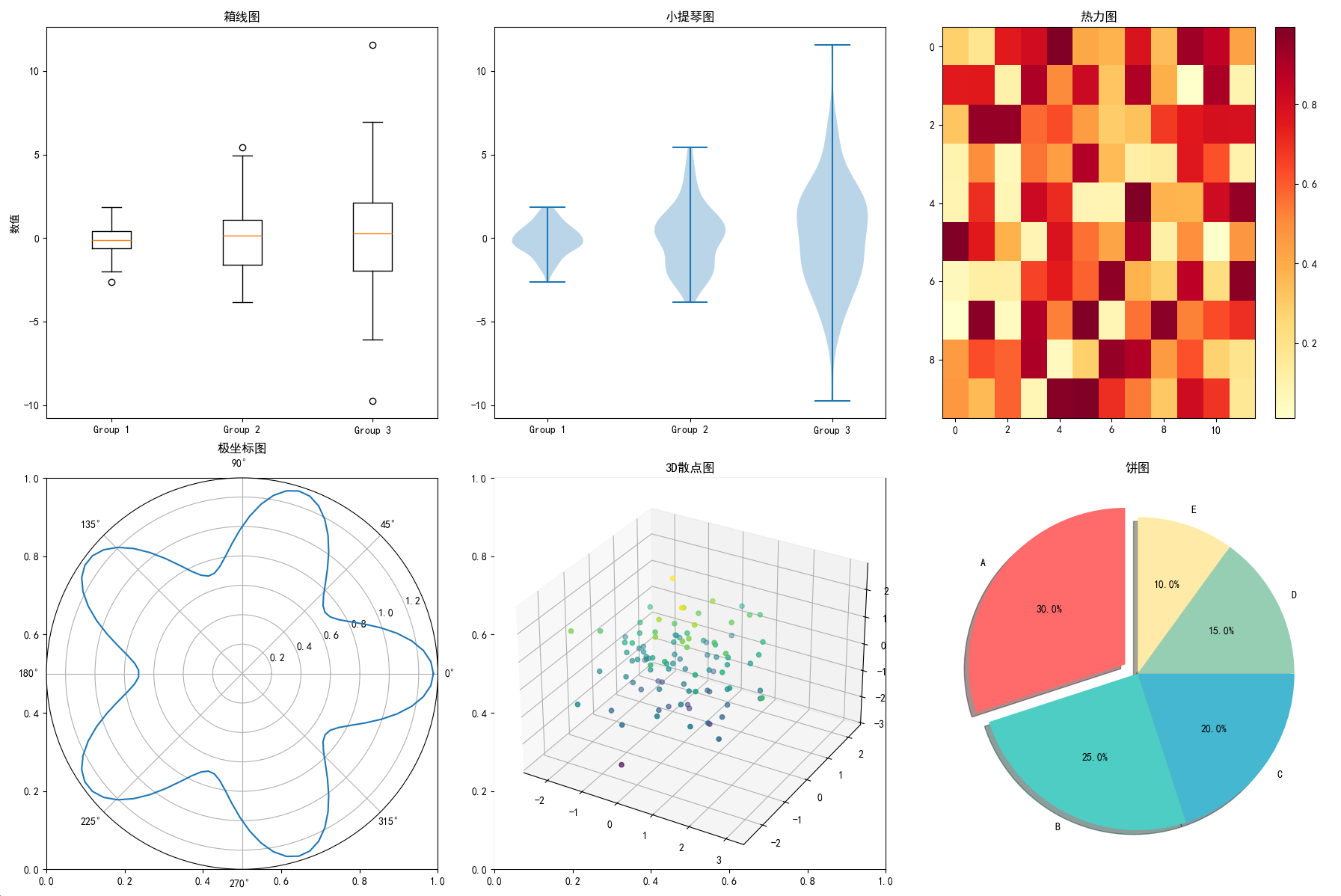
import numpy as np
import pandas as pd
import matplotlib.pyplot as plt
# 模拟真实数据分析场景
np.random.seed(42)

# 设置中文字体,防止乱码
plt.rcParams['font.sans-serif'] = ['SimHei']   # 使用黑体
plt.rcParams['axes.unicode_minus'] = False     # 正常显示负号

# 创建更复杂的图表
fig, axes = plt.subplots(2, 3, figsize=(18, 12))

# 1. 箱线图
data_box = [np.random.normal(0, std, 100) for std in range(1, 4)]
box_plot = axes[0, 0].boxplot(data_box, labels=['Group 1', 'Group 2', 'Group 3'])
axes[0, 0].set_title('箱线图')
axes[0, 0].set_ylabel('数值')

# 2. 小提琴图
parts = axes[0, 1].violinplot(data_box, positions=[1, 2, 3])
axes[0, 1].set_title('小提琴图')
axes[0, 1].set_xticks([1, 2, 3])
axes[0, 1].set_xticklabels(['Group 1', 'Group 2', 'Group 3'])

# 3. 热力图
data_heatmap = np.random.rand(10, 12)
im = axes[0, 2].imshow(data_heatmap, cmap='YlOrRd', aspect='auto')
axes[0, 2].set_title('热力图')
plt.colorbar(im, ax=axes[0, 2])

# 4. 极坐标图
theta = np.linspace(0, 2*np.pi, 100)
r = 1 + 0.3*np.cos(5*theta)
axes[1, 0] = plt.subplot(2, 3, 4, projection='polar')
axes[1, 0].plot(theta, r)
axes[1, 0].set_title('极坐标图')

# 5. 3D散点图
ax_3d = plt.subplot(2, 3, 5, projection='3d')
x_3d = np.random.randn(100)
y_3d = np.random.randn(100)
z_3d = np.random.randn(100)
ax_3d.scatter(x_3d, y_3d, z_3d, c=z_3d, cmap='viridis')
ax_3d.set_title('3D散点图')

# 6. 饼图
sizes = [30, 25, 20, 15, 10]
labels = ['A', 'B', 'C', 'D', 'E']
colors = ['#FF6B6B', '#4ECDC4', '#45B7D1', '#96CEB4', '#FFEAA7']
explode = (0.1, 0, 0, 0, 0)  # 突出显示第一个扇形

axes[1, 2].pie(sizes, labels=labels, colors=colors, explode=explode,
               autopct='%1.1f%%', shadow=True, startangle=90)
axes[1, 2].set_title('饼图')

plt.tight_layout()
plt.show()
6.3.2 图形样式与美化
颜色和样式设置
# 自定义颜色方案
colors = {
    'primary': '#2E86AB',
    'secondary': '#A23B72',
    'accent': '#F18F01',
    'success': '#C73E1D',
    'info': '#592E83'
}

# 创建专业的图表
fig, ax = plt.subplots(figsize=(12, 8))

# 数据
months = ['Jan', 'Feb', 'Mar', 'Apr', 'May', 'Jun',
          'Jul', 'Aug', 'Sep', 'Oct', 'Nov', 'Dec']
sales_2022 = [120, 135, 140, 155, 168, 180, 175, 185, 190, 200, 195, 210]
sales_2023 = [130, 145, 160, 170, 185, 195, 190, 200, 210, 220, 215, 230]

# 绘制线图
line1 = ax.plot(months, sales_2022, marker='o', linewidth=3,
                color=colors['primary'], label='2022年销售额', markersize=8)
line2 = ax.plot(months, sales_2023, marker='s', linewidth=3,
                color=colors['secondary'], label='2023年销售额', markersize=8)

# 填充区域
ax.fill_between(months, sales_2022, alpha=0.3, color=colors['primary'])
ax.fill_between(months, sales_2023, alpha=0.3, color=colors['secondary'])

# 样式设置
ax.set_title('月度销售额对比', fontsize=20, fontweight='bold', pad=20)
ax.set_xlabel('月份', fontsize=14, fontweight='bold')
ax.set_ylabel('销售额 (万元)', fontsize=14, fontweight='bold')

# 网格设置
ax.grid(True, linestyle='--', alpha=0.7, color='gray')
ax.set_facecolor('#F8F9FA')

# 图例设置
legend = ax.legend(loc='upper left', fontsize=12, frameon=True,
                  fancybox=True, shadow=True, framealpha=0.9)
legend.get_frame().set_facecolor('white')

# 坐标轴设置
ax.spines['top'].set_visible(False)
ax.spines['right'].set_visible(False)
ax.spines['left'].set_linewidth(2)
ax.spines['bottom'].set_linewidth(2)

# 添加注释
max_2023_idx = sales_2023.index(max(sales_2023))
ax.annotate(f'最高点: {max(sales_2023)}万',
            xy=(max_2023_idx, max(sales_2023)),
            xytext=(max_2023_idx+1, max(sales_2023)+10),
            arrowprops=dict(arrowstyle='->', color='red', lw=2),
            fontsize=12, color='red', fontweight='bold')

plt.tight_layout()
plt.show()
6.3.3 多子图与布局
复杂布局示例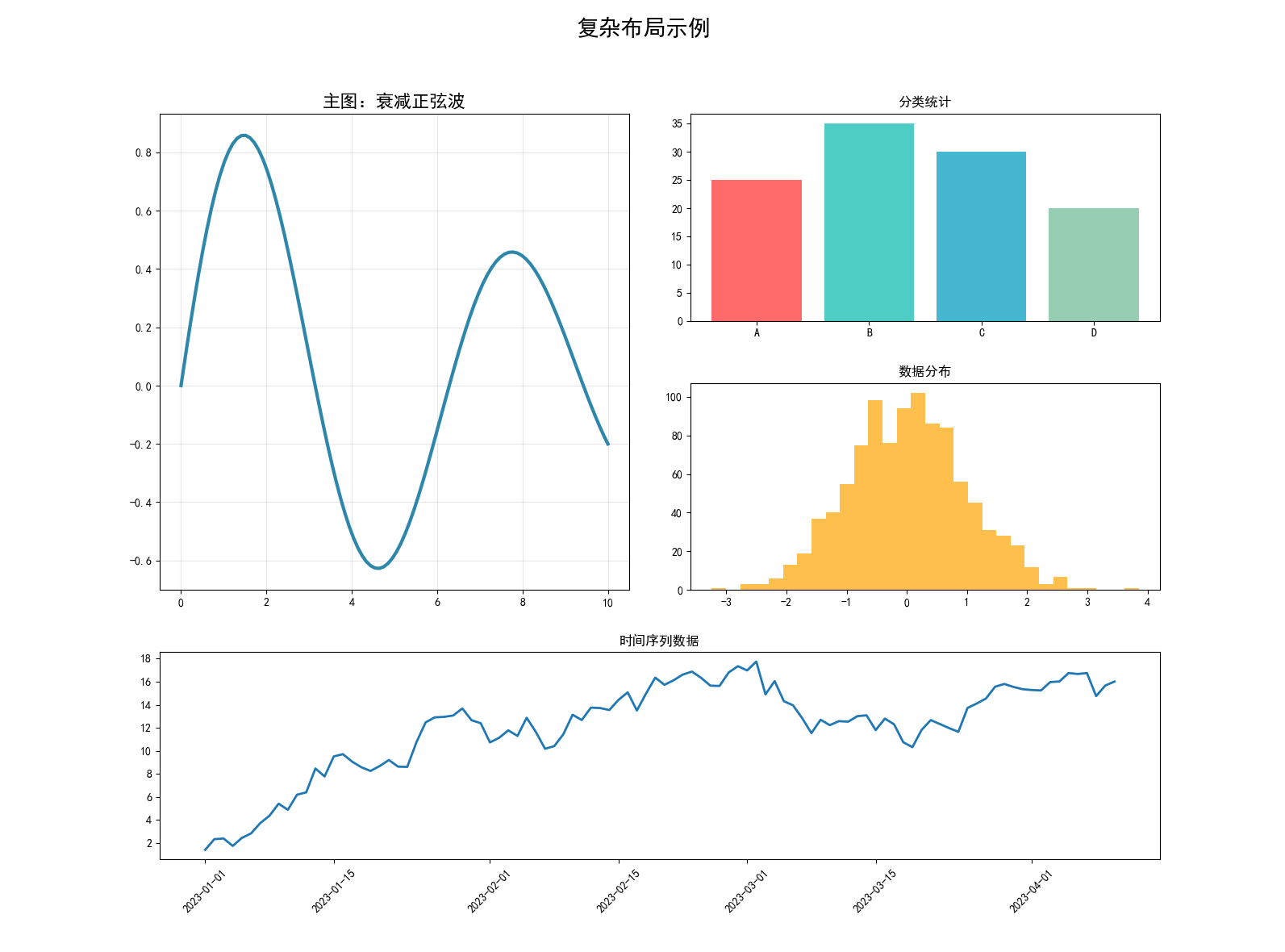
# 创建复杂的子图布局
fig = plt.figure(figsize=(16, 12))

# 使用GridSpec创建不规则布局
gs = fig.add_gridspec(3, 4, hspace=0.3, wspace=0.3)

# 主图 (占据2x2空间)
ax_main = fig.add_subplot(gs[0:2, 0:2])
x = np.linspace(0, 10, 100)
y = np.sin(x) * np.exp(-x/10)
ax_main.plot(x, y, linewidth=3, color='#2E86AB')
ax_main.set_title('主图:衰减正弦波', fontsize=16, fontweight='bold')
ax_main.grid(True, alpha=0.3)

# 右上角小图
ax_top_right = fig.add_subplot(gs[0, 2:])
categories = ['A', 'B', 'C', 'D']
values = [25, 35, 30, 20]
ax_top_right.bar(categories, values, color=['#FF6B6B', '#4ECDC4', '#45B7D1', '#96CEB4'])
ax_top_right.set_title('分类统计')

# 右中间小图
ax_mid_right = fig.add_subplot(gs[1, 2:])
data = np.random.normal(0, 1, 1000)
ax_mid_right.hist(data, bins=30, alpha=0.7, color='orange')
ax_mid_right.set_title('数据分布')

# 底部横跨图
ax_bottom = fig.add_subplot(gs[2, :])
dates = pd.date_range('2023-01-01', periods=100, freq='D')
values = np.cumsum(np.random.randn(100))
ax_bottom.plot(dates, values, linewidth=2)
ax_bottom.set_title('时间序列数据')
ax_bottom.tick_params(axis='x', rotation=45)

plt.suptitle('复杂布局示例', fontsize=20, fontweight='bold', y=0.98)
plt.show()
6.3.4 实战案例
综合数据分析可视化
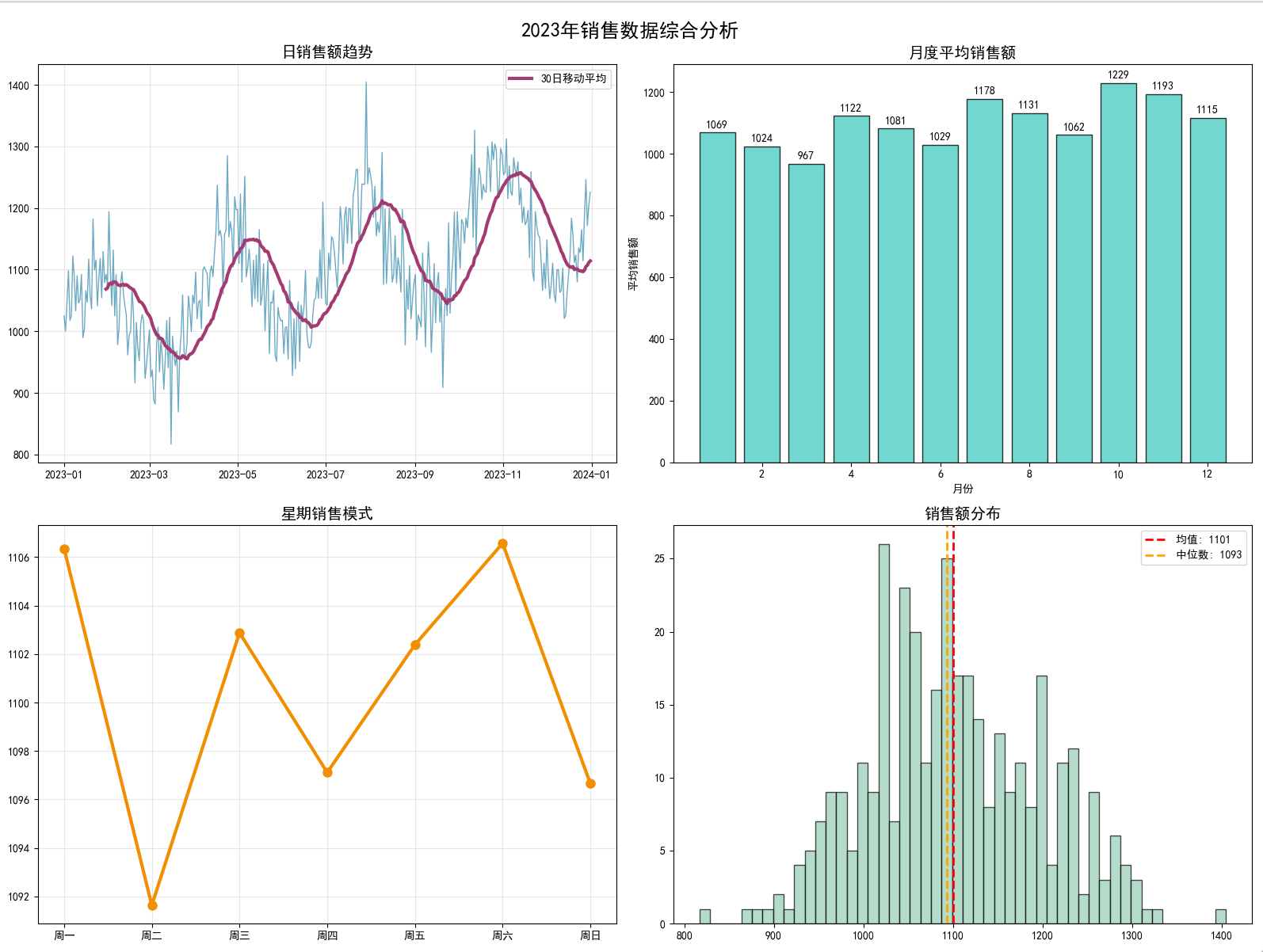
import numpy as np
import pandas as pd
import matplotlib.pyplot as plt
# 模拟真实数据分析场景
np.random.seed(42)

# 设置中文字体,防止乱码
plt.rcParams['font.sans-serif'] = ['SimHei']   # 使用黑体
plt.rcParams['axes.unicode_minus'] = False     # 正常显示负号
# 模拟真实数据分析场景
np.random.seed(42)

# 生成模拟数据
dates = pd.date_range('2023-01-01', periods=365, freq='D')
base_sales = 1000
trend = np.linspace(0, 200, 365)
seasonal = 100 * np.sin(2 * np.pi * np.arange(365) / 365.25 * 4)
noise = np.random.normal(0, 50, 365)
sales = base_sales + trend + seasonal + noise

# 创建DataFrame
df = pd.DataFrame({
    'date': dates,
    'sales': sales,
    'month': dates.month,
    'weekday': dates.dayofweek
})

# 创建综合分析图表
fig, axes = plt.subplots(2, 2, figsize=(16, 12))

# 1. 时间序列图
axes[0, 0].plot(df['date'], df['sales'], linewidth=1, alpha=0.7, color='#2E86AB')
# 添加移动平均线
df['sales_ma'] = df['sales'].rolling(window=30).mean()
axes[0, 0].plot(df['date'], df['sales_ma'], linewidth=3, color='#A23B72', label='30日移动平均')
axes[0, 0].set_title('日销售额趋势', fontsize=14, fontweight='bold')
axes[0, 0].legend()
axes[0, 0].grid(True, alpha=0.3)

# 2. 月度销售分布
monthly_sales = df.groupby('month')['sales'].mean()
bars = axes[0, 1].bar(monthly_sales.index, monthly_sales.values,
                     color='#4ECDC4', alpha=0.8, edgecolor='black')
axes[0, 1].set_title('月度平均销售额', fontsize=14, fontweight='bold')
axes[0, 1].set_xlabel('月份')
axes[0, 1].set_ylabel('平均销售额')

# 添加数值标签
for bar in bars:
    height = bar.get_height()
    axes[0, 1].text(bar.get_x() + bar.get_width()/2., height + 10,
                    f'{height:.0f}', ha='center', va='bottom', fontweight='bold')

# 3. 星期销售模式
weekday_names = ['周一', '周二', '周三', '周四', '周五', '周六', '周日']
weekday_sales = df.groupby('weekday')['sales'].mean()
axes[1, 0].plot(weekday_sales.index, weekday_sales.values,
               marker='o', linewidth=3, markersize=8, color='#F18F01')
axes[1, 0].set_title('星期销售模式', fontsize=14, fontweight='bold')
axes[1, 0].set_xticks(range(7))
axes[1, 0].set_xticklabels(weekday_names)
axes[1, 0].grid(True, alpha=0.3)

# 4. 销售额分布直方图
axes[1, 1].hist(df['sales'], bins=50, alpha=0.7, color='#96CEB4', edgecolor='black')
axes[1, 1].axvline(df['sales'].mean(), color='red', linestyle='--', linewidth=2,
                  label=f'均值: {df["sales"].mean():.0f}')
axes[1, 1].axvline(df['sales'].median(), color='orange', linestyle='--', linewidth=2,
                  label=f'中位数: {df["sales"].median():.0f}')
axes[1, 1].set_title('销售额分布', fontsize=14, fontweight='bold')
axes[1, 1].legend()

plt.suptitle('2023年销售数据综合分析', fontsize=18, fontweight='bold', y=0.98)
plt.tight_layout()
plt.show()

# 输出统计摘要
print("销售数据统计摘要:")
print(f"总销售额: {df['sales'].sum():,.0f}")
print(f"平均日销售额: {df['sales'].mean():.0f}")
print(f"最高日销售额: {df['sales'].max():.0f}")
print(f"最低日销售额: {df['sales'].min():.0f}")
print(f"销售额标准差: {df['sales'].std():.0f}")
折线图柱状图(同时显示数量和百分比)
import matplotlib.pyplot as plt
import pandas as pd
import numpy as np
from matplotlib.ticker import FuncFormatter

# 数据准备
data = {
    "key": ["1-5","6-10","11-15","16-20","21-25","26-30","31-35","36-40","41-45","46-50",
           "51-55","56-60","61-65","66-70","71-75","76-80","81-85","86-90","91-95","96-100"],
    "count": [64926535,1138119,411539,216186,131126,89296,66155,52622,45228,32027,
             23867,22066,17321,13541,10670,8168,5837,5157,5305,38348],
    "percentage": [96.53,1.69,0.61,0.32,0.19,0.13,0.10,0.08,0.07,0.05,
                  0.04,0.03,0.03,0.02,0.02,0.01,0.01,0.01,0.01,0.06]
}

df = pd.DataFrame(data)

# 设置样式
plt.style.use('ggplot')

# 解决中文显示问题
plt.rcParams['font.sans-serif'] = ['Arial Unicode MS']
plt.rcParams['axes.unicode_minus'] = False

# 创建图形
fig, ax1 = plt.subplots(figsize=(14, 7))

# 自定义颜色
bar_color = '#4C72B0'
line_color = '#C44E52'

# 柱状图 (左侧Y轴)
bars = ax1.bar(df['key'], df['count'], color=bar_color, alpha=0.7, width=0.8)
ax1.set_ylabel('数量(万)', color=bar_color, fontsize=12)
ax1.tick_params(axis='y', labelcolor=bar_color)
ax1.set_yscale('log')

# 设置Y轴为中文单位(万)
def format_wan(x, pos):
    return f'{x/10000:.0f}万' if x >= 10000 else f'{x:.0f}'

ax1.yaxis.set_major_formatter(FuncFormatter(format_wan))

# 在柱子上添加标签(百分比和数量)
for bar, count, percentage in zip(bars, df['count'], df['percentage']):
    height = bar.get_height()
    count_wan = count/10000

    # 在柱子上方显示百分比
    ax1.text(bar.get_x() + bar.get_width()/2, height*1.05,
            f'{percentage:.2f}%',
            ha='center', va='bottom', fontsize=9, color='black')

    # 在柱子内部显示数量(万)
    ax1.text(bar.get_x() + bar.get_width()/2, height*0.5,
            f'{count_wan:.1f}万' if count_wan < 10 else f'{count_wan:.0f}万',
            ha='center', va='center', fontsize=9, color='white',
            fontweight='bold')

# 折线图 (右侧Y轴)
ax2 = ax1.twinx()
line = ax2.plot(df['key'], df['percentage'], color=line_color,
                marker='o', markersize=6, linewidth=2.5, alpha=0.9)
ax2.set_ylabel('百分比 (%)', color=line_color, fontsize=12)
ax2.tick_params(axis='y', labelcolor=line_color)
ax2.grid(False)
ax2.set_yscale('log')  # 设置右侧Y轴为对数刻度

# 设置百分比的对数刻度格式
def format_percent(x, pos):
    return f'{x:.2f}%' if x >= 0.1 else f'{x:.3f}%'

ax2.yaxis.set_major_formatter(FuncFormatter(format_percent))

# 设置X轴
plt.xticks(rotation=45, ha='right', fontsize=10)
plt.xlim(-0.5, len(df['key'])-0.5)

# 添加标题和网格
plt.title('uuid推测出来wifi数量分布', fontsize=14, pad=20)
ax1.grid(True, which="both", ls="--", linewidth=0.5, alpha=0.3)

# 调整布局
plt.tight_layout()

# 添加图例
from matplotlib.lines import Line2D
legend_elements = [
    Line2D([0], [0], color=bar_color, lw=4, label='数量(对数刻度)'),
    Line2D([0], [0], color=line_color, marker='o', lw=2.5, label='百分比(对数刻度)')
]
ax1.legend(handles=legend_elements, loc='upper right', fontsize=10)

plt.show()
6.4 Bokeh 交互式可视化
6.4.1 Bokeh 基础
环境设置与基本概念
from bokeh.plotting import figure, show, output_notebook, output_file
from bokeh.layouts import column, row, gridplot
from bokeh.models import HoverTool, ColumnDataSource, Range1d, LinearAxis
from bokeh.palettes import Category20, Viridis256
from bokeh.transform import factor_cmap
import pandas as pd
import numpy as np

# Jupyter Notebook中显示
output_notebook()

# 或者输出到HTML文件
# output_file("bokeh_plot.html")
基本图表创建
# 创建基础图形对象
p = figure(
    title="基础Bokeh图表",
    width=800,
    height=400,
    x_axis_label='X轴',
    y_axis_label='Y轴',
    toolbar_location="above"
)

# 生成示例数据
x = np.linspace(0, 4*np.pi, 100)
y = np.sin(x)

# 添加线图
line = p.line(x, y, legend_label="sin(x)", line_width=2, color='navy')

# 添加圆点
circles = p.circle(x[::5], y[::5], legend_label="采样点", size=8, color='red', alpha=0.6)

# 设置图例
p.legend.location = "top_right"
p.legend.click_policy = "hide"

show(p)
6.4.2 基本图表类型
线图和散点图
# 创建多种线图
p1 = figure(title="多线图示例", width=600, height=400)

# 数据准备
x = np.linspace(0, 10, 100)
y1 = np.sin(x)
y2 = np.cos(x)
y3 = np.sin(x) * np.cos(x)

# 添加多条线
p1.line(x, y1, legend_label="sin(x)", line_width=2, color='red')
p1.line(x, y2, legend_label="cos(x)", line_width=2, color='blue', line_dash='dashed')
p1.line(x, y3, legend_label="sin(x)*cos(x)", line_width=2, color='green', line_dash='dotted')

# 散点图
p2 = figure(title="散点图示例", width=600, height=400)

# 生成随机数据
n = 100
x_scatter = np.random.random(n) * 100
y_scatter = np.random.random(n) * 100
colors = np.random.choice(['red', 'green', 'blue', 'orange', 'purple'], n)
sizes = np.random.randint(10, 30, n)

p2.scatter(x_scatter, y_scatter, size=sizes, color=colors, alpha=0.6)

# 显示图表
show(column(p1, p2))
柱状图和条形图
# 柱状图
categories = ['产品A', '产品B', '产品C', '产品D', '产品E']
values = [23, 45, 56, 78, 32]

p3 = figure(x_range=categories, title="产品销售对比", width=600, height=400)

# 创建柱状图
bars = p3.vbar(x=categories, top=values, width=0.8,
               color=factor_cmap('x', palette=Category20[5], factors=categories))

# 添加数值标签
from bokeh.models import LabelSet
source = ColumnDataSource(data=dict(x=categories, y=values))
labels = LabelSet(x='x', y='y', text='y', level='glyph',
                 x_offset=-10, y_offset=5, source=source)
p3.add_layout(labels)

# 水平条形图
p4 = figure(y_range=categories, title="水平条形图", width=600, height=400)
p4.hbar(y=categories, right=values, height=0.8, color='lightblue')

show(row(p3, p4))
时间序列图
# 时间序列数据
dates = pd.date_range('2023-01-01', periods=100, freq='D')
values = np.cumsum(np.random.randn(100)) + 100

# 创建时间序列图
p5 = figure(title="时间序列图", width=800, height=400, x_axis_type='datetime')

# 添加线图
p5.line(dates, values, line_width=2, color='navy')

# 添加圆点标记
p5.circle(dates[::10], values[::10], size=8, color='red', alpha=0.8)

# 设置日期格式
from bokeh.models import DatetimeTickFormatter
p5.xaxis.formatter = DatetimeTickFormatter(
    hours=["%d %B %Y"],
    days=["%d %B %Y"],
    months=["%d %B %Y"],
    years=["%d %B %Y"],
)

show(p5)
6.4.3 交互式功能
悬停工具和选择
# 创建带悬停工具的散点图
source = ColumnDataSource(data=dict(
    x=np.random.random(100) * 100,
    y=np.random.random(100) * 100,
    size=np.random.randint(10, 30, 100),
    color=np.random.choice(['red', 'green', 'blue', 'orange'], 100),
    alpha=np.random.random(100),
    name=['点' + str(i) for i in range(100)]
))

# 创建悬停工具
hover = HoverTool(tooltips=[
    ("索引", "$index"),
    ("名称", "@name"),
    ("坐标", "($x, $y)"),
    ("大小", "@size")
])

p6 = figure(title="交互式散点图", width=600, height=400, tools=[hover, 'pan', 'wheel_zoom', 'reset'])

# 添加散点
circles = p6.circle('x', 'y', size='size', color='color', alpha='alpha', source=source)

show(p6)
缩放和平移
# 创建可缩放的大数据集图表
n = 10000
x_large = np.random.randn(n)
y_large = np.random.randn(n)

p7 = figure(title="大数据集可视化", width=800, height=600,
           tools='pan,wheel_zoom,box_zoom,reset,save')

# 使用alpha通道处理重叠
p7.circle(x_large, y_large, size=3, alpha=0.1, color='navy')

# 添加选择工具
from bokeh.models import BoxSelectTool, LassoSelectTool
p7.add_tools(BoxSelectTool())
p7.add_tools(LassoSelectTool())

show(p7)
6.4.4 布局与组合
多图布局
# 创建多个子图
p8 = figure(title="图1", width=300, height=300)
p8.circle([1, 2, 3], [1, 4, 2], size=20, color='red')

p9 = figure(title="图2", width=300, height=300)
p9.line([1, 2, 3, 4], [1, 3, 2, 4], line_width=3, color='blue')

p10 = figure(title="图3", width=300, height=300)
p10.vbar(x=[1, 2, 3], top=[1, 3, 2], width=0.5, color='green')

p11 = figure(title="图4", width=300, height=300)
p11.triangle([1, 2, 3], [1, 3, 2], size=20, color='orange')

# 网格布局
grid = gridplot([[p8, p9], [p10, p11]], sizing_mode='scale_width')
show(grid)
复杂仪表板布局
from bokeh.layouts import layout
from bokeh.models import Div

# 创建标题
title = Div(text="<h1>销售数据仪表板</h1>", width=800, height=50)

# 主图表
main_plot = figure(title="月度销售趋势", width=600, height=400)
months = ['1月', '2月', '3月', '4月', '5月', '6月']
sales = [120, 135, 140, 155, 168, 180]
main_plot.line(range(len(months)), sales, line_width=3, color='navy')
main_plot.circle(range(len(months)), sales, size=10, color='red')
main_plot.xaxis.ticker = list(range(len(months)))
main_plot.xaxis.major_label_overrides = dict(zip(range(len(months)), months))

# 侧边图表
side_plot1 = figure(title="产品分布", width=300, height=200)
products = ['A', 'B', 'C', 'D']
counts = [25, 35, 20, 30]
side_plot1.vbar(x=products, top=counts, width=0.8, color='lightblue')

side_plot2 = figure(title="地区销售", width=300, height=200)
regions = ['北区', '南区', '东区', '西区']
region_sales = [40, 30, 20, 35]
side_plot2.vbar(x=regions, top=region_sales, width=0.8, color='lightgreen')

# 组合布局
dashboard = layout([
    [title],
    [main_plot, column(side_plot1, side_plot2)]
])

show(dashboard)
6.4.5 Pandas-Bokeh 集成
快速绘图
import pandas_bokeh

# 设置输出到notebook
pandas_bokeh.output_notebook()

# 创建示例数据
df = pd.DataFrame({
    'date': pd.date_range('2023-01-01', periods=100, freq='D'),
    'sales': np.cumsum(np.random.randn(100)) + 1000,
    'profit': np.cumsum(np.random.randn(100)) + 200,
    'category': np.random.choice(['A', 'B', 'C'], 100)
})

# 快速线图
df.plot_bokeh.line(
    x='date',
    y=['sales', 'profit'],
    title='销售和利润趋势',
    figsize=(800, 400)
)

# 快速柱状图
category_summary = df.groupby('category').agg({
    'sales': 'mean',
    'profit': 'mean'
}).reset_index()

category_summary.plot_bokeh.bar(
    x='category',
    y=['sales', 'profit'],
    title='各类别平均销售和利润',
    stacked=True,
    figsize=(600, 400)
)

# 散点图
df.plot_bokeh.scatter(
    x='sales',
    y='profit',
    category='category',
    title='销售vs利润散点图',
    figsize=(600, 400),
    colormap=['red', 'green', 'blue']
)
6.4.6 高级应用
实时数据更新
from bokeh.models import ColumnDataSource
from bokeh.io import curdoc
from bokeh.plotting import figure
import random
# 创建数据源
source = ColumnDataSource(data=dict(x=[], y=[]))
# 创建图表
p = figure(title="实时数据流", width=600, height=400)
line = p.line('x', 'y', source=source, line_width=2, color='navy')
# 更新函数
def update():
new_data = dict(
x=[source.data['x'][-1] + 1 if source.data['x'] else 0],
y=[random.random()]
)
source.stream(new_data, rollover=100) # 保持最近100个点
# 添加定期回调(在Bokeh服务器中使用)
# curdoc().add_periodic_callback(update, 100)
show(p)
自定义交互
from bokeh.models import CustomJS, Slider
from bokeh.layouts import column
# 创建数据
x = np.linspace(0, 4*np.pi, 100)
y = np.sin(x)
source = ColumnDataSource(data=dict(x=x, y=y))
# 创建图表
plot = figure(title="交互式正弦波", width=600, height=400)
line = plot.line('x', 'y', source=source, line_width=2, color='navy')
# 创建滑块
freq_slider = Slider(start=0.1, end=5, value=1, step=0.1, title="频率")
amp_slider = Slider(start=0.1, end=3, value=1, step=0.1, title="振幅")
# JavaScript回调
callback = CustomJS(args=dict(source=source, freq=freq_slider, amp=amp_slider), code="""
const data = source.data;
const f = freq.value;
const a = amp.value;
const x = data['x'];
const y = data['y'];
for (let i = 0; i < x.length; i++) {
y[i] = a * Math.sin(f * x[i]);
}
source.change.emit();
""")
freq_slider.js_on_change('value', callback)
amp_slider.js_on_change('value', callback)
# 组合布局
layout = column(freq_slider, amp_slider, plot)
show(layout)
6.5 Tushare金融数据
Tushare是一个免费、开源的Python金融数据接口包,主要用于获取中国股票市场的历史和实时数据,为金融分析和算法交易提供数据支持。它包含了股票、指数、基金、期货、外汇等多种金融数据。
6.5.1 安装与注册
安装Tushare:
# 安装最新版本
pip install tushare
# 指定版本安装
pip install tushare==1.2.89
# 从源码安装
pip install git+https://github.com/waditu/tushare.git
# 验证安装
python -c "import tushare as ts; print(ts.__version__)"
注册和获取Token:
- 访问 Tushare官网 注册账号
- 完成身份验证后获取API Token
- 根据积分等级获得不同的数据权限
初始化配置:
import tushare as ts
import pandas as pd
import numpy as np
import matplotlib.pyplot as plt
import seaborn as sns
from datetime import datetime, timedelta
import warnings
warnings.filterwarnings('ignore')
# 设置Token(替换为您的实际Token)
ts.set_token('your_token_here')
# 初始化pro接口
pro = ts.pro_api()
# 测试连接
try:
df = pro.trade_cal(exchange='SSE', start_date='20240101', end_date='20240110')
print("✅ Tushare连接成功")
print(f"获取到 {len(df)} 条交易日历数据")
except Exception as e:
print(f"❌ 连接失败: {e}")
# 配置显示选项
pd.set_option('display.max_columns', None)
pd.set_option('display.width', None)
pd.set_option('display.max_colwidth', 100)
6.5.2 基础数据获取
股票基础信息:
# 获取所有股票基础信息
stock_basic = pro.stock_basic(exchange='', list_status='L',
fields='ts_code,symbol,name,area,industry,market,list_date')
print(f"当前上市股票数量: {len(stock_basic)}")
print(stock_basic.head())
# 按交易所查询
sz_stocks = pro.stock_basic(exchange='SZSE') # 深交所
sh_stocks = pro.stock_basic(exchange='SSE') # 上交所
print(f"上交所股票: {len(sh_stocks)}, 深交所股票: {len(sz_stocks)}")
# 按行业分类
industry_count = stock_basic.groupby('industry').size().sort_values(ascending=False)
print("行业分布TOP10:")
print(industry_count.head(10))
智能股票搜索函数:
def search_stock(keyword, search_type='name'):
"""
智能股票搜索函数
Parameters:
keyword (str): 搜索关键词
search_type (str): 搜索类型 ('name', 'code', 'industry', 'area')
Returns:
pandas.DataFrame: 匹配的股票信息
"""
all_stocks = pro.stock_basic(exchange='', list_status='L',
fields='ts_code,symbol,name,area,industry,market,list_date')
if search_type == 'name':
result = all_stocks[all_stocks['name'].str.contains(keyword, na=False)]
elif search_type == 'code':
result = all_stocks[all_stocks['symbol'].str.contains(keyword, na=False)]
elif search_type == 'industry':
result = all_stocks[all_stocks['industry'].str.contains(keyword, na=False)]
elif search_type == 'area':
result = all_stocks[all_stocks['area'].str.contains(keyword, na=False)]
else:
result = all_stocks[
all_stocks['name'].str.contains(keyword, na=False) |
all_stocks['symbol'].str.contains(keyword, na=False) |
all_stocks['industry'].str.contains(keyword, na=False)
]
return result.reset_index(drop=True)
# 使用示例
print("搜索银行股:")
bank_stocks = search_stock('银行', 'name')
print(bank_stocks.head(10))
# 搜索电力板块股票
power_stocks = search_stock('电力', 'industry')
print(f"\n电力行业共有 {len(power_stocks)} 只股票")
print(power_stocks[['ts_code', 'name', 'area']].head())
6.5.3 市场数据分析
K线数据获取与分析
# K线数据获取
def get_kline_data(ts_code, start_date, end_date, adj='qfq'):
"""
获取K线数据
参数:
- ts_code: 股票代码
- start_date: 开始日期
- end_date: 结束日期
- adj: 复权类型 (None不复权, qfq前复权, hfq后复权)
"""
try:
# 日K线数据
df = pro.daily(ts_code=ts_code, start_date=start_date, end_date=end_date)
# 复权数据
if adj:
adj_df = pro.adj_factor(ts_code=ts_code, start_date=start_date, end_date=end_date)
df = df.merge(adj_df, on=['ts_code', 'trade_date'], how='left')
if adj == 'qfq': # 前复权
df['adj_factor'] = df['adj_factor'].fillna(method='ffill')
for col in ['open', 'high', 'low', 'close', 'pre_close']:
df[col] = df[col] * df['adj_factor']
# 数据排序
df = df.sort_values('trade_date').reset_index(drop=True)
# 计算技术指标
df['ma5'] = df['close'].rolling(window=5).mean()
df['ma10'] = df['close'].rolling(window=10).mean()
df['ma20'] = df['close'].rolling(window=20).mean()
# 涨跌幅计算
df['pct_change'] = df['close'].pct_change() * 100
return df[['trade_date', 'open', 'high', 'low', 'close', 'vol', 'amount',
'pct_change', 'ma5', 'ma10', 'ma20']]
except Exception as e:
print(f"获取K线数据失败: {e}")
return None
# 使用示例
kline_data = get_kline_data('000001.SZ', '20240101', '20240831')
if kline_data is not None:
print("平安银行近期K线数据:")
print(kline_data.tail())
# 计算波动率
volatility = kline_data['pct_change'].std()
print(f"\n价格波动率: {volatility:.2f}%")
实时行情数据
# 实时行情获取
def get_realtime_quotes(ts_codes):
"""
获取实时行情数据
参数:
- ts_codes: 股票代码列表
"""
try:
if isinstance(ts_codes, str):
ts_codes = [ts_codes]
# 获取实时行情
df = pro.realtime_quote(ts_code=','.join(ts_codes))
if df.empty:
print("未获取到实时行情数据")
return None
# 数据处理
df['change_rate'] = ((df['price'] - df['pre_close']) / df['pre_close'] * 100).round(2)
df['change_amount'] = (df['price'] - df['pre_close']).round(2)
return df[['ts_code', 'name', 'price', 'pre_close', 'change_amount',
'change_rate', 'volume', 'amount', 'high', 'low']]
except Exception as e:
print(f"获取实时行情失败: {e}")
return None
# 热门股票实时监控
def monitor_hot_stocks():
"""监控热门股票实时行情"""
hot_stocks = ['000001.SZ', '000002.SZ', '600036.SH', '600519.SH', '000858.SZ']
quotes = get_realtime_quotes(hot_stocks)
if quotes is not None:
print("热门股票实时行情:")
print(quotes.to_string(index=False))
# 涨幅排序
top_gainers = quotes.nlargest(3, 'change_rate')
print("\n今日涨幅前3名:")
for _, stock in top_gainers.iterrows():
print(f"{stock['name']}({stock['ts_code']}): {stock['price']} (+{stock['change_rate']}%)")
# monitor_hot_stocks()
技术指标计算
import pandas as pd
import numpy as np
def calculate_technical_indicators(df):
"""
计算常用技术指标
参数:
- df: 包含OHLCV数据的DataFrame
"""
df = df.copy()
# RSI指标
def calculate_rsi(series, periods=14):
delta = series.diff()
gain = (delta.where(delta > 0, 0)).rolling(window=periods).mean()
loss = (-delta.where(delta < 0, 0)).rolling(window=periods).mean()
rs = gain / loss
return 100 - (100 / (1 + rs))
# MACD指标
def calculate_macd(series, fast=12, slow=26, signal=9):
ema_fast = series.ewm(span=fast).mean()
ema_slow = series.ewm(span=slow).mean()
macd_line = ema_fast - ema_slow
signal_line = macd_line.ewm(span=signal).mean()
histogram = macd_line - signal_line
return macd_line, signal_line, histogram
# 布林带
def calculate_bollinger_bands(series, window=20, num_std=2):
rolling_mean = series.rolling(window=window).mean()
rolling_std = series.rolling(window=window).std()
upper_band = rolling_mean + (rolling_std * num_std)
lower_band = rolling_mean - (rolling_std * num_std)
return upper_band, rolling_mean, lower_band
# 计算各指标
df['rsi'] = calculate_rsi(df['close'])
df['macd'], df['macd_signal'], df['macd_histogram'] = calculate_macd(df['close'])
df['bb_upper'], df['bb_middle'], df['bb_lower'] = calculate_bollinger_bands(df['close'])
# KDJ指标
low_9 = df['low'].rolling(window=9).min()
high_9 = df['high'].rolling(window=9).max()
rsv = (df['close'] - low_9) / (high_9 - low_9) * 100
df['kdj_k'] = rsv.ewm(com=2).mean()
df['kdj_d'] = df['kdj_k'].ewm(com=2).mean()
df['kdj_j'] = 3 * df['kdj_k'] - 2 * df['kdj_d']
return df
# 技术分析示例
def technical_analysis_example():
"""技术分析示例"""
# 获取数据
stock_data = get_kline_data('000001.SZ', '20240501', '20240831')
if stock_data is None:
return
# 计算技术指标
stock_data = calculate_technical_indicators(stock_data)
# 最新数据分析
latest = stock_data.iloc[-1]
print("技术指标分析 (平安银行):")
print(f"RSI: {latest['rsi']:.2f} ({'超买' if latest['rsi'] > 70 else '超卖' if latest['rsi'] < 30 else '正常'})")
print(f"MACD: {latest['macd']:.3f} ({'多头' if latest['macd'] > latest['macd_signal'] else '空头'})")
print(f"KDJ: K={latest['kdj_k']:.2f}, D={latest['kdj_d']:.2f}, J={latest['kdj_j']:.2f}")
# 布林带位置
bb_position = "中轨"
if latest['close'] > latest['bb_upper']:
bb_position = "上轨上方(可能超买)"
elif latest['close'] < latest['bb_lower']:
bb_position = "下轨下方(可能超卖)"
print(f"布林带位置: {bb_position}")
# technical_analysis_example()
6.5.4 财务数据获取
财务报表数据
# 利润表数据
def get_income_statement(ts_code, start_date, end_date, report_type='1'):
"""
获取利润表数据
参数:
- ts_code: 股票代码
- start_date, end_date: 报告期范围
- report_type: 报告类型(1合并报表, 2单季合并, 3调整单季合并, 4调整合并报表)
"""
try:
df = pro.income(ts_code=ts_code, start_date=start_date, end_date=end_date,
report_type=report_type, fields=
'ts_code,ann_date,f_ann_date,end_date,report_type,comp_type,'
'basic_eps,diluted_eps,total_revenue,revenue,oper_cost,oper_profit,'
'total_profit,income_tax,n_income,n_income_attr_p')
return df.sort_values('end_date', ascending=False)
except Exception as e:
print(f"获取利润表数据失败: {e}")
return None
# 资产负债表数据
def get_balance_sheet(ts_code, start_date, end_date, report_type='1'):
"""
获取资产负债表数据
"""
try:
df = pro.balancesheet(ts_code=ts_code, start_date=start_date, end_date=end_date,
report_type=report_type, fields=
'ts_code,ann_date,end_date,report_type,comp_type,'
'total_assets,total_liab,total_hldr_eqy,total_cur_assets,'
'total_cur_liab,accounts_receiv,inventories,fix_assets')
return df.sort_values('end_date', ascending=False)
except Exception as e:
print(f"获取资产负债表数据失败: {e}")
return None
# 现金流量表数据
def get_cashflow_statement(ts_code, start_date, end_date, report_type='1'):
"""
获取现金流量表数据
"""
try:
df = pro.cashflow(ts_code=ts_code, start_date=start_date, end_date=end_date,
report_type=report_type, fields=
'ts_code,ann_date,end_date,comp_type,report_type,'
'net_profit,finan_exp,c_fr_sale_sg,recp_tax_rends,'
'n_cashflow_act,c_paid_goods_s,c_paid_to_for_empl,'
'c_paid_for_taxes,n_incr_cash_cash_equ')
return df.sort_values('end_date', ascending=False)
except Exception as e:
print(f"获取现金流量表数据失败: {e}")
return None
# 财务指标分析
def analyze_financial_metrics(ts_code, periods=8):
"""
财务指标综合分析
参数:
- ts_code: 股票代码
- periods: 分析期数(季度数)
"""
try:
# 获取财务指标数据
end_date = datetime.now().strftime('%Y%m%d')
start_date = (datetime.now() - timedelta(days=365*2)).strftime('%Y%m%d')
# 基本财务指标
fina_indicator = pro.fina_indicator(ts_code=ts_code, start_date=start_date,
end_date=end_date, fields=
'ts_code,ann_date,end_date,eps,dt_eps,'
'total_revenue_ps,revenue_ps,capital_rese_ps,'
'surplus_rese_ps,undist_profit_ps,extra_item,'
'profit_dedt,gross_margin,current_ratio,'
'quick_ratio,cash_ratio,ar_turn,ca_turn,'
'fa_turn,assets_turn,op_income,valuechange_income,'
'interst_income,daa,ebit,ebitda,fcff,fcfe')
if fina_indicator.empty:
print("未获取到财务指标数据")
return None
# 数据处理
fina_indicator = fina_indicator.sort_values('end_date', ascending=False).head(periods)
print(f"\n=== {ts_code} 财务指标分析 ===")
print("\n盈利能力指标:")
latest = fina_indicator.iloc[0]
print(f"每股收益(EPS): {latest['eps']:.3f}")
print(f"毛利率: {latest['gross_margin']:.2f}%")
print(f"总资产收益率: {latest['assets_turn']:.3f}")
print("\n偿债能力指标:")
print(f"流动比率: {latest['current_ratio']:.2f}")
print(f"速动比率: {latest['quick_ratio']:.2f}")
print(f"现金比率: {latest['cash_ratio']:.2f}")
print("\n营运能力指标:")
print(f"应收账款周转率: {latest['ar_turn']:.2f}")
print(f"流动资产周转率: {latest['ca_turn']:.2f}")
print(f"固定资产周转率: {latest['fa_turn']:.2f}")
# EPS趋势分析
eps_trend = fina_indicator['eps'].head(4)
eps_growth = ((eps_trend.iloc[0] - eps_trend.iloc[3]) / abs(eps_trend.iloc[3]) * 100) if eps_trend.iloc[3] != 0 else 0
print(f"\nEPS同比增长: {eps_growth:.2f}%")
return fina_indicator
except Exception as e:
print(f"财务指标分析失败: {e}")
return None
# 使用示例
# financial_data = analyze_financial_metrics('000001.SZ')
6.5.5 数据处理与分析
数据清洗与聚合
def clean_and_analyze_data(df):
"""数据清洗和基础分析"""
if df is None or df.empty:
return None
# 处理缺失值和异常值
numeric_cols = df.select_dtypes(include=[np.number]).columns
df[numeric_cols] = df[numeric_cols].fillna(0)
# 日期格式转换
date_cols = ['trade_date', 'end_date', 'ann_date']
for col in date_cols:
if col in df.columns:
df[col] = pd.to_datetime(df[col], format='%Y%m%d', errors='coerce')
return df.sort_values(df.columns[0] if 'trade_date' not in df.columns else 'trade_date')
# 行业对比分析
def compare_sectors(sectors, start_date, end_date):
"""多行业对比分析"""
results = {}
for sector in sectors:
sector_stocks = search_stock(sector, 'industry').head(5)
if not sector_stocks.empty:
avg_return = 0
for _, stock in sector_stocks.iterrows():
data = get_kline_data(stock['ts_code'], start_date, end_date)
if data is not None and len(data) > 1:
ret = (data.iloc[-1]['close'] - data.iloc[0]['close']) / data.iloc[0]['close'] * 100
avg_return += ret
results[sector] = avg_return / len(sector_stocks)
return results
# 相关性分析
def quick_correlation_analysis(stock_codes, days=60):
"""快速相关性分析"""
end_date = datetime.now().strftime('%Y%m%d')
start_date = (datetime.now() - timedelta(days=days)).strftime('%Y%m%d')
price_data = {}
for code in stock_codes:
data = get_kline_data(code, start_date, end_date)
if data is not None:
price_data[code] = data['close'].pct_change().dropna()
if len(price_data) >= 2:
return pd.DataFrame(price_data).corr()
return None
6.5.6 实战应用案例
简单移动平均策略
class MovingAverageStrategy:
"""简单移动平均线交易策略"""
def __init__(self, short_window=5, long_window=20):
self.short_window = short_window
self.long_window = long_window
def backtest(self, stock_code, start_date, end_date, initial_capital=100000):
"""策略回测"""
# 获取数据
data = get_kline_data(stock_code, start_date, end_date)
if data is None:
return None
# 计算移动平均线
data['ma_short'] = data['close'].rolling(self.short_window).mean()
data['ma_long'] = data['close'].rolling(self.long_window).mean()
# 生成信号
data['signal'] = 0
buy_signals = (data['ma_short'] > data['ma_long']) & (data['ma_short'].shift(1) <= data['ma_long'].shift(1))
sell_signals = (data['ma_short'] < data['ma_long']) & (data['ma_short'].shift(1) >= data['ma_long'].shift(1))
data.loc[buy_signals, 'signal'] = 1
data.loc[sell_signals, 'signal'] = -1
# 计算收益
data['position'] = data['signal'].cumsum().shift(1).fillna(0)
data['returns'] = data['close'].pct_change()
data['strategy_returns'] = data['position'] * data['returns']
# 统计结果
total_return = (1 + data['strategy_returns']).prod() - 1
benchmark_return = (data['close'].iloc[-1] / data['close'].iloc[0]) - 1
print(f"\n=== {stock_code} 策略回测结果 ===")
print(f"策略收益率: {total_return*100:.2f}%")
print(f"基准收益率: {benchmark_return*100:.2f}%")
print(f"超额收益: {(total_return-benchmark_return)*100:.2f}%")
print(f"交易次数: {data['signal'].abs().sum()}")
return data
# 风险管理系统
def risk_monitor(stock_code, position_size, entry_price, stop_loss_pct=5.0):
"""风险监控系统"""
try:
# 获取当前价格
end_date = datetime.now().strftime('%Y%m%d')
start_date = (datetime.now() - timedelta(days=5)).strftime('%Y%m%d')
data = get_kline_data(stock_code, start_date, end_date)
if data is None:
return
current_price = data.iloc[-1]['close']
stop_loss_price = entry_price * (1 - stop_loss_pct / 100)
# 计算盈亏
unrealized_pnl = (current_price - entry_price) * position_size
pnl_pct = (current_price - entry_price) / entry_price * 100
print(f"\n=== {stock_code} 风险监控 ===")
print(f"当前价格: ¥{current_price:.2f}")
print(f"成本价格: ¥{entry_price:.2f}")
print(f"止损价格: ¥{stop_loss_price:.2f}")
print(f"未实现盈亏: ¥{unrealized_pnl:,.0f} ({pnl_pct:+.2f}%)")
if current_price <= stop_loss_price:
print("⚠️ 警告: 触及止损线!")
except Exception as e:
print(f"风险监控失败: {e}")
# 投资组合分析
def simple_portfolio_analysis(stock_codes, weights=None):
"""简单投资组合分析"""
if weights is None:
weights = [1/len(stock_codes)] * len(stock_codes)
end_date = datetime.now().strftime('%Y%m%d')
start_date = (datetime.now() - timedelta(days=90)).strftime('%Y%m%d')
portfolio_data = {}
for code in stock_codes:
data = get_kline_data(code, start_date, end_date)
if data is not None:
portfolio_data[code] = data['close'].pct_change().dropna()
if portfolio_data:
returns_df = pd.DataFrame(portfolio_data).dropna()
portfolio_returns = (returns_df * weights).sum(axis=1)
print(f"\n=== 投资组合分析 ===")
print(f"组合年化收益率: {portfolio_returns.mean()*252*100:.2f}%")
print(f"组合年化波动率: {portfolio_returns.std()*np.sqrt(252)*100:.2f}%")
print(f"夏普比率: {portfolio_returns.mean()/portfolio_returns.std()*np.sqrt(252):.3f}")
return portfolio_returns
return None
# 使用示例
if __name__ == "__main__":
# 策略回测示例
strategy = MovingAverageStrategy(5, 20)
# result = strategy.backtest('000001.SZ', '20240101', '20240831')
# 风险监控示例
# risk_monitor('000001.SZ', 1000, 12.50, 5.0)
# 组合分析示例
# portfolio_return = simple_portfolio_analysis(['000001.SZ', '600036.SH', '000858.SZ'])
pass
使用注意事项
- Token限制: 注意不同等级用户的API调用限制
- 数据延迟: 实时数据可能有延迟,不适合高频交易
- 错误处理: 始终包含异常处理逻辑
- 数据校验: 对获取的数据进行合理性校验
- 风险管理: 任何量化策略都应设置风险控制
6.6 HuggingFace Hub
HuggingFace Hub 是一个强大的机器学习模型和数据集中心,提供了超过100,000个预训练模型和10,000个数据集。huggingface_hub 是官方Python库,用于与HuggingFace Hub进行交互,支持模型下载、上传、管理等操作。
6.6.1 安装与配置
安装方式:
# 基础安装
pip install huggingface_hub
# 包含所有依赖的完整安装
pip install "huggingface_hub[all]"
# 仅包含推理依赖
pip install "huggingface_hub[inference]"
# 包含开发工具
pip install "huggingface_hub[dev]"
身份认证配置:
from huggingface_hub import login, logout, whoami
import os
# 方法1:交互式登录
login()
# 方法2:使用token登录
login(token="your_token_here")
# 方法3:环境变量认证
os.environ["HUGGINGFACE_HUB_TOKEN"] = "your_token_here"
# 查看当前用户信息
user_info = whoami()
print(f"当前用户: {user_info}")
# 退出登录
logout()
获取Access Token:
- 访问 HuggingFace Settings
- 点击"New token"创建新的访问令牌
- 选择权限:Read(读取)或 Write(写入)
- 复制生成的token进行配置
6.6.2 模型下载与加载
模型文件下载:
from huggingface_hub import hf_hub_download, snapshot_download
import os
# 下载单个文件
file_path = hf_hub_download(
repo_id="microsoft/DialoGPT-medium",
filename="pytorch_model.bin",
cache_dir="./models", # 本地缓存目录
force_download=False, # 是否强制重新下载
resume_download=True # 支持断点续传
)
print(f"模型文件路径: {file_path}")
# 下载整个模型仓库
repo_path = snapshot_download(
repo_id="bert-base-uncased",
cache_dir="./models",
allow_patterns=["*.json", "*.txt", "*.bin"], # 只下载特定文件
ignore_patterns=["*.h5", "*.onnx"] # 忽略特定文件
)
print(f"模型仓库路径: {repo_path}")
# 检查模型是否已缓存
from huggingface_hub import try_to_load_from_cache
cached_file = try_to_load_from_cache(
repo_id="gpt2",
filename="config.json"
)
if cached_file is not None:
print(f"模型已缓存: {cached_file}")
else:
print("模型未缓存,需要下载")
模型信息查询:
from huggingface_hub import model_info, list_models
# 获取模型详细信息
info = model_info("distilbert-base-uncased")
print(f"模型标签: {info.tags}")
print(f"模型大小: {info.safetensors}")
print(f"最后更新: {info.lastModified}")
print(f"下载量: {info.downloads}")
# 搜索模型
models = list_models(
filter="text-classification", # 按任务过滤
author="huggingface", # 按作者过滤
library="pytorch", # 按框架过滤
language="en", # 按语言过滤
sort="downloads", # 排序方式
direction=-1, # 降序
limit=10 # 限制数量
)
for model in models:
print(f"模型: {model.modelId}, 下载量: {model.downloads}")
与Transformers集成:
from transformers import AutoTokenizer, AutoModel
from huggingface_hub import hf_hub_download
# 使用缓存目录加载模型
cache_dir = "./models"
# 下载并加载tokenizer
tokenizer = AutoTokenizer.from_pretrained(
"bert-base-chinese",
cache_dir=cache_dir,
local_files_only=False # 允许从网络下载
)
# 下载并加载模型
model = AutoModel.from_pretrained(
"bert-base-chinese",
cache_dir=cache_dir,
local_files_only=False
)
# 使用模型进行推理
text = "这是一个测试句子"
inputs = tokenizer(text, return_tensors="pt")
outputs = model(**inputs)
print(f"输出形状: {outputs.last_hidden_state.shape}")
6.5.3 数据集操作
数据集下载与加载:
from huggingface_hub import hf_hub_download
from datasets import load_dataset, Dataset
# 加载HuggingFace数据集
dataset = load_dataset(
"squad", # 数据集名称
split="train[:1000]", # 只加载前1000条
cache_dir="./datasets" # 缓存目录
)
print(f"数据集大小: {len(dataset)}")
print(f"数据集特征: {dataset.features}")
print(f"第一条数据: {dataset[0]}")
# 加载自定义数据集文件
dataset_file = hf_hub_download(
repo_id="username/my-dataset",
filename="data.csv",
repo_type="dataset"
)
# 从本地文件创建数据集
import pandas as pd
df = pd.read_csv(dataset_file)
custom_dataset = Dataset.from_pandas(df)
数据集信息查询:
from huggingface_hub import dataset_info, list_datasets
# 获取数据集信息
info = dataset_info("squad")
print(f"数据集描述: {info.description}")
print(f"数据集大小: {info.size_in_bytes}")
print(f"数据集格式: {info.splits}")
# 搜索数据集
datasets = list_datasets(
filter="text-classification",
author="huggingface",
language="zh",
sort="downloads",
limit=5
)
for dataset in datasets:
print(f"数据集: {dataset.id}, 标签: {dataset.tags}")
6.5.4 模型上传与分享
创建仓库:
from huggingface_hub import create_repo, delete_repo
# 创建模型仓库
repo_url = create_repo(
repo_id="my-awesome-model",
repo_type="model", # "model", "dataset", "space"
private=False, # 是否私有
exist_ok=True # 如果存在则不报错
)
print(f"仓库创建成功: {repo_url}")
# 创建数据集仓库
dataset_repo = create_repo(
repo_id="my-dataset",
repo_type="dataset",
private=True
)
上传文件:
from huggingface_hub import upload_file, upload_folder
import json
# 上传单个文件
upload_file(
path_or_fileobj="./local_model.bin",
path_in_repo="pytorch_model.bin",
repo_id="username/my-model",
repo_type="model",
commit_message="Add model weights"
)
# 上传配置文件
config = {
"model_type": "bert",
"hidden_size": 768,
"num_layers": 12
}
with open("config.json", "w") as f:
json.dump(config, f)
upload_file(
path_or_fileobj="config.json",
path_in_repo="config.json",
repo_id="username/my-model",
commit_message="Add model config"
)
# 上传整个文件夹
upload_folder(
folder_path="./my_model_folder",
repo_id="username/my-model",
ignore_patterns=["*.pyc", "__pycache__"],
commit_message="Upload complete model"
)
Git操作:
from huggingface_hub import Repository
import os
# 克隆仓库
repo = Repository(
local_dir="./my-model-repo",
clone_from="username/my-model",
repo_type="model"
)
# 修改文件
with open(os.path.join(repo.local_dir, "README.md"), "w") as f:
f.write("# My Awesome Model\n\nThis is a great model!")
# 提交更改
repo.git_add()
repo.git_commit("Update README")
repo.git_push()
# 创建分支
repo.git_checkout("new-feature", create_branch_ok=True)
# 合并分支
repo.git_checkout("main")
repo.git_merge("new-feature")
6.5.5 实战应用
情感分析模型应用:
from transformers import pipeline
from huggingface_hub import hf_hub_download
import torch
# 下载并使用情感分析模型
sentiment_pipeline = pipeline(
"sentiment-analysis",
model="cardiffnlp/twitter-roberta-base-sentiment-latest",
return_all_scores=True
)
# 批量情感分析
texts = [
"I love this product!",
"This is terrible.",
"It's okay, nothing special."
]
results = sentiment_pipeline(texts)
for text, result in zip(texts, results):
print(f"文本: {text}")
for score in result:
print(f" {score['label']}: {score['score']:.4f}")
print()
自定义模型训练与上传:
from transformers import AutoTokenizer, AutoModelForSequenceClassification
from transformers import TrainingArguments, Trainer
from huggingface_hub import create_repo, upload_folder
import torch
# 准备数据
class CustomDataset(torch.utils.data.Dataset):
def __init__(self, texts, labels, tokenizer, max_length=512):
self.texts = texts
self.labels = labels
self.tokenizer = tokenizer
self.max_length = max_length
def __len__(self):
return len(self.texts)
def __getitem__(self, idx):
text = str(self.texts[idx])
inputs = self.tokenizer(
text,
truncation=True,
padding='max_length',
max_length=self.max_length,
return_tensors='pt'
)
return {
'input_ids': inputs['input_ids'].flatten(),
'attention_mask': inputs['attention_mask'].flatten(),
'labels': torch.tensor(self.labels[idx], dtype=torch.long)
}
# 加载预训练模型
model_name = "distilbert-base-uncased"
tokenizer = AutoTokenizer.from_pretrained(model_name)
model = AutoModelForSequenceClassification.from_pretrained(
model_name,
num_labels=3 # 假设3个分类
)
# 训练配置
training_args = TrainingArguments(
output_dir='./results',
num_train_epochs=3,
per_device_train_batch_size=16,
per_device_eval_batch_size=64,
warmup_steps=500,
weight_decay=0.01,
logging_dir='./logs',
save_strategy="epoch",
evaluation_strategy="epoch",
load_best_model_at_end=True,
)
# 创建训练器(需要实际数据)
# trainer = Trainer(
# model=model,
# args=training_args,
# train_dataset=train_dataset,
# eval_dataset=eval_dataset,
# )
# 训练模型
# trainer.train()
# 保存模型
model.save_pretrained("./my-fine-tuned-model")
tokenizer.save_pretrained("./my-fine-tuned-model")
# 上传到Hub
create_repo(repo_id="username/my-fine-tuned-model")
upload_folder(
folder_path="./my-fine-tuned-model",
repo_id="username/my-fine-tuned-model",
commit_message="Upload fine-tuned model"
)
模型版本管理:
from huggingface_hub import list_repo_files, list_repo_commits
# 查看仓库文件
files = list_repo_files("username/my-model")
print("仓库文件列表:")
for file in files:
print(f" {file}")
# 查看提交历史
commits = list_repo_commits("username/my-model")
print("\n提交历史:")
for commit in commits[:5]: # 显示最近5次提交
print(f" {commit.commit_id[:8]} - {commit.title} ({commit.date})")
# 下载特定版本的模型
from huggingface_hub import hf_hub_download
specific_version_file = hf_hub_download(
repo_id="username/my-model",
filename="pytorch_model.bin",
revision="v1.0" # 使用标签或commit ID
)
性能优化与最佳实践:
from huggingface_hub import scan_cache_dir, delete_revisions
import os
# 查看缓存使用情况
cache_info = scan_cache_dir()
print(f"缓存总大小: {cache_info.size_on_disk_str}")
print(f"缓存仓库数量: {len(cache_info.repos)}")
# 清理旧版本
for repo in cache_info.repos:
print(f"\n仓库: {repo.repo_id}")
print(f" 大小: {repo.size_on_disk_str}")
print(f" 版本数: {len(repo.revisions)}")
# 删除除最新版本外的所有版本
if len(repo.revisions) > 1:
old_revisions = list(repo.revisions.keys())[:-1]
delete_strategy = delete_revisions(*old_revisions)
delete_strategy.execute()
print(f" 清理了 {len(old_revisions)} 个旧版本")
# 环境变量优化
os.environ["HF_HUB_CACHE"] = "/custom/cache/path" # 自定义缓存路径
os.environ["HF_HUB_OFFLINE"] = "1" # 离线模式
os.environ["HUGGINGFACE_HUB_VERBOSITY"] = "info" # 日志级别
常见问题与解决方案:
| 问题类型 | 解决方案 |
|---|---|
| 网络连接超时 | 设置代理:export https_proxy=http://proxy:port |
| 磁盘空间不足 | 定期清理缓存:scan_cache_dir() |
| 模型下载中断 | 启用断点续传:resume_download=True |
| 认证失败 | 检查token有效性:whoami() |
| 文件损坏 | 强制重新下载:force_download=True |
使用技巧总结:
- 缓存管理:合理设置缓存目录,定期清理不用的模型版本
- 网络优化:在网络较差环境下使用镜像源或代理
- 版本控制:为模型创建有意义的标签和版本号
- 安全性:不要在代码中硬编码access token
- 性能优化:使用
local_files_only=True进行离线推理
6.5.6 命令行操作
HuggingFace Hub CLI 是官方提供的命令行工具,让用户可以直接通过终端进行模型和数据集的管理操作,无需编写Python代码。
安装与配置:
# CLI工具已包含在huggingface_hub包中
pip install huggingface_hub
# 验证安装
huggingface-cli --help
# 登录认证
huggingface-cli login
# 或者使用token直接登录
huggingface-cli login --token your_token_here
# 查看当前用户信息
huggingface-cli whoami
# 退出登录
huggingface-cli logout
模型下载操作:
# 下载整个模型仓库
huggingface-cli download bert-base-uncased
# 下载到指定目录
huggingface-cli download bert-base-uncased --local-dir ./models/bert-base-uncased
# 下载特定文件
huggingface-cli download bert-base-uncased config.json pytorch_model.bin
# 下载特定版本/分支
huggingface-cli download bert-base-uncased --revision v1.0
# 使用通配符下载
huggingface-cli download microsoft/DialoGPT-medium --include "*.json" "*.txt"
# 排除特定文件
huggingface-cli download gpt2 --exclude "*.h5" "*.onnx"
# 强制重新下载
huggingface-cli download bert-base-uncased --force-download
# 显示下载进度
huggingface-cli download bert-base-uncased --progress
模型上传操作:
# 上传整个文件夹到新仓库
huggingface-cli upload username/my-awesome-model ./my-model-folder
# 上传单个文件
huggingface-cli upload username/my-model ./model.bin model.bin
# 上传并设置提交消息
huggingface-cli upload username/my-model ./my-model-folder --commit-message "Initial model upload"
# 上传到特定分支
huggingface-cli upload username/my-model ./my-model-folder --revision feature-branch
# 创建并上传到新分支
huggingface-cli upload username/my-model ./my-model-folder --revision new-feature --create-pr
# 上传时排除特定文件
huggingface-cli upload username/my-model ./my-model-folder --ignore-patterns "*.pyc" "__pycache__/"
仓库管理操作:
# 创建新的模型仓库
huggingface-cli repo create my-awesome-model
# 创建私有仓库
huggingface-cli repo create my-private-model --private
# 创建数据集仓库
huggingface-cli repo create my-dataset --type dataset
# 创建Space仓库
huggingface-cli repo create my-space --type space
# 删除仓库
huggingface-cli repo delete username/my-model
# 列出当前用户的仓库
huggingface-cli repo list
# 列出指定用户的仓库
huggingface-cli repo list --author username
环境与缓存管理:
# 查看缓存信息
huggingface-cli scan-cache
# 详细显示缓存信息
huggingface-cli scan-cache --verbose
# 清理特定仓库的缓存
huggingface-cli delete-cache --repos bert-base-uncased
# 清理特定版本的缓存
huggingface-cli delete-cache --revisions abc123def456
# 清理所有缓存
huggingface-cli delete-cache --all
# 设置缓存目录
export HF_HOME=/custom/cache/path
huggingface-cli scan-cache
# 离线模式
export HF_HUB_OFFLINE=1
huggingface-cli download bert-base-uncased # 仅使用缓存
环境变量配置:
# 主要环境变量
export HUGGINGFACE_HUB_TOKEN="your_token_here" # 认证token
export HF_HOME="/custom/cache/path" # 缓存目录
export HF_HUB_CACHE="/custom/cache/path" # 同HF_HOME
export HF_HUB_OFFLINE="1" # 离线模式
export HF_HUB_DISABLE_PROGRESS_BARS="1" # 禁用进度条
export HF_HUB_DISABLE_TELEMETRY="1" # 禁用遥测
export HF_HUB_VERBOSITY="info" # 日志级别
# 代理设置
export HTTP_PROXY="http://proxy:port"
export HTTPS_PROXY="http://proxy:port"
# 镜像源设置(中国用户)
export HF_ENDPOINT="https://hf-mirror.com"
批量操作脚本:
#!/bin/bash
# batch_download.sh - 批量下载模型脚本
# 模型列表
models=(
"bert-base-uncased"
"bert-base-chinese"
"distilbert-base-uncased"
"roberta-base"
)
# 下载目录
download_dir="./models"
mkdir -p "$download_dir"
echo "开始批量下载模型..."
for model in "${models[@]}"; do
echo "下载模型: $model"
model_dir="$download_dir/$(basename $model)"
if huggingface-cli download "$model" --local-dir "$model_dir" --progress; then
echo "✅ $model 下载完成"
else
echo "❌ $model 下载失败"
fi
echo "------------------------"
done
echo "批量下载完成!"
#!/bin/bash
# model_info.sh - 模型信息查询脚本
if [ $# -eq 0 ]; then
echo "用法: $0 <model_name>"
echo "示例: $0 bert-base-uncased"
exit 1
fi
model_name="$1"
echo "📊 查询模型信息: $model_name"
echo "===================================="
# 检查模型是否存在于缓存
echo "💾 缓存状态:"
if huggingface-cli scan-cache | grep -q "$model_name"; then
echo "✅ 模型已缓存"
huggingface-cli scan-cache | grep "$model_name"
else
echo "❌ 模型未缓存"
fi
echo ""
echo "📁 尝试列出模型文件:"
if huggingface-cli download "$model_name" --dry-run 2>/dev/null; then
echo "✅ 模型存在且可访问"
else
echo "❌ 模型不存在或无访问权限"
fi
echo ""
echo "🔍 如需下载,请使用:"
echo "huggingface-cli download $model_name"
实用命令组合:
# 快速检查模型大小
huggingface-cli download bert-base-uncased --dry-run | grep "Total size"
# 下载模型并显示详细信息
huggingface-cli download bert-base-uncased --verbose --progress
# 下载最新版本的特定文件
huggingface-cli download gpt2 config.json --revision main
# 并行下载多个模型(后台运行)
for model in bert-base-uncased distilbert-base-uncased; do
huggingface-cli download "$model" --local-dir "./models/$model" &
done
wait # 等待所有下载完成
# 检查网络连接和认证状态
huggingface-cli whoami && echo "认证成功" || echo "认证失败"
# 清理旧版本,保留最新版本
huggingface-cli scan-cache --verbose | grep "revisions" -A 5 | \
grep -v "main\|master" | \
awk '{print $1}' | \
xargs -I {} huggingface-cli delete-cache --revisions {}
命令行最佳实践:
| 场景 | 推荐命令 | 说明 |
|---|---|---|
| 快速下载 | huggingface-cli download model_name | 下载到默认缓存目录 |
| 本地开发 | huggingface-cli download model_name --local-dir ./models | 下载到项目目录 |
| 离线使用 | export HF_HUB_OFFLINE=1 | 设置离线模式 |
| 网络较差 | --resume-download | 启用断点续传 |
| 批量操作 | 使用Shell脚本 | 循环处理多个模型 |
| CI/CD | --token $TOKEN | 在自动化流程中使用 |
常见问题处理:
# 网络超时问题
export HF_HUB_DOWNLOAD_TIMEOUT=300 # 设置5分钟超时
# 重试下载失败的文件
huggingface-cli download model_name --resume-download --force-download
# 验证下载完整性
huggingface-cli download model_name --check-files
# 解决权限问题
huggingface-cli login --add-to-git-credential
# 清理损坏的缓存
huggingface-cli scan-cache --verbose
huggingface-cli delete-cache --repos problematic_repo
命令行工具集成:
# 与git集成
git clone https://huggingface.co/bert-base-uncased
cd bert-base-uncased
git lfs pull # 下载大文件
# 与Docker集成
docker run -v ~/.cache/huggingface:/root/.cache/huggingface \
python:3.9 pip install huggingface_hub && \
huggingface-cli download bert-base-uncased
# 与Makefile集成
.PHONY: download-models
download-models:
@echo "Downloading required models..."
huggingface-cli download bert-base-uncased --local-dir ./models/bert
huggingface-cli download distilbert-base-uncased --local-dir ./models/distilbert
@echo "Models downloaded successfully!"
HuggingFace Hub CLI 为模型管理提供了强大而灵活的命令行接口,特别适合自动化脚本、CI/CD流程和批量操作场景。通过合理使用这些命令行工具,可以大大简化模型的下载、上传和管理工作流程。
HuggingFace Hub 为AI模型的分享、管理和部署提供了完整的解决方案,是现代机器学习工作流程中不可或缺的工具。通过合理使用其API,可以极大提升模型开发和部署的效率。